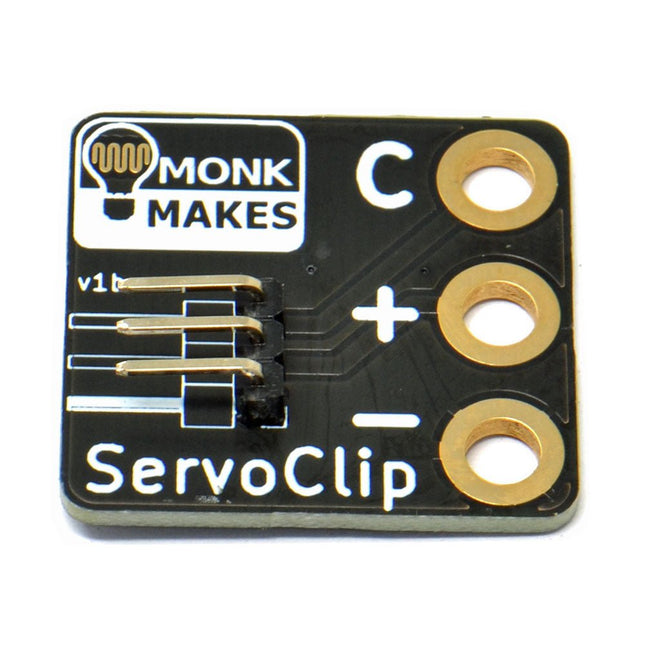
Un adaptateur pour connecter un servo-mètre avec des pinces crocodiles.
Il s'agit d'une petite pince pratique pour connecter un servomoteur avec une douille de 5,4 mm à l'aide de pinces crocodiles. Elle est idéale pour une utilisation avec des cartes comme le BBC micro:bit et le Circuit Playground Express ou Gemma d'Adafruit.
Largeur : 27 mm
Hauteur : 35 mm
Téléchargements
Fiche de données
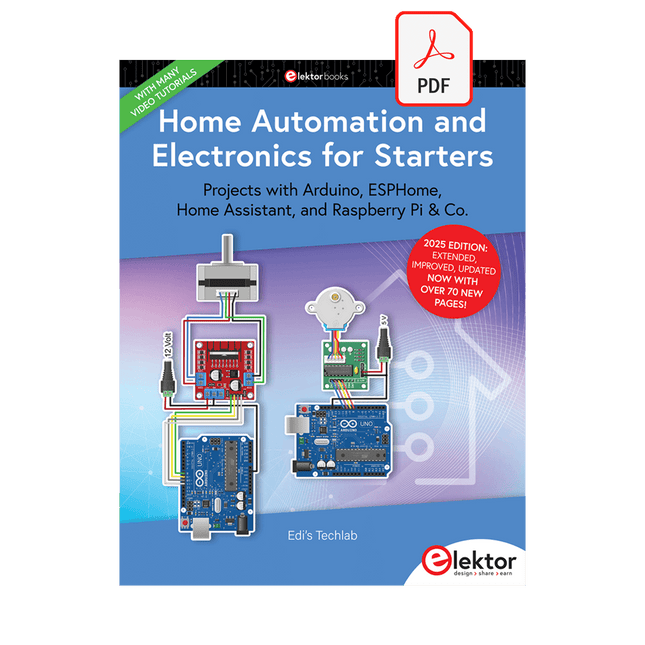
Projets avec Arduino, ESPHome, Home Assistant, et Raspberry Pi & Co.
Ce livre électronique contient plusieurs exemples de projets, en commençant par une introduction à l'électronique. Il explique également comment installer Home Assistant sur un Raspberry Pi, comment utiliser des capteurs de climat intérieur pour la température et l'humidité, comment mettre en œuvre le protocole MQTT et d'autres interfaces, et comment utiliser ESPHome pour intégrer des capteurs et des actionneurs dans Home Assistant. De nombreux tutoriels vidéo complètent le livre.
Fundamentals of electrical engineering
The book begins with an introduction to electrical engineering. You will learn the basics of voltage, current, resistors, diodes and transistors.
Arduino and microcontrollers
A complete section is dedicated to the Arduino Uno. You will get to know the structure, write your first programs and work on practical examples.
Home Assistant and automation
You will learn how to set up Home Assistant on a Raspberry Pi and how to use automations, scenes and devices. In addition, Zigbee, MQTT and ESP-NOW – important technologies for home automation – will be discussed.
ESP8266, ESP32 and ESP32-CAM
The popular ESP microcontrollers are covered in detail. A theoretical introduction is followed by practical projects that show you how to get the most out of these devices.
Sensors and actuators
The book explains the functionality and application of numerous sensors such as temperature and humidity sensors, motion detectors and RFID readers. For actuators, stepper motors, e-ink displays, servo motors and much more are covered. There are practical application examples for all devices.
ESPHome
This chapter shows you how to integrate sensors and actuators into Home Assistant without any programming effort. You will be guided step by step through the setup with ESPHome.
LEDs and lighting technology
In this chapter, you will learn about different types of LEDs and how they can be used. The basics of lighting technology are also explained.
Node-RED
A whole chapter is dedicated to Node-RED. You will learn the basics of this powerful tool and be guided step by step through its setup and use.
Integrated Circuits (ICs)
In electronics, there are numerous ICs that make our lives easier. You will get to know the most important ones and apply your knowledge in practical projects.
Professional programming
Advanced topics such as the correct use of buttons, the use of interrupts and the use of an NTP server for time synchronisation are covered in detail in this chapter.
Downloads
GitHub
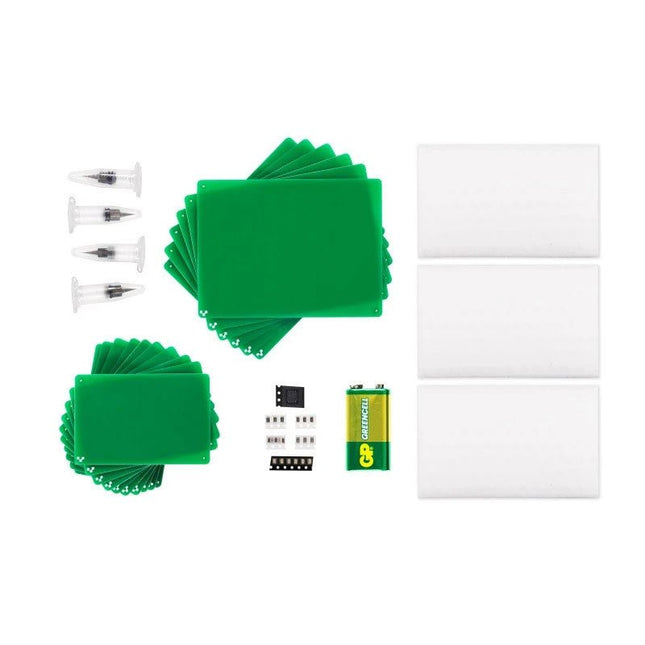
Contenu du kit
1x buses standard (paquet de 4)
1x tampons de brunissage (paquet de 3)
1x substrats 2'x3' (paquet de 10)
1x substrats 3'x4' (paquet de 6)
1x kit « Bonjour le monde »
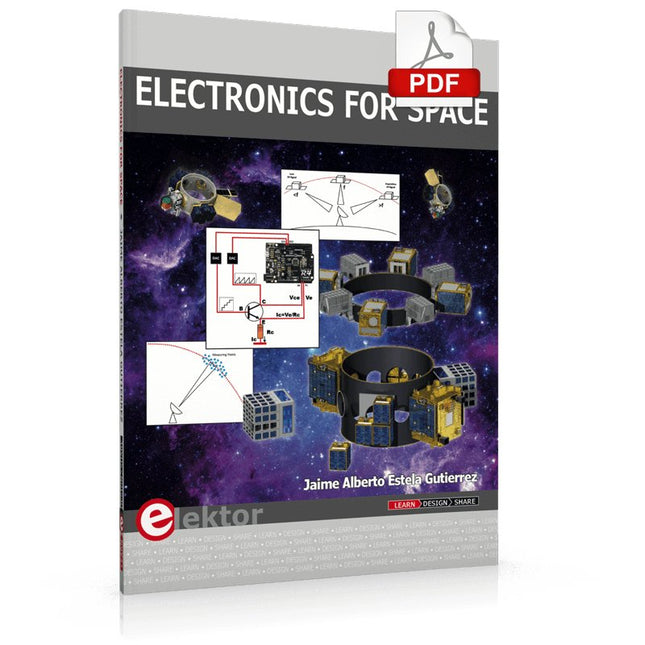
Space, the final frontier, will become more and more popular. The space industry is continually growing and new products and services will be required. Innovation is needed for the development of this industry. Today it is no longer possible to follow all the events in field of space. The space market is growing and activities are increasing, especially the market for small-satellites.
This book wants to help close the gap and encourage electronic engineers to enter into the fascinating field of space electronics. One of the main difficulties is finding people with knowledge of space electronics design. Nowadays companies have to invest a lot of time and resources to instruct electronic engineers with no experience of space. Only a brief and basic introduction of this topic is typically achieved at university in space engineering lectures. Professionals with practical experience and the necessary theoretical knowledge are scarce. Companies from the space sector are searching for staff with knowledge of space electronics.
This book will bring space closer aspiring to the space electronic hobbyists.
Le kit de démarrage pour Jetson Nano est l'un des meilleurs kits permettant aux débutants de démarrer avec Jetson Nano. Ce kit comprend une carte MicroSD de 32 Go, un adaptateur 20 W, un cavalier à 2 broches, un appareil photo et un câble micro-USB.
Caractéristiques
Carte MicroSD hautes performances de 32 Go
Alimentation 5 V/4 A avec connecteur cylindrique CC de 2,1 mm
Cavalier à 2 broches
Module caméra Raspberry Pi V2
Câble USB Micro-B vers Type-A avec DATA activé
Le QA403 est le quatrième générateur d'analyse audio de QuantAsylum. Le QA403 étend les fonctionnalités du QA402 avec une meilleure performance de bruit et de distorsion, en plus d'une réponse plus plate aux extrémités de bande. Sa taille compacte signifie que vous pouvez l'emporter presque partout.
Caractéristiques
ADC/DAC 24 bits
Jusqu'à 192 kS/s
Totalement isolé du PC
Entrée/Sortie différentielle
Alimenté par USB
Atténuateur intégré
Démarrage Rapide et Sans Pilote
Le QA403 est un périphérique USB sans pilote, ce qui signifie qu'il est prêt dès que vous le branchez. Le logiciel est gratuit et il est rapide et facile de déplacer le matériel d'une machine à l'autre. Donc, si vous devez vous rendre à l'usine pour résoudre un problème ou emmener le QA403 chez vous pour une journée de travail à domicile, vous pouvez le faire sans tracas.
Conception Sans Étalonnage
Le QA403 est livré avec un étalonnage d'usine dans sa mémoire flash, assurant une performance cohérente d'une unité à l'autre. Sur votre ligne de production, vous pouvez installer un autre QA403 et être sûr que ce que vous lisez sur une unité sera très similaire à la suivante. Il n'est pas prévu que l'étalonnage soit nécessaire à intervalles réguliers.
Mesures
Faire des mesures de base est rapide et facile. En quelques clics, vous comprendrez la réponse en fréquence, la THD(+N), le gain, le rapport S/B, etc., de votre dispositif en test.
Plage Dynamique
Le QA403 offre 8 plages de gain en entrée (0 à +42 dBV en 6 paliers) et 4 plages de gain en sortie (-12 à +18 dBV en paliers de 10 dB). Cela garantit des performances constantes sur des plages très étendues de niveaux d'entrée et de sortie. L'entrée CA maximale du QA403 est de +32 dBV = 40 Veff. Le courant continu maximum est de ±40 V et le courant CA maximum + CC = ±56 V.
Facilité de Programmation
Le QA403 prend en charge une interface REST, ce qui facilite l'automatisation des mesures dans presque tous les langages que vous pourriez anticiper. De Python à C++ en passant par Visual Basic, si vous savez comment charger une page web dans votre langage préféré, vous pouvez contrôler le QA403 à distance. Les mesures sont rapides et réactives, avec généralement des dizaines de commandes traitées par seconde.
Isolé et Alimenté par USB
Le QA403 est isolé du PC, ce qui signifie que vous mesurez votre DUT (Device Under Test) et que vous ne suivez pas des boucles de masse fantômes. Le QA403 est alimenté par USB, comme presque tous nos instruments. Si vous configurez à distance, ajoutez un hub alimenté dans votre sac et votre configuration de test complète peut fonctionner avec un minimum de câbles.
Au Revoir Carte Son, Bonjour QA403
Marre d'essayer de faire fonctionner une carte son ? Le cauchemar de l'étalonnage ? Le manque d'étages de gain ? La puissance limitée ? En avez-vous assez de traiter avec des plages d'entrée fixes ? La crainte de la détruire avec trop de courant continu ou alternatif ? Assez des boucles de masse ? C'est pourquoi QuantAsylum a construit le QA403.
Spécifications
Dimensions
177 x 44 x 97 mm (L x H x P)
Poids
435 g
Matériau du boîtier
Aluminium avec revêtement en poudre (panneau avant de 2 mm d'épaisseur, dessus/dessous de 1.6 mm d'épaisseur)
Téléchargements
Datasheet
Manual
GitHub
Learn RC and RL Filters with Hands-On Circuits and Simulation
Introduction to Electronic Filters is your comprehensive guide to understanding, designing, and applying first-order electronic filters using resistors, capacitors, and inductors. Whether you are a student, maker, or educator, this book demystifies the theory behind RC and RL filters and bridges the gap between concepts and real-world applications through simulation and experimentation.
From the basics of frequency response and phase shift to hands-on breadboard builds and Python-based simulations, this book offers a deeply practical learning experience. You will learn to analyse filters using Bode plots and phasors, and explore applications in audio tone shaping, sensor signal conditioning, noise reduction, and power supply filtering.
As you progress, you’ll build, measure, simulate, and tune filters using modern tools like CircuitLab, Python, and the Analog Discovery 3. Each chapter includes thoughtfully crafted activities that reinforce learning by doing – designing filters for specific tasks, simulating dynamic behaviour, and observing how theory translates into performance.
Inside you’ll find:
A clear introduction to the fundamentals of electronic filters
Detailed explanations of RC and RL filters, cutoff frequency, and phase
Guided activities using both simulation and hardware tools
Real-life applications in audio, sensors, power supplies, and more
A beginner-friendly primer on Python and algebra for electronics
Whether you’re working through simulations or experimenting with real components on your workbench, this book will help you develop a solid understanding of electronic filters and their role in practical circuits.
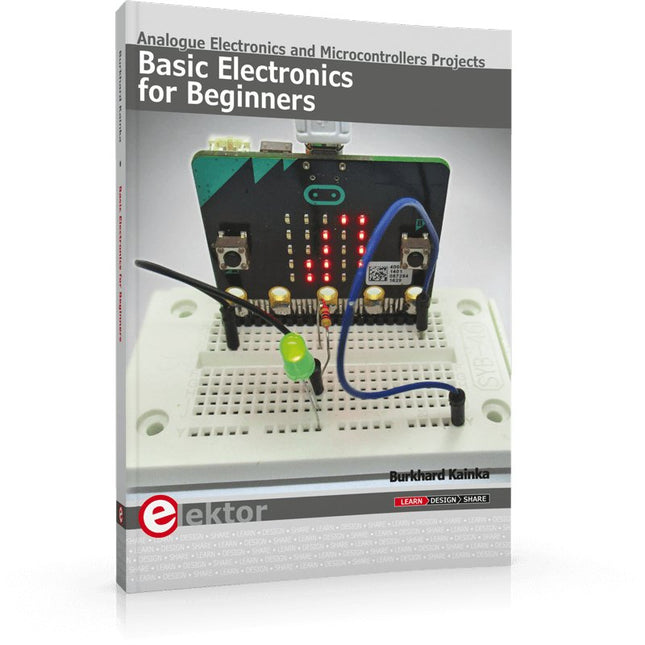
Analogue Electronics and Microcontrollers Projects
Hobbyist electronics can be a fun way to learn new skills that can be helpful to your career. Those who understand the basics of electronics can design their own circuits and projects. However, before you run, you need to learn to walk.
It all starts with analogue electronics. You should be familiar with the simple components and circuits and understand their basic behaviors and the issues you may encounter. The best way to do this is through real experiments. Theory alone is not enough. This book offers a large number of practical entry-level circuits, with which everyone can gain the basic experience.
Through the widespread introduction of microcontrollers, a new chapter in electronics has begun. Microcontrollers are now performing more and more tasks that were originally solved using discrete components and conventional ICs. Starting out has become easier and easier thanks to platforms including Bascom, Arduino, micro:bit. The book introduces numerous manageable microcontroller applications. It’s now a case of less soldering and more programming.
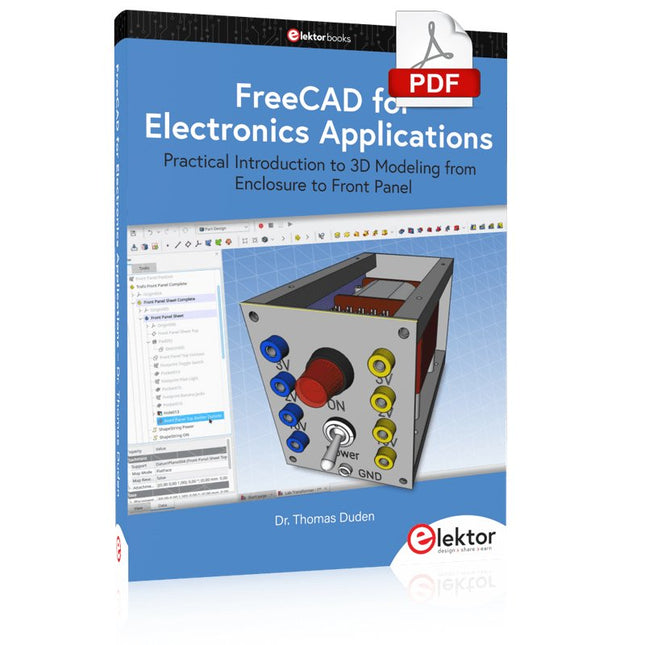
Practical Introduction to 3D Modeling from Enclosure to Front Panel
Embedding a vintage component, creating a professional looking home for a circuit board, or even designing a complex apparatus complete with a chassis – these and many other challenges turn into a stimulating pleasure with FreeCAD. Once you have internalized the basic processes, there are virtually no limits to your imagination.
Starting to use a new software is never straightforward – especially with a tool as versatile as FreeCAD. Manageable, but at the same time easily usable individual components provide the starting point in this book. Putting these components together later results in assemblies.
In the FreeCAD universe, a workable trajectory is demonstrated. The described procedure is illustrative so the examples are easily applied to custom tasks. The devices were made by the author and illustrated with photos.
Creating a 3D design is requiring some effort but the initial investment pays off soon. Besides the impressive spatial representation of the projects, the extracted drawings yield a solid base for documentation and production. Extended FreeCAD capabilities like the unfolding of sheet metal parts enormously add to efficiency and pushes models forward into practical assembly.
Soon you will definitely not want to do without FreeCAD!
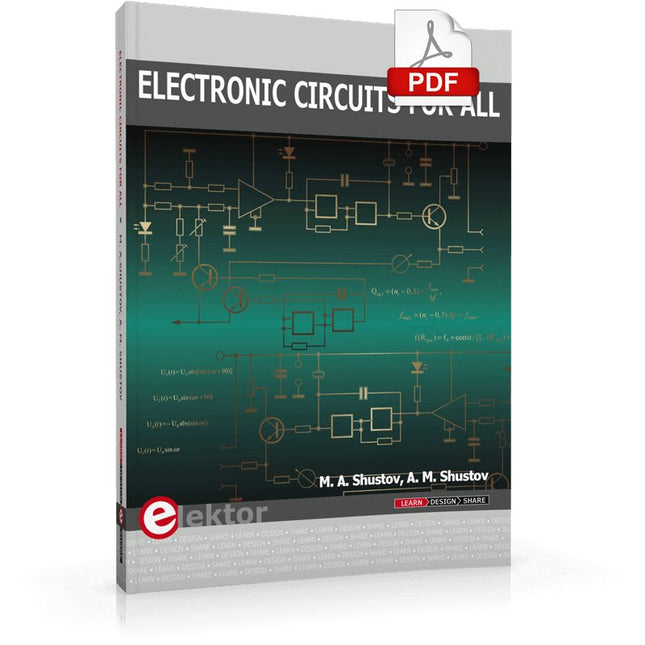
This book contains more than 400 simple electronic circuits which are developed and tested in practice by the authors. The technical solutions presented in the book are intended to stimulate the creative imagination of readers and broaden their area of thought. This should allow readers to look beyond the horizons of possibilities and use ordinary electronic items in a new way. This book includes new and original radio electronic multipurpose circuits. The chapters of the book are devoted to power electronics and measuring equipment and contain numerous original circuits of generators, amplifiers, filters, electronic switches based on thyristors and CMOS switch elements. Wired and wireless systems as well as security and safety systems are presented. Due to the high relevance and increased interest of readers in little-known or not readily available information, the different chapters of this book describe the use of electronic devices in industrial electronics and for research, as well as new instruments and equipment for medical use, gas-discharge and Kirlian photography. A number of technical devices presented in this book are related to research of the mysteries of the earth, nature and human beings by using radio electronic devices. This book will be useful for both radio amateurs and professionals.
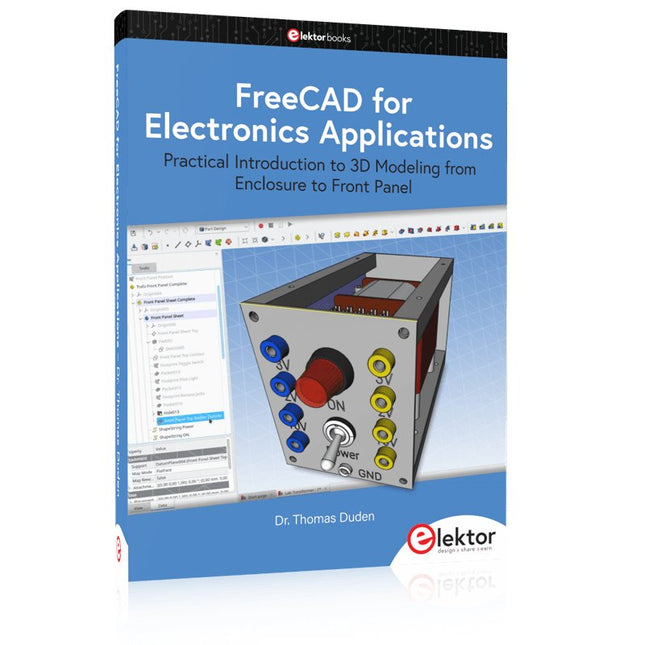
Practical Introduction to 3D Modeling from Enclosure to Front Panel
Embedding a vintage component, creating a professional looking home for a circuit board, or even designing a complex apparatus complete with a chassis – these and many other challenges turn into a stimulating pleasure with FreeCAD. Once you have internalized the basic processes, there are virtually no limits to your imagination.
Starting to use a new software is never straightforward – especially with a tool as versatile as FreeCAD. Manageable, but at the same time easily usable individual components provide the starting point in this book. Putting these components together later results in assemblies.
In the FreeCAD universe, a workable trajectory is demonstrated. The described procedure is illustrative so the examples are easily applied to custom tasks. The devices were made by the author and illustrated with photos.
Creating a 3D design is requiring some effort but the initial investment pays off soon. Besides the impressive spatial representation of the projects, the extracted drawings yield a solid base for documentation and production. Extended FreeCAD capabilities like the unfolding of sheet metal parts enormously add to efficiency and pushes models forward into practical assembly.
Soon you will definitely not want to do without FreeCAD!
Le SparkFun RP2350 Pro Micro fournit une plate-forme de développement puissante, construite autour du microcontrôleur RP2350. Cette carte utilise le facteur de forme Pro Micro mis à jour. Il comprend un connecteur USB-C, un connecteur Qwiic, une LED RVB adressable WS2812B, des boutons de démarrage et de réinitialisation, un fusible PTC réinitialisable et des plots de soudure PTH et crénelés.
Le RP2350 est un microcontrôleur double cœur unique doté de deux processeurs ARM Cortex-M33 et de deux processeurs Hazard3 RISC-V, tous fonctionnant jusqu'à 150 MHz ! Cela ne signifie pas pour autant que le RP2350 est un microcontrôleur quadricœur. Au lieu de cela, les utilisateurs peuvent sélectionner les deux processeurs à exécuter au démarrage. Vous pouvez exécuter deux processeurs du même type ou un de chaque. Le RP2350 dispose également de 520 Ko de SRAM répartis dans dix banques, d'une multitude de périphériques dont deux UART, deux contrôleurs SPI et deux I²C, ainsi que d'un contrôleur USB 1.1 pour la prise en charge des hôtes et des périphériques.
Le Pro Micro comprend également deux options de mémoire étendue : 16 Mo de mémoire Flash externe et 8 Mo de PSRAM connectés au contrôleur QSPI du RP2350. Le RP2350 Pro Micro fonctionne avec C/C++ en utilisant les environnements de développement Pico SDK, MicroPython et Arduino.
Caractéristiques
Microcontrôleur RP2350
8 Mo de PSRAM
16 Mo de Flash
Tension d'alimentation
USB : 5 V
RAW : 5,3 V (max.)
Brochage Pro Micro
2x UART
1x SPI
10x GPIO (4 utilisés pour UART1 et UART0)
4x Analogiques
Connecteur USB-C
Prise en charge des hôtes/périphériques USB 1.1
Connecteur Qwiic
Boutons
Reset
Boot
LED
LED RVB adressable WS2812
DEL d'alimentation rouge
Dimensions : 33 x 17,8 mm
Téléchargements
Schematic
Eagle Files
Board Dimensions
Hookup Guide
RP2350 MicroPython Firmware (Beta 04)
SparkFun Pico SDK Library
Arduino Pico Arduino Core
Datasheet (RP2350)
Datasheet (APS6404L PSRAM)
RP2350 Product Brief
Raspberry Pi RP2350 Microcontroller Documentation
Qwiic Info Page
GitHub Repository