
Résultats de la recherche pour "circuitmess OR spencer OR diy OR voice OR assistant"
-
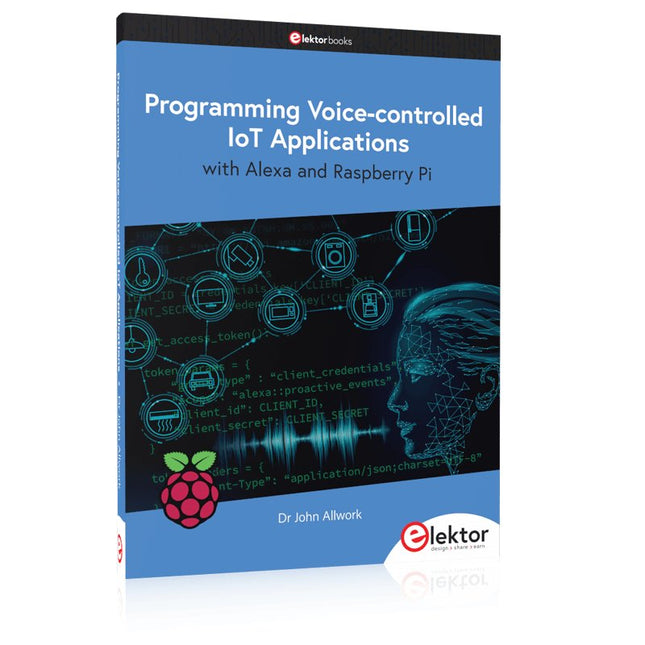
Elektor Publishing Programming Voice-controlled IoT Applications with Alexa and Raspberry Pi
Learn programming for Alexa devices, extend it to smart home devices and control the Raspberry Pi The book is split into two parts: the first part covers creating Alexa skills and the second part, designing Internet of Things and Smart Home devices using a Raspberry Pi. The first chapters describe the process of Alexa communication, opening an Amazon account and creating a skill for free. The operation of an Alexa skill and terminology such as utterances, intents, slots, and conversations are explained. Debugging your code, saving user data between sessions, S3 data storage and Dynamo DB database are discussed. In-skill purchasing, enabling users to buy items for your skill as well as certification and publication is outlined. Creating skills using AWS Lambda and ASK CLI is covered, along with the Visual Studio code editor and local debugging. Also covered is the process of designing skills for visual displays and interactive touch designs using Alexa Presentation Language. The second half of the book starts by creating a Raspberry Pi IoT 'thing' to control a robot from your Alexa device. This covers security issues and methods of sending and receiving MQTT messages between an Alexa device and the Raspberry Pi. Creating a smart home device is described including forming a security profile, linking with Amazon, and writing a Lambda function that gets triggered by an Alexa skill. Device discovery and on/off control is demonstrated. Next, readers discover how to control a smart home Raspberry Pi display from an Alexa skill using Simple Queue Service (SQS) messaging to switch the display on and off or change the color. A node-RED design is discussed from the basic user interface right up to configuring MQTT nodes. MQTT messages sent from a user are displayed on a Raspberry Pi. A chapter discusses sending a proactive notification such as a weather alert from a Raspberry Pi to an Alexa device. The book concludes by explaining how to create Raspberry Pi as a stand-alone Alexa device.
€ 39,95
Membres € 35,96
-
Elektor Digital Programming Voice-controlled IoT Applications with Alexa and Raspberry Pi (E-book)
Learn programming for Alexa devices, extend it to smart home devices and control the Raspberry Pi The book is split into two parts: the first part covers creating Alexa skills and the second part, designing Internet of Things and Smart Home devices using a Raspberry Pi. The first chapters describe the process of Alexa communication, opening an Amazon account and creating a skill for free. The operation of an Alexa skill and terminology such as utterances, intents, slots, and conversations are explained. Debugging your code, saving user data between sessions, S3 data storage and Dynamo DB database are discussed. In-skill purchasing, enabling users to buy items for your skill as well as certification and publication is outlined. Creating skills using AWS Lambda and ASK CLI is covered, along with the Visual Studio code editor and local debugging. Also covered is the process of designing skills for visual displays and interactive touch designs using Alexa Presentation Language. The second half of the book starts by creating a Raspberry Pi IoT 'thing' to control a robot from your Alexa device. This covers security issues and methods of sending and receiving MQTT messages between an Alexa device and the Raspberry Pi. Creating a smart home device is described including forming a security profile, linking with Amazon, and writing a Lambda function that gets triggered by an Alexa skill. Device discovery and on/off control is demonstrated. Next, readers discover how to control a smart home Raspberry Pi display from an Alexa skill using Simple Queue Service (SQS) messaging to switch the display on and off or change the color. A node-RED design is discussed from the basic user interface right up to configuring MQTT nodes. MQTT messages sent from a user are displayed on a Raspberry Pi. A chapter discusses sending a proactive notification such as a weather alert from a Raspberry Pi to an Alexa device. The book concludes by explaining how to create Raspberry Pi as a stand-alone Alexa device.
€ 32,95
Membres € 26,36
-
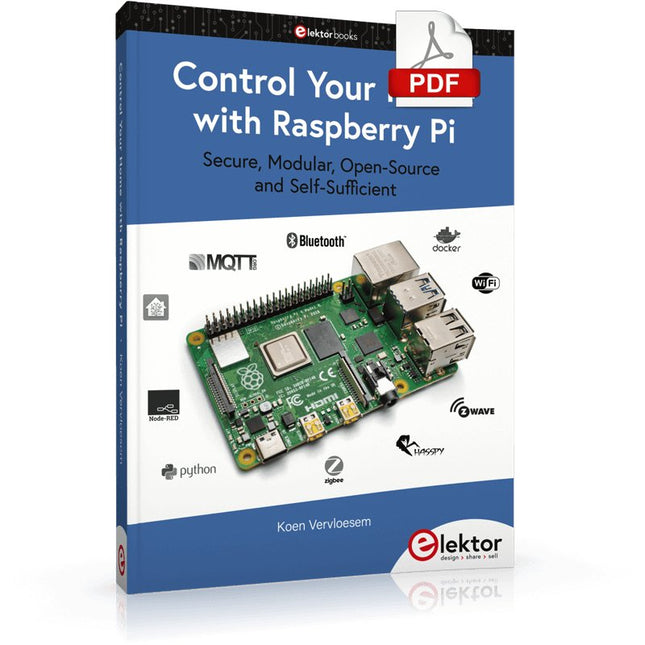
Elektor Digital Control Your Home with Raspberry Pi (E-book)
Secure, Modular, Open-Source and Self-Sufficient Ever since the Raspberry Pi was introduced, it has been used by enthusiasts to automate their homes. The Raspberry Pi is a powerful computer in a small package, with lots of interfacing options to control various devices. This book shows you how you can automate your home with a Raspberry Pi. You’ll learn how to use various wireless protocols for home automation, such as Bluetooth, 433.92 MHz radio waves, Z-Wave, and Zigbee. Soon you’ll automate your home with Python, Node-RED, and Home Assistant, and you’ll even be able to speak to your home automation system. All this is done securely, with a modular system, completely open-source, without relying on third-party services. You’re in control of your home, and no one else. At the end of this book, you can install and configure your Raspberry Pi as a highly flexible home automation gateway for protocols of your choice, and link various services with MQTT to make it your own system. This DIY (do it yourself) approach is a bit more laborious than just installing an off-the-shelf home automation system, but in the process, you can learn a lot, and in the end, you know exactly what’s running your house and how to tweak it. This is why you were interested in the Raspberry Pi in the first place, right? Turn your Raspberry Pi into a reliable gateway for various home automation protocols. Make your home automation setup reproducible with Docker Compose. Secure all your network communication with TLS. Create a video surveillance system for your home. Automate your home with Python, Node-RED, Home Assistant and AppDaemon. Securely access your home automation dashboard from remote locations. Use fully offline voice commands in your own language. Download the software and view the errata for the book on GitHub.
€ 34,95
Membres € 27,96
-
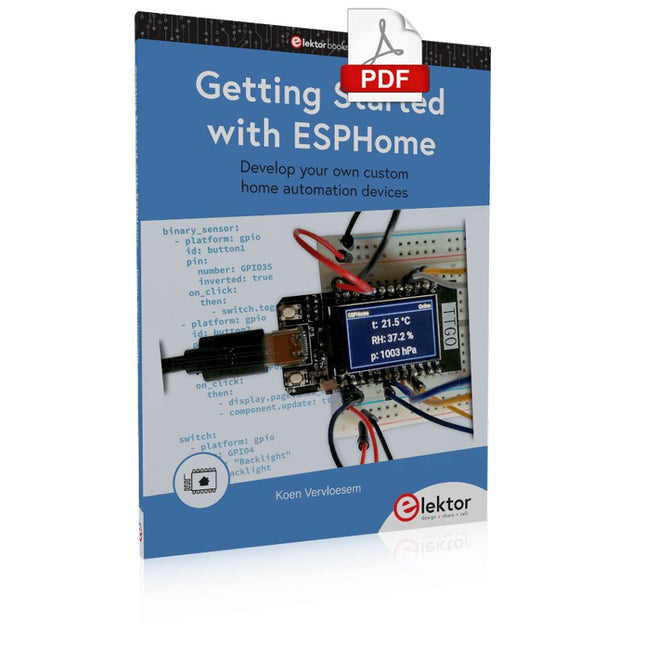
Elektor Digital Getting Started with ESPHome (E-book)
Develop your own custom home automation devices Espressif's ESP8266 and ESP32 microcontrollers have brought DIY home automation to the masses. However, not everyone is fluent in programming these microcontrollers with Espressif's C/C++ SDK, the Arduino core, or MicroPython. This is where ESPHome comes into its own: with this project, you don’t program your microcontroller but configure it. This book demonstrates how to create your own home automation devices with ESPHome on an ESP32 microcontroller board. You’ll learn how to combine all kinds of electronic components and automate complex behaviours. Your devices can work completely autonomously, and connect over Wi-Fi to your home automation gateways such as Home Assistant or MQTT broker. By the end of this book, you will be able to create your own custom home automation devices the way you want. Thanks to ESPHome and the ESP32, this is within everyone’s grasp. Set up an ESPHome development environment and create maintainable configurations Use buttons and LEDs Sound a buzzer and play melodies Read measurements from various types of sensors Communicate over a short distance with NFC, infrared light, and Bluetooth Low Energy Show information on various types of displays Downloads Software
€ 29,95
Membres € 23,96
-
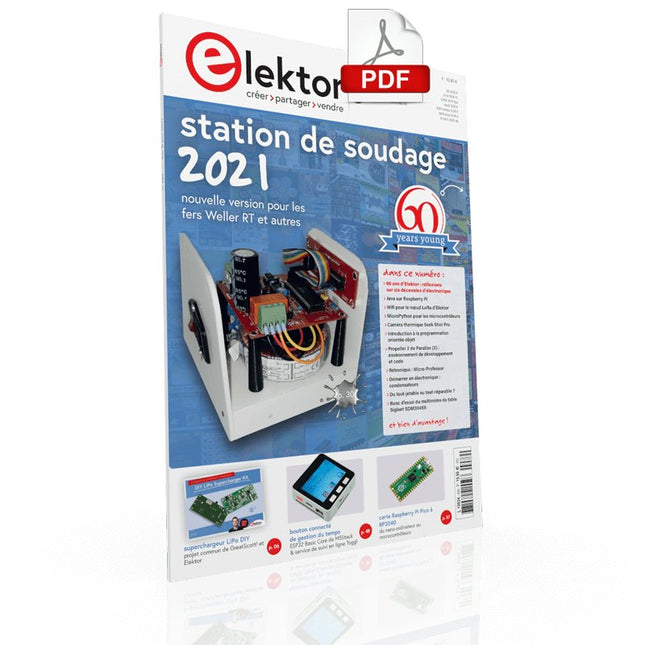
Elektor Digital Elektor Mai/Juin 2021 (PDF)
SUPERCHARGEUR LIPO DIYDe l'artisanat au marché de masse60 ANS D'ELEKTORRéflexions sur six décennies d'électroniqueMULTIMÈTRE DE TABLE SIGLENT SDM3045XPINCE AMPÈREMÉTRIQUE POUR COURANT CONTINUCapteur à effet Hall + noyau de ferrite + ArduinoSTATION DE SOUDAGE 2021Facile à construire !PROPELLER 2 DE PARALLAX (2)Environnement de développement et codeWIFI POUR LE NŒUD LORA D'ELEKTORIntegrated in Home Assistant with ESPHomeMODULE CELLULAIREMême pas peur !GESTION DU TEMPS AVEC L'ESP32 ET TOGGLPratiquer le kit ESP32 Basic Core de M5StackCARTE RASPBERRY PI PICO À RP2040MICROPYTHON POUR LES MICROCONTRÔLEURSAfficheur riquiquiCONVERTISSEUR CC/CC 12 À 200 Vpour amplificateurs à tubesTRAQUEUR DE CHALEURCaméra thermique Seek Shot ProPROGRAMMATION ORIENTÉE OBJETUne brève introduction avec le C++DANS L'ANTRE DE…Kurt Diedrich et de son synthétiseur analogiqueJAVA SUR RASPBERRY PIPartie 1: les broches GPIOINTERRUPTEURS DIPCORRECTIONS, MISES À JOUR ET COURRIER DES LECTEURSDU TOUT-JETABLE AU TOUT-RÉPARABLE ?La réponse législative de l'UEPOINT D'OMELETTE SANS CASSER D'ŒUFSLe grand livre des gaffesMICRO-PROFESSORApprentissage de l'assembleur sur Z80DÉMARRER EN ÉLECTRONIQUE… (7)…est moins difficile qu'on ne l'imagine ! Même lorsqu'il s'agit de condensateurs.HEXADOKUcasse-tête pour elektorniciens
€ 10,95
-

Elektor Digital Home Automation and Electronics for Starters (E-book)
Projets avec Arduino, ESPHome, Home Assistant, et Raspberry Pi & Co. Ce livre électronique contient plusieurs exemples de projets, en commençant par une introduction à l'électronique. Il explique également comment installer Home Assistant sur un Raspberry Pi, comment utiliser des capteurs de climat intérieur pour la température et l'humidité, comment mettre en œuvre le protocole MQTT et d'autres interfaces, et comment utiliser ESPHome pour intégrer des capteurs et des actionneurs dans Home Assistant. De nombreux tutoriels vidéo complètent le livre. Fundamentals of electrical engineering The book begins with an introduction to electrical engineering. You will learn the basics of voltage, current, resistors, diodes and transistors. Arduino and microcontrollers A complete section is dedicated to the Arduino Uno. You will get to know the structure, write your first programs and work on practical examples. Home Assistant and automation You will learn how to set up Home Assistant on a Raspberry Pi and how to use automations, scenes and devices. In addition, Zigbee, MQTT and ESP-NOW – important technologies for home automation – will be discussed. ESP8266, ESP32 and ESP32-CAM The popular ESP microcontrollers are covered in detail. A theoretical introduction is followed by practical projects that show you how to get the most out of these devices. Sensors and actuators The book explains the functionality and application of numerous sensors such as temperature and humidity sensors, motion detectors and RFID readers. For actuators, stepper motors, e-ink displays, servo motors and much more are covered. There are practical application examples for all devices. ESPHome This chapter shows you how to integrate sensors and actuators into Home Assistant without any programming effort. You will be guided step by step through the setup with ESPHome. LEDs and lighting technology In this chapter, you will learn about different types of LEDs and how they can be used. The basics of lighting technology are also explained. Node-RED A whole chapter is dedicated to Node-RED. You will learn the basics of this powerful tool and be guided step by step through its setup and use. Integrated Circuits (ICs) In electronics, there are numerous ICs that make our lives easier. You will get to know the most important ones and apply your knowledge in practical projects. Professional programming Advanced topics such as the correct use of buttons, the use of interrupts and the use of an NTP server for time synchronisation are covered in detail in this chapter. Downloads GitHub
€ 59,95
Membres identique
-

OWON Multimètre Bluetooth OWON OW18B
Caractéristiques Enregistreur de données, multimètre et thermomètre 3 (5/6) chiffres Test True RMS pris en charge Transmission sans fil BLE 4.0, plus stable, moins de consommation d'énergie Mode Graphique et Diagramme, pour analyser vos données Prend en charge la VNC La diffusion vocale simplifie les tests Fonction lampe de poche Fonction d'enregistrement hors ligne intégrée Prend en charge Android, iOS Inclus Fils d'essai Thermocouple de type K Pile 9V Tournevis Pince crocodile Guide rapide
€ 39,30
-
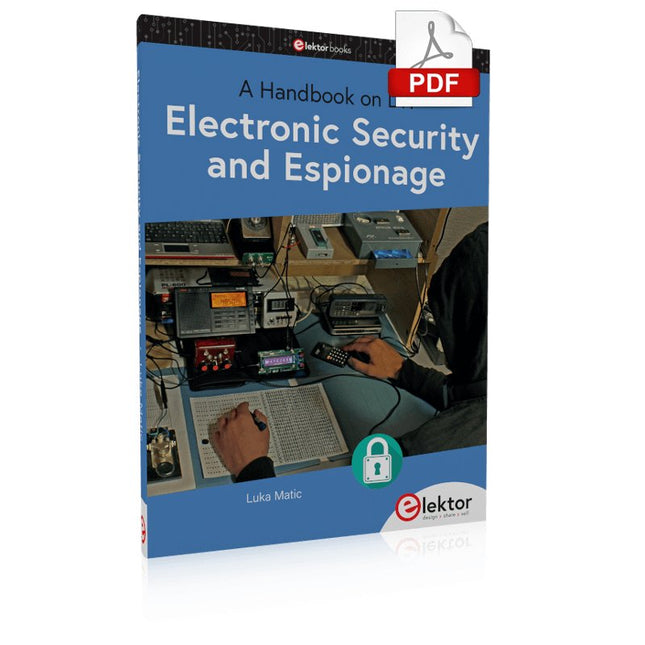
Elektor Digital Electronic Security and Espionage (E-book)
A Handbook on DIY Nowadays, security problems are rarely properly solved or correctly addressed. Electronic security is only part of the chain in making a system secure. Electronic security is usually addressed as network or software security, neglecting other aspects, but the chain is only as strong as its weakest link. This book is about electronic hardware security, with an emphasis on problems that you can solve on a shoestring DIY budget. It deals mostly with secure communications, cryptosystems, and espionage. You will quickly appreciate that you can’t simply buy a trustworthy and reliable cryptosystem off the shelf. You will then realise that this applies equally to individuals, corporations, and governments. If you want to increase your electronic security awareness in a world already overcrowded with networks of microphones and cameras, this is a book for you. Furthermore, if you want to do something DIY by designing and expanding upon simple electronic systems, please continue reading. Some of the devices described are already published as projects in the Elektor magazine. Some are still ideas yet to be worked out. Complexity is the main enemy of security, so we'll try to keep to simple systems. Every chapter will analyse real-life espionage events or at least several hypothetical scenarios that will hopefully spark your imagination. The final goal is to build a security-conscious mindset (or “to get into a head of a spy”) which is necessary to recognise possible threats beforehand, to design a truly secure system. Don’t bother reading if: you think you and your secrets are 100% safe and secure you think somebody else can effectively handle your security you think conspiracy theories only exist in theory – Telefunken’s masterpiece the “FS-5000 Harpoon” was built on one!
€ 32,95
Membres € 26,36
-
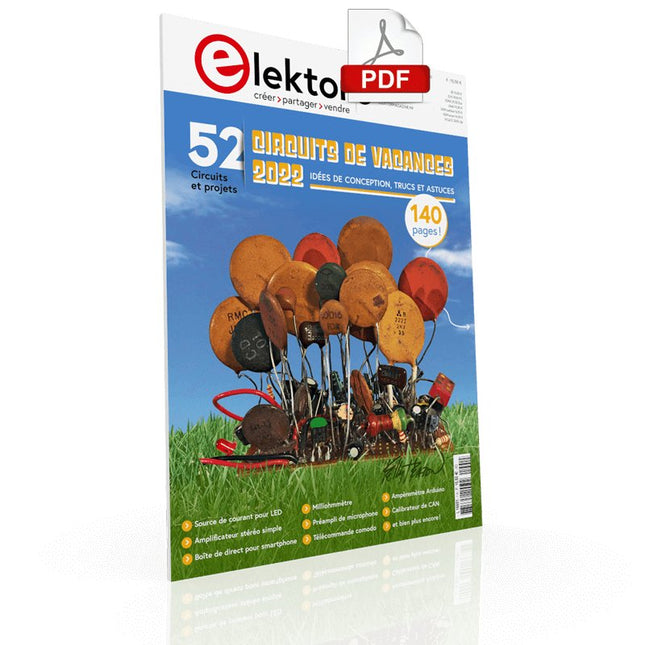
Elektor Digital Elektor circuits de vacances 2022 (PDF)
Plus de 50 circuits et projetsSirène de style américainDeux codeurs rotatifs sur une seule entrée analogiqueConstruire un gradateur numérique 220-V CA avec ArduinoSource de courant pour LEDDétecter quatre contacts avec une seule brochePetit interrupteur marche/arrêt avec protection de batterieDistributeur de désinfectant DIY pour les mainsUn orgue électronique simpleAmpli stéréo ultrasimpleInterrupteur activé par le son pour amplificateursBalanced/Unbalanced ConverterFiltre externe pour réseau électriqueTélécommande comodoBoîte de direct pour smartphoneAmusez-vous avec les feux de circulationCommande de thyristor avec un seul boutonPosemètre quasi analogique pour chambre noireCircuits à volonté de la communauté Hackster.ioMinuteur analogique de bronzageEncore une interface LCD à un seul filGénérateur PWM simple avec AVR ATtiny13Une seconde vie pour les pilesInterrupteur tactile pour les lampes à LEDTesteur de LED et d'interrupteurs DIPTesteur de contrôle IR Go/No-GoTesteur de semiconducteurs de puissanceSPI pour les LED WS2812(B)Mesure des inductances de puissanceUne seule prise pour le RPi et le CN/A audioAccessoire de test DIY pour le compteur LCRAmpèremètre ArduinoOrgue à deux doigtsCalibrateur de CAN à faible bruitConvertisseur élévateur DC/DCDeux potentiomètres sur une entrée numériqueCapteur de proximité acoustiqueCapteur de radiateur sans pileDétecter les micros et les caméras sans filMinuteur pour éclairage intérieur de voitureSimulateur de bougieMinuteur numérique de cuisineMilliohmmètreMinuteur de production d'eau chaudeChargeur simple pour les batteries 2S 18650Référence de fréquence avec ATtinyCommutateur IR à faible puissanceRecycler le chargeur de téléphone de votre voiturePréamplificateur de microphone pour ArduinoFiltres IEM DIYDé électronique sans microcontrôleurCondensateur digitalClignotant à LED autochargeableAussi dans ce numéroKiCad 6 – Cinq fonctionnalités à prendre en compteFlashback – Ordinateur SC/MP d'ElektorInterview – Faire de l'art avec l'électricitéMon premier circuit imprimé – Se lancer avec KiCadMinimiser le matériel avec un logiciel intelligentInfographie – Faits et chiffresNouveaux dispositifs d'AnalogFlashback – Le détecteur de métaux d'ElektorHexadoku – Casse-tête pour elektorniciens
€ 10,95
-

Velleman Whadda kit arbre de Noël 3D
Le kit Whadda 3D Xmas Tree est destiné aux amateurs et aux débutants intéressés par la soudure et l'électronique. Avec ce kit DIY, vous pouvez construire un sapin de Noël LED festif. Caractéristiques 16 LED rouges clignotantes LED vertes et jaunes supplémentaires fournies pour personnaliser votre arbre Peut être accroché et alimenté par des fils Fonctionne sur 12 V CC (par exemple dans les voitures) Spécifications Faible consommation d'énergie 8 mA Alimentation Pile 9 V (non incluse) Dimensions 102 x 88 x 80 mm Poids 65 g Téléchargements Manuel
€ 10,86


Contactez-nous
Lire la suite
-
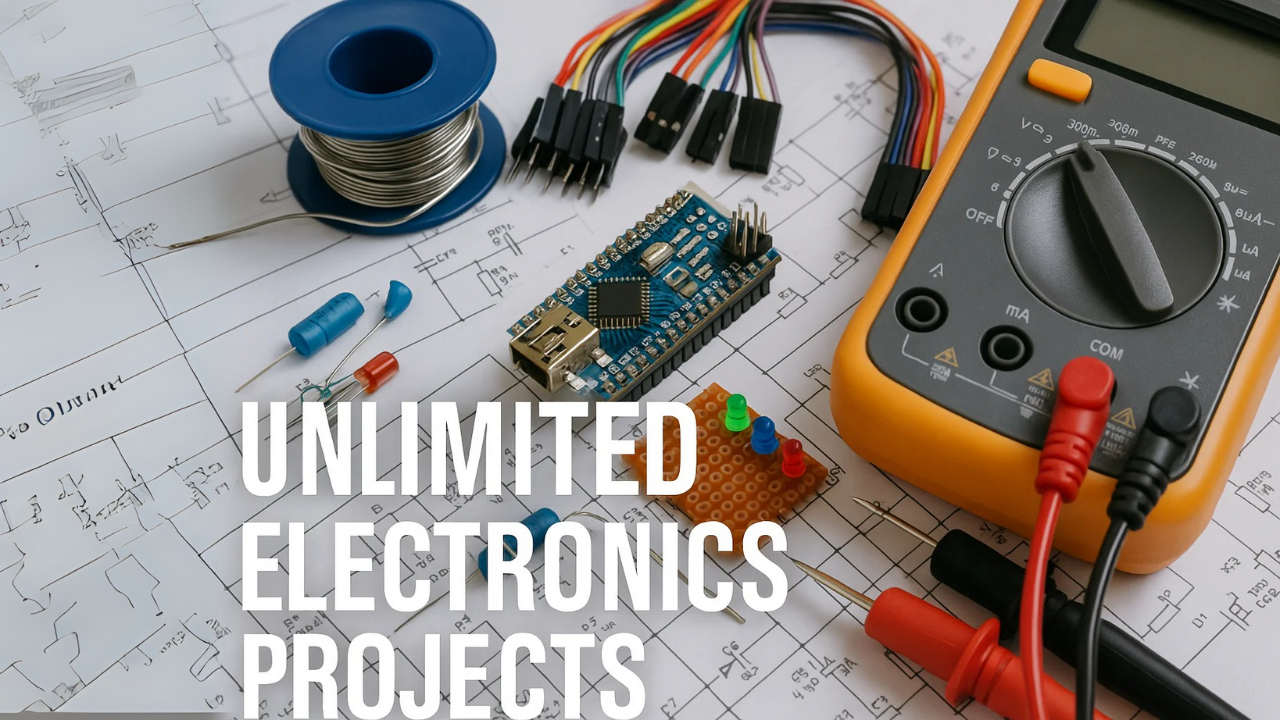
, par Udo Bormann Archives de projets électroniques pour ingénieurs, créateurs et enseignants
Accédez à des milliers de projets d’électronique, de tutoriels Arduino, de conceptions audio et de circuits d’alimentation avec les clés USB Elektor Classics. Conçues pour...
