
Résultats de la recherche pour "the OR complete OR esp32 OR projects OR guide"
-

Elektor Digital 50 Mini Microcontroller projecten (E-book)
Wie enigszins bekend is met moderne microprocessor systemen als Arduino, kent ongetwijfeld ook de problemen met dit soort kaarten. Ze zijn te duur om voor elk project een aparte kaart aan te schaffen en zijn bovendien nogal fors van formaat. Het aardige van de ATtiny is dat de schijn bedriegt. Het lijkt een klein IC met een beperkt toepassingsgebied, maar het heeft een verbazingwekkend scala aan (speelse) mogelijkheden. Dit boek beschrijft de enorme veelzijdigheid van de ATtiny microcontroller aan de hand van ongeveer vijftig leuke elektronica projecten, speciaal gericht op de beginner. De meeste ontwerpen zijn volledig uitgewerkt, enkele zijn meer als ontwerpidee gepresenteerd. De inhoudsopgave laat zien dat we ons op vele terreinen zullen begeven, van zonnevolger tot helling indicator. Dit boek is beslist geen theorieboek. Het is een boek dat gelezen zal worden met de soldeerbout in de hand. Voor het programmeren van de ATtiny maken we dankbaar gebruik van een Arduino kaart. Als de Arduino ingesteld word als programmer, kunnen we er de meeste Arduino “sketches” mee overzetten naar de ATtiny. We wensen u veel plezier met het nabouwen van de schakelingen.
€ 19,95
Membres : € 17,96
-
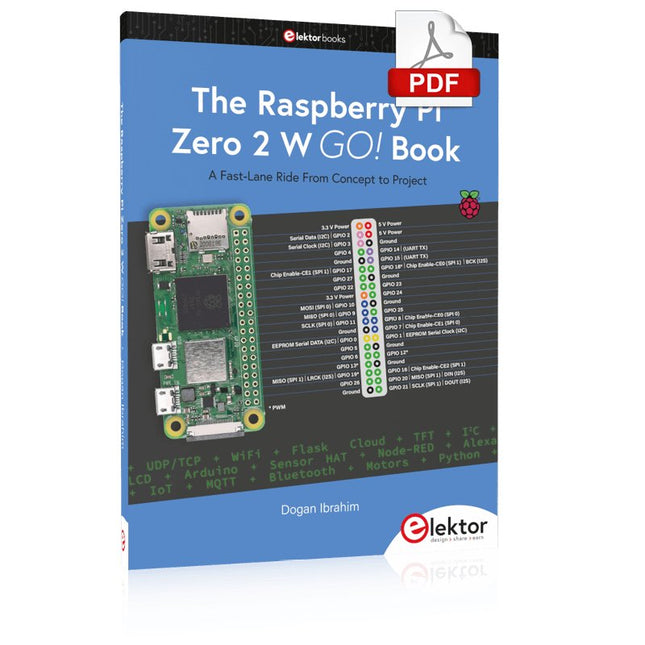
Elektor Digital The Raspberry Pi Zero 2 W GO! Book (PDF)
A Fast-Lane Ride From Concept to Project The core of the book explains the use of the Raspberry Pi Zero 2 W running the Python programming language, always in simple terms and backed by many tested and working example projects. On part of the reader, familiarity with the Python programming language and some experience with one of the Raspberry Pi computers will prove helpful. Although previous electronics experience is not required, some knowledge of basic electronics is beneficial, especially when venturing out to modify the projects for your own applications. Over 30 tested and working hardware-based projects are given in the book, covering the use of Wi-Fi, communication with smartphones and with a Raspberry Pi Pico W computer. Additionally, there are Bluetooth projects including elementary communication with smartphones and with the popular Arduino Uno. Both Wi-Fi and Bluetooth are key features of the Raspberry Pi Zero 2 W. Some of the topics covered in the book are: Raspberry Pi OS installation on an SD card Python program creation and execution on the Raspberry Pi Zero 2 W Software-only examples of Python running on the Raspberry Pi Zero 2 W Hardware-based projects including LCD and Sense HAT interfacing UDP and TCP Wi-Fi based projects for smartphone communication UDP-based project for Raspberry Pi Pico W communication Flask-based webserver project Cloud storage of captured temperature, humidity, and pressure data TFT projects Node-RED projects Interfacing to Alexa MQTT projects Bluetooth-based projects for smartphone and Arduino Uno communications
€ 32,95
Membres : € 29,66
-
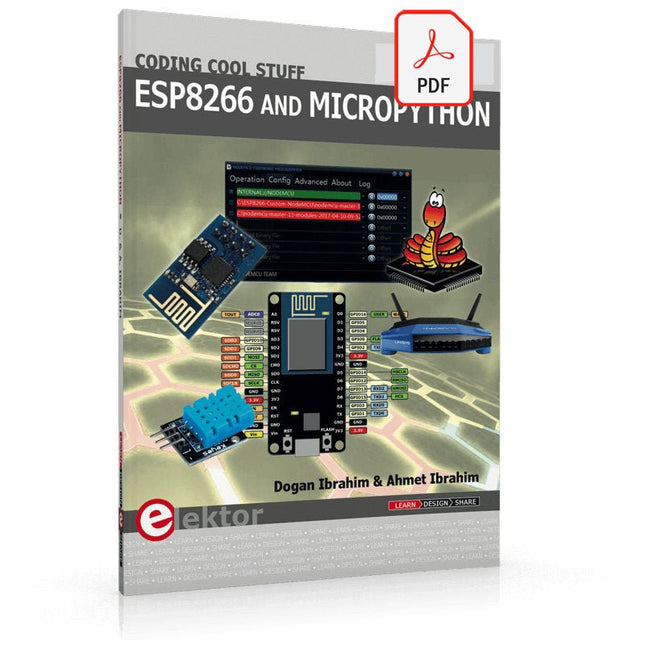
Elektor Digital ESP8266 and MicroPython (E-book)
Recently, the development of a tiny chip called the ESP8266 has made it possible to interface any type of microcontroller to a Wi-Fi AP. The ESP8266 is a low-cost tiny Wi-Fi chip having fully built-in TCP/IP stack and a 32-bit microcontroller unit. This chip, produced by Shanghai based Chinese manufacturer Espressif System, is IEEE 802.11 b/g/n Wi-Fi compatible with on-chip program and data memory, and general purpose input-output ports. Several manufacturers have incorporated the ESP8266 chip in their hardware products (e.g. ESP-xx, NodeMCU etc) and offer these products as a means of connecting a microcontroller system such as the Android, PIC microcontroller or others to a Wi-Fi. The ESP8266 is a low-power chip and costs only a few Dollars. ESP8266 and MicroPython – Coding Cool Stuff is an introduction to the ESP8266 chip and describes the features of this chip and shows how various firmware and programming languages such as the MicroPython can be uploaded to the chip. The main aim of the book is to teach the readers how to use the MicroPython programming language on ESP8266 based hardware, especially on the NodeMCU. Several interesting and useful projects are given in the e-book (pdf) to show how to use the MicroPython in NodeMCU type ESP8266 hardware: Project “What shall I wear today?”: You will be developing a weather information system using a NodeMCU development board together with a Text-to-Speech processor module. Project “The Temperature and Humidity on the Cloud”: You will be developing a system that will get the ambient temperature and humidity using a sensor and then store this data on the cloud so that it can be accessed from anywhere. Project “Remote Web Based Control”: You will be developing a system that will remotely control two LEDs connected to a NodeMCU development board using an HTTP Web Server application.
€ 29,95
Membres : € 26,96
-

Elektor Digital Elektor July/August 2023 (PDF)
Elektor GREEN and GOLD members can download their digital edition here. Not a member yet? Click here. Rotary Dial Phone as Remote ControlTo Switch On the Lights, Dial 1; For the Coffee Maker, Dial 2 GPS-Based Speed MonitorNo More Speeding Tickets RGB Stroboscope with ArduinoA Colorful Adaptation of a Useful Instrument Wireless Emergency Push ButtonEnhanced Safety with LoRa Starting Out in ElectronicsFollow the Emitter Arbitrary, Independent Hysteresis Levels for Comparatorswith Simulations, Spreadsheets and Algebra ESP32-Based Impedance AnalyzerSimple, Low-Part-Count, and Inexpensive! HomeLab ToursEncouraging DIY The MCCAB Arduino Nano Training BoardAll-in-One Hardware for the “Microcontrollers Hands-On Course” From Life’s ExperienceModern Luddism Sensor 101: The DS18B20 Temperature SensorConnection to the 1-Wire Bus Is Matter the Thread to Save the Smart Home?New Standards to Simplify the Smart Home A Matter of CollaborationDeveloping with the Thing Plus Matter Board and Simplicity Studio Infographics: IoT and Sensors Matter, ExpressLink, Rainmaker — What Is This All About?Q&A with Amey Inamdar, Technical Marketing Director at Espressif Selecting Microcontroller Dev Kits for IoT and IIoT ApplicationsAn Introductory Guide Capacitors Do Not Always Behave Capacitively! An NTP Clock with CircuitPythonWhy Should You Use This Programming Language? Build a Cool IoT DisplayWith the Phambili Newt The HB100 Doppler Motion SensorTheory and Practice A Bare-Metal Programming Guide (Part 1)For STM32 and Other Controllers Siglent SDM3045X Multimeter Microprocessors for Embedded SystemsPeculiar Parts, the Series Microcontroller Documentation Explained (Part 3)Block Diagrams and More Low-Power LoRa Weather StationBuild a long-range weather station by yourself Transverter for the 70 cm Band Climate Calling EngineersMove Fast and Fix Things Hexadoku
€ 7,50
-

Elektor Digital Elektor November/December 2024 (PDF)
Elektor GREEN en GOLD leden kunnen deze uitgave hier downloaden. Nog geen lid? Klik hier om een lidmaatschap af te sluiten. Audio DSP FX Processor Boarddeel 1: eigenschappen en ontwerp 50 jaar Elektor in het Engels KiCad 8belangrijkste nieuwe en vernieuwde functies Elektor @ elektronica 2024electronica Fast Forward 2024, Experts on Stage, Influencer Forums, Live Elektor Lab Talk Shows en meer Elektor MultiCalculator KitArduino-gebaseerde DHZ-calculator voor elektronici Goedkope GNSS RTK-systemenmet centimeter-nauwkeurigheid Printlayout en veiligheidtips voor een veilig en duurzaam ontwerp van uw printen Opamp-testervoor audio en andere toepassingen Project-update #4: ESP32-gebaseerde energiemeterenergiemonitoring met MQTT Real-time spectrumanalyzer met golfgeleider-technologie en multi-interface PC’sAaronia introduceert nieuw productsegment en presenteert eerste prototypes op electronica in München SMT-spoelenspoelen en ferrieten – selectie gemakkelijk gemaakt EMC-conformiteit bereiken met EMI-afscherming De perfecte tool voor elke elektronicaliefhebbereindeloze mogelijkheden met Red Pitaya en 1.000+ Click Boards™ HDI in het middeneen nieuwe kosteneffectieve PCB-poolingservice voor kleine BGA’s Uitdagingen van DFM-analyse voor flex- en rigid-flex-ontwerpen Open source-toolsantennesimulator, componentenbeheer, rekenmachine en meer Elektor infographicprototyping en productie Uit het leven gegrepenmicrotechnofobie 3D-kerstboomdriedimensionale print met een goedkope 32 bit-microcontroller Alle begin......houdt nog lang niet op(amp)! Autonome sensor-node (project-update #1)RTC en voedingsschakelaar 2024: een AI-odysseeeen terugblik op de toekomst LED-displays met de MAX7219aan de slag met een grandioze chip Project 2.0correcties, updates en brieven van lezers Vibrotactiele handschoenendoorbraak voor Parkinson-patiënten
€ 9,95
-
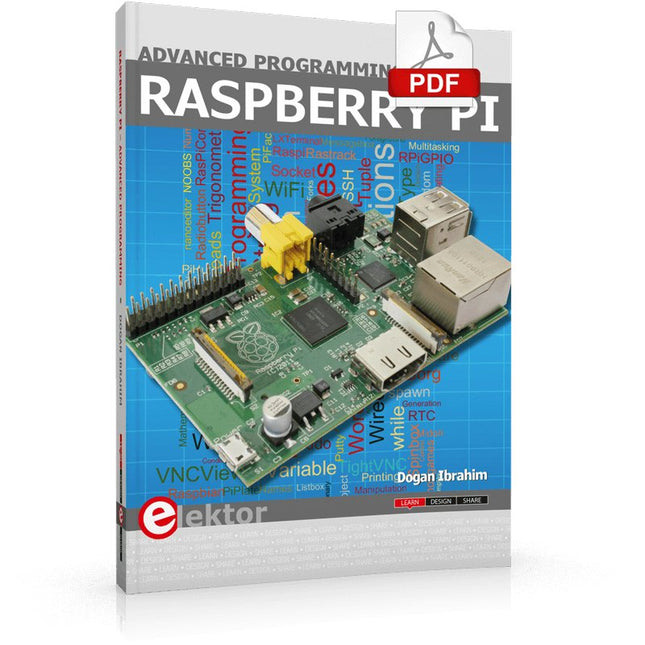
Elektor Digital Raspberry Pi Advanced Programming (E-book)
This book is about advanced programming of the Raspberry Pi computer using the Python programming language. The book explains in simple terms and with examples: How to configure the Raspberry Pi computer; How to install and use the Linux operating system and the desktop; How to write advanced programs using the Python programming language; How to use graphics in our programs; How to develop hardware based projects using the Raspberry Pi. The book starts with an introduction to the Raspberry Pi computer and covers the topics of purchasing all the necessary accessories and installing and operating the Linux operating system in command mode. The network interface of the RPi is explained in simple steps, demonstrating how the computer can be accessed remotely from a desktop or a laptop computer. The remaining parts of the book cover the Python programming language in detail, including advanced topics such as operating system calls, multitasking, interprocess synchronization and interprocess communication techniques. The important topic of network programming using UDP and TCP protocols is described with working examples. The Tkinter graphical user interface module (GUI) is described in detail with example widgets and programs. The last part of the book includes hardware projects based on using the advanced programming topics such as multitasking and interprocess communication techniques. All the projects given in the book have been fully tested and are working. Complete program listings of all projects are provided with detailed explanations.
€ 34,95
Membres : € 31,46
-
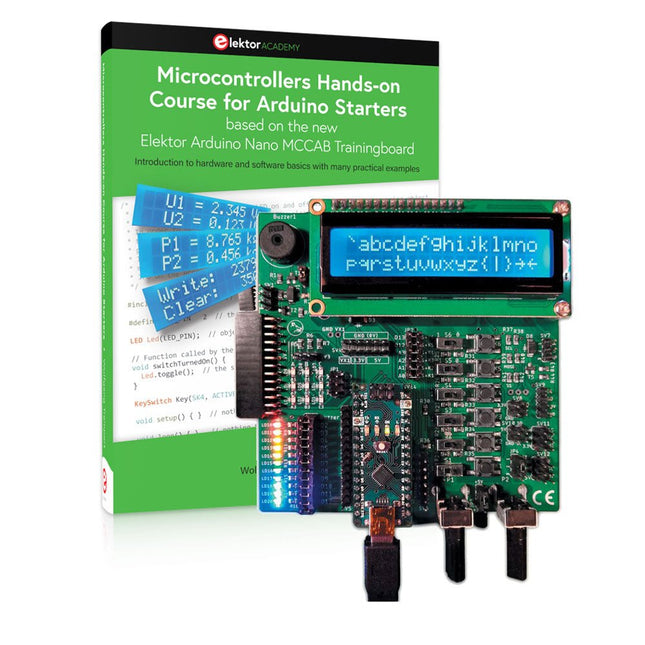
Elektor Bundles Cours pratique sur les microcontrôleurs pour les débutants Arduino (offre groupée)
Réalisez vos propres projets avec la carte d'apprentissage Elektor Arduino Nano MCCAB Le microcontrôleur est probablement le sous-domaine le plus fascinant de l'électronique. Grâce à la multitude de fonctions qu'il combine sur sa puce, il constitue un outil universel permettant aux développeurs de réaliser leurs projets. Pratiquement tous les appareils d'usage quotidien sont aujourd'hui dotés d'un microcontrôleur. Cependant, pour un débutant en électronique, réaliser ses propres idées avec un microcontrôleur est resté jusqu'à présent une chimère en raison de sa complexité. Le concept Arduino a largement simplifié l'utilisation des microcontrôleurs, de sorte que même les débutant peuvent désormais réaliser leurs propres idées électroniques avec un microcontrôleur. Livre et matériel dans un pack : apprendre par la pratique Ce livre, qui est inclus dans le pack, montre comment vous pouvez réaliser vos propres projets avec un microcontrôleur, même sans grande expérience en électronique et en langages de programmation. Il s'agit d'un cours pratique sur les microcontrôleurs pour débutants, car après un aperçu des éléments internes du microcontrôleur et une introduction au langage de programmation C, le cours se concentre sur les exercices pratiques. Le lecteur acquiert les connaissances nécessaires en apprenant par la pratique : dans la vaste section pratique comprenant 12 projets et 46 exercices, ce qui est appris dans la première partie du livre est étayé par de nombreux exemples. Les exercices sont structurés de telle sorte que l'utilisateur se voit confier une tâche à résoudre en utilisant les connaissances acquises dans la partie théorique du livre. Chaque exercice est suivi d'un exemple de solution qui est expliqué et commenté en détail, ce qui aide l'utilisateur à résoudre les problèmes et à les comparer avec sa propre solution. Arduino IDE L'Arduino IDE est un environnement de développement logiciel qui peut être téléchargé gratuitement sur votre PC et qui contient l'ensemble des logiciels nécessaires à la réalisation de vos propres projets de microcontrôleurs. Vous écrivez vos programmes (sketch) avec l'éditeur de l'IDE dans le langage de programmation C. Vous les traduisez en bits et octets que le microcontrôleur comprend à l'aide du compilateur intégré à l'IDE Arduino, puis vous les chargez dans la mémoire du microcontrôleur sur la carte d'apprentissage Elektor Arduino MCCAB Nano à l'aide d'un câble USB. Interroger ou contrôler des capteurs, des moteurs ou des ensembles externes Outre un module microcontrôleur Arduino Nano, la carte d'apprentissage Elektor Arduino Nano MCCAB contient tous les composants nécessaires aux exercices, tels que des diodes électroluminescentes, des interrupteurs, des boutons-poussoirs, des émetteurs de signaux acoustiques, etc. Ce système de formation à microcontrôleur permet également d'interroger ou de commander des capteurs, des moteurs ou des assemblages externes. Spécifications (Carte de formation Arduino Nano MCCAB) Alimentation électrique Via la connexion USB du PC connecté ou un bloc d'alimentation externe (non inclus) Tension de fonctionnement +5 Vcc Tension d'entrée Toutes les entrées 0 V to +5 V VX1 and VX2 +8 V to +12 V (uniquement en cas d'utilisation d'une alimentation externe) Périphérie du matériel LCD 2x16 caractères Potentiomètre P1 & P2 JP3 : sélection de la tension de fonctionnement de P1 et P2 Distributeur SV4 : Distributeur pour les tensions de fonctionnementSV5, SV6 : Distributeur pour les entrées/sorties du microcontrôleur Interrupteurs et boutons Bouton RESET sur le module Arduino Nano 6x interrupteurs à bouton poussoir K1 ... K6 6x interrupteurs à glissière S1 ... S6 JP2 : Connexion des interrupteurs avec les entrées du microcontrôleur Buzzer Buzzer piézo Buzzer1 avec cavalier sur JP6 Voyants lumineux 11 x LED : Indicateur d'état des entrées/sorties LED L sur le module Arduino Nano, connectée au GPIO D13 JP6 : Connexion des LED LD10 ... LD20 avec les GPIO D2 ... D12 Interfaces sérieSPI ET I²C JP4 : Sélection du signal à la broche X du connecteur SPI SV12 SV9 à SV12 : interface SPI (3,3 V/5 V) ou interface I²C Sortie de commutation pour les appareils externes SV1, SV7 : sortie de commutation (maximum +24 V/160 mA, alimentation externe) SV2 : 2x13 connecteurs pour la connexion de modules externes Matrice de 3x3 LED(9 LED rouges) SV3 : Colonnes de la matrice LED 3x3 (sorties D6 ... D8) JP1 : Connexion des lignes avec les GPIOs D3 ... D5 Logiciel Bibliothèque MCCABLib Contrôle des composants matériels (interrupteurs, boutons, DEL, matrice de DEL 3x3, buzzer) sur la carte de formation MCCAB. Température de fonctionnement Jusqu'à +40 °C Dimensions 100 x 100 x 20 mm Spécifications (Arduino Nano) Microcontrôleur ATmega328P Architecture AVR Tension de fonctionnement 5 V Mémoire flash 32 Ko, dont 2 Ko utilisés par le chargeur de démarrage SRAM 2 KB Vitesse d'horloge 16 MHz Connecteurs d'entrée analogique 8 EEPROM 1 KB Courant continu par connecteur d'E/S 40 mA sur un connecteur d'E/S, maximum total de 200 mA sur l'ensemble des connecteurs Tension d'entrée 7-12 V Connecteurs E/S numériques 22 (dont 6 PWM) Sortie PWMt 6 Consommation électrique 19 mA Dimensions 18 x 45 mm Poids 7 g Inclus Elektor Arduino Nano MCCAB Training Board Arduino Nano Livre : Microcontrollers Hands-on Course for Arduino Starters
€ 139,95€ 119,95Meilleur prix
-

Elektor Digital Elektor November/December 2022 (PDF)
Elektor GREEN and GOLD members can download their digital edition here. Not a member yet? Click here. High-End from the Elektor Lab Fortissimo-100 High-End AmplifierFully symmetrical audio output stage and 100/190 W Checking the Frequency of Tuned Circuits and CrystalsTips & Tricks, Best Practices and Other Useful Information PCB Tips and Tricks Soldering – So What?A Closer Look at Current Soldering Technology Low-Latency Bluetooth Garage Door ControlTake Control with Short BLE Messages from a Smartphone Ideal Diode ControllerDiode Circuits with Low Power Dissipation LED Garlands with ESP32 and FreeRTOSFlashing and Variable Brightness Starting Out in Electronics……Cheerfully Continues Zenering FM/DAB+ ReceiverThe Best of Both Worlds From Life’s ExperienceElectronica Obscura Tracing the Cause of Software Bugs WirelesslyCircular Buffer and Webserver on the ESP32 Did Covid Cause a Boost in Engineering Innovation?Innovative Components and Solutions from 2022 Ersa i-CON TRACE – The IoT Soldering Station for Makers Infographics What Are We Going to Do with All This Compute? How to Drive Ynvisible’s E-Paper Display All-Time Innovation with InnoFaithQ&A with Walter Arkesteijn Industrial AutomationEasy and scalable IoT-Retrofitting Next Generation Oscilloscopes for Accelerated InsightRohde & Schwarz introduces the R&S MXO 4 series Low Profile Linear Connectors Solve Multi-Signal Data Management Smart – Innovative – Cost-EfficientGateMate FPGAs Developed and Manufactured in Germany Tools to Support Low-Cost Sensor Development PolyfusesPeculiar Parts, the Series Isolated Analog Output for Arduino Uno HomeLab Tours... Discovers the Theremin electronica fast forward 2022 - powered by ElektorLineup and Timetable Radio Direction FindingTracking Down Lost Wireless Weather Sensors Estimate an IC's Internal NoiseA Simple Method Ethics in ActionPowered by WEEF No Ethics, No Sustainable BusinessAn Interview with Professor Stefan Heinemann The 2023 WEEF Index Filter SoftwareDesign Tools for Analog Filters TV-B-Gone!... Or At Least B-OFF RP2040-Based Air Quality Measurement elekterminal Kickstart to Python 3Sample Chapter: Digital Image Processing and Wand Library SOLARPUNKA Brighter Future Ahead Hexadoku
€ 7,50
-
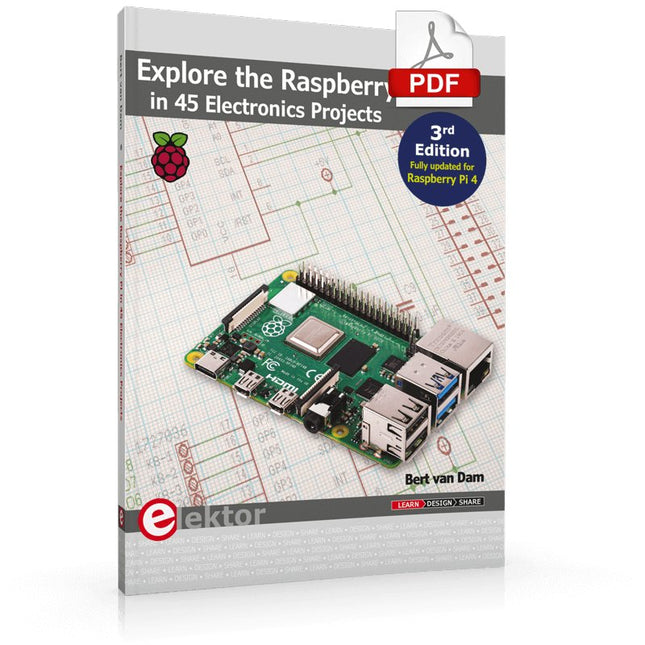
Elektor Digital Explore the Raspberry Pi in 45 Electronics Projects (3rd Edition | E-book)
3rd Edition – Fully updated for Raspberry Pi 4 The Raspberry Pi is a very cheap but complete computer system that allows all sorts of electronics parts and extensions to be connected. This book addresses one of the strongest aspects of the Raspberry Pi: the ability to combine hands-on electronics and programming. Combine hands-on electronics and programming After a short introduction to the Raspberry Pi you proceed with installing the required software. The SD card that can be purchased in conjunction with this book contains everything to get started with the Raspberry Pi. At the side of the (optional) Windows PC, software is used which is free for downloading. The book continues with a concise introduction to the Linux operating system, after which you start programming in Bash, Python 3 and Javascript. Although the emphasis is on Python, the coverage is brief and to the point in all cases – just enabling you to grasp the essence of all projects and start adapting them to your requirements. All set, you can carry on with fun projects. The book is ideal for self-study No fewer than 45 exciting and compelling projects are discussed and elaborated in detail. From a flashing lights to driving an electromotor; from processing and generating analog signals to a lux meter and a temperature control. We also move to more complex projects like a motor speed controller, a web server with CGI, client-server applications and Xwindows programs. Each project has details of the way it got designed that way The process of reading, building, and programming not only provides insight into the Raspberry Pi, Python, and the electronic parts used, but also enables you to modify or extend the projects any way you like. Also, feel free to combine several projects into a larger design.
€ 32,95
Membres : € 29,66
-
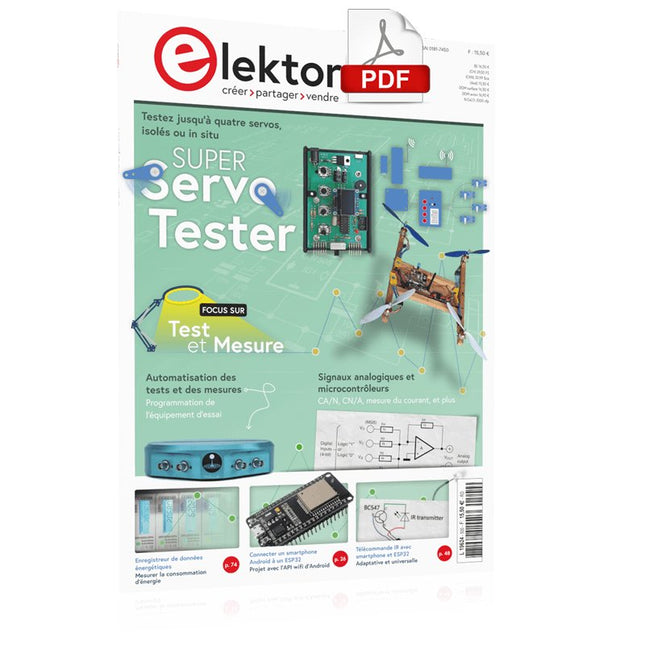
Elektor Digital Elektor Mai/Juin 2023 (PDF)
Le téléchargement intégral de ce numéro est disponible pour nos membres GOLD et GREEN sur le site Elektor Magazine !Pas encore membre ? Cliquez ici.Super Servo TesterTestez jusqu'à quatre servos, isolés ou in situsignaux analogiques et microcontrôleursCA/N, CN/A, mesure du courant, et plusEmbedded World 2023l'échantillonnage sub-Nyquist en pratiquecapture fiable des hautes fréquences à l'aide du sous-échantillonnageconnecter un smartphone Android à un ESP32 ?projet pratique avec l'API wifi d'Androidfiltre actif 1 kHz pour mesures de distorsionmesures améliorées par l'optimisation du signal de mesuredémarrer en électronique... multivibrationsProjet 2.0corrections, mises à jour et messages de lecteursle nouveau protocole I3Ceffet d'annonce ou vrai progrèsBlueRC : télécommande IR avec smartphone et ESP32adaptative et universellela documentation des microcontrôleurs sans peine (2)registres et schémas de principeautomatisation des tests et des mesuresprogrammation de l'équipement d'essai pour qu'il fasse ce que vous voulezInfographie : test et mesureimmunité contre les surtensionsprotection pour modules de puissance CC/CC non isolésappareil de mesure Wihatesteurs et compteurs d'installation sur lesquels vous pouvez compterautomatisation des tests et partage des résultatssur le vifl'électronique des blocsenregistreur de données énergétiquesmesurer et enregistrer la consommation d'énergieassemblage du kit Rover M.A.R.S. de 4tronixdisque de stationnement avec affichage e-papierune version informatisée innovanteeCO₂ Telegram botmesureur de la qualité de l'air avec notification par Telegramles coulisses de l'audio haut de gamme maisonTon Giesberts d'Elektor interviewé sur l'art de la conception analogiquevisite à domicilenouvelle ciblelecture d'étiquettes RFID et serrure de porte RFIDexemples de projets tirés du guide d'expérimentation pour Arduino d'ElektorSondes de courant RF pour oscilloscopeLa mesure de courants RF sans peinepas pour les mauviettes - kit bras robotiqueavec Raspberry Pi Pico et MicroPythonIA générativeMais qui a fait ça ?Hexadoku
€ 10,95
-

Elektor Digital Raspberry Pi ontdekken in 45 Elektronica projecten (2e versie) | E-book
Met de Raspberry Pi heeft u voor slechts een paar tientjes een complete computer in handen, waar op eenvoudige wijze allerlei elektronica aangesloten kan worden. In deze 2e herziene en uitgebreide versie gaan we in op een van de sterke kanten van de Raspberry Pi: de combinatie van programmeren en elektronica. Na een korte introductie van de Raspberry Pi wordt de benodigde software geïnstalleerd. Op de SD-kaart die u bij dit boek kunt aanschaffen, is die allemaal al aanwezig voor de Raspberry Pi. Aan de (optionele) Windows PC kant gebeurt dit met gratis software die u kunt downloaden. Daarna volgt een beknopte inleiding in het besturingssysteem Linux en gaan we programmeren in Bash, Python en JavaScript. De nadruk ligt hierbij op Python, maar in alle gevallen houden we het kort. We bespreken net voldoende zodat u de projecten kunt begrijpen en aan uw wensen aanpassen, en gaan dan aan de slag met leuke projecten. Maar liefst 45 spannende en interessante projecten worden in detail besproken en uitgelegd. Van wisselknipperlicht, aansluiten van een elektromotor, het verwerken en maken van analoge signalen tot lichtmeter en temperatuurregeling. Maar ook gecompliceerdere projecten zoals een motorsnelheidsregeling, webserver met CGI, client-server applicaties en Xwindows programma‘s. U kunt dit boek gebruiken als projecten boek en de projecten nabouwen en in de praktijk inzetten. Door de duidelijke uitleg, schema‘s en foto‘s van de opstellingen op een steekbord wordt het nabouwen een erg leuke bezigheid. RPi Alle software voor de RPi is voorgeïnstalleerd op een SD-kaart die u bij dit boek kunt aanschaffen. Dat wil zeggen dat alle software en drivers voor SSH, SPI, I²C, GPIO, PWM, muziek, Python Ontwikkelversie, wxPython, IdleX en de seriële verbinding gegarandeerd werken. Tevens staan alle broncodes van de projecten uitdit boek op deze kaart. Windows-PC In het gratis download-pakket dat bij dit boek hoort, vindt u de software die in dit boek gebruikt wordt op de Windows-PC handig bij elkaar in een enkel ZIP-bestand. Alle software is gratis. Tevens bevat het pakket een filmpje van de Nutteloze Doos (Useless Machine) van project 13.4. Software download-pakket WinOscillo Putty Xming WinSCP DiskImager Notepad2 IdleX Useless Box film
€ 29,95
Membres : € 26,96
-
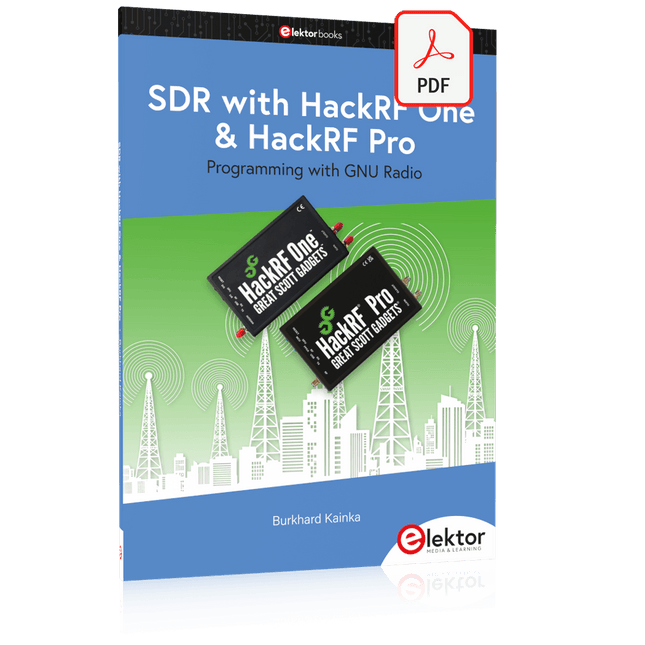
Elektor Digital SDR with HackRF One & HackRF Pro (E-book)
Programming with GNU Radio HackRF is an open-source hardware platform developed by Great Scott Gadgets and serves as a versatile front end for software-defined radio (SDR). With HackRF One and its successor, HackRF Pro, users can develop their own SDR applications, build powerful receivers and transmitters, and tackle demanding RF measurement tasks. This book provides a practical introduction to the world of SDR. Step by step, the author shows how powerful SDR projects can be implemented with HackRF – from the fundamentals of RF technology to advanced applications using GNU Radio. In addition to working with SDR Sharp (SDR#), RadioConda, and GNU Radio, the book also covers the fundamentals of modern digital signal processing. Numerous experiments and easy-to-follow practical examples guide readers through topics such as AM, FM, and SSB reception, digital filters, shortwave radio, amateur radio, signal generators, and custom RF projects up to 6 GHz. Whether you are a maker, radio amateur, electronics enthusiast, or SDR beginner, this book provides solid knowledge, practical applications, and the motivation to creatively explore the possibilities of modern SDR technology.
€ 19,95
Membres : € 17,96


