
Résultats de la recherche pour "arduino OR plug OR and OR make OR kit"
-
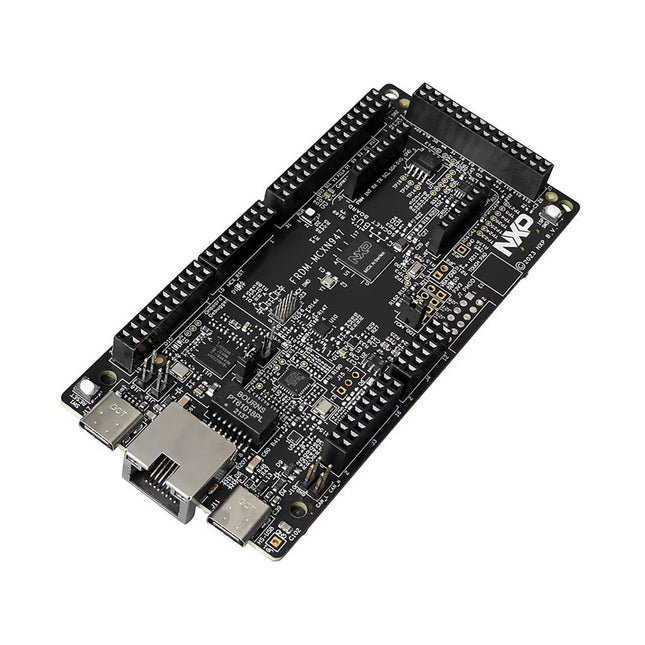
NXP Semiconductors Carte de développement NXP FRDM-MCXN947
The FRDM-MCXN947 is a compact and versatile development board designed for rapid prototyping with MCX N94 and N54 microcontrollers. It features industry-standard headers for easy access to the MCU's I/Os, integrated open-standard serial interfaces, external flash memory, and an onboard MCU-Link debugger. Spécifications Microcontroller MCX-N947 Dual Arm Cortex-M33 cores @ 150 MHz each with optimized performance efficiency, up to 2 MB dual-bank flash with optional full ECC RAM, External flash Accelerators: Neural Processing Unit, PowerQuad, Smart DMA, etc. Memory Expansion *DNP Micro SD card socket Connectivity Ethernet Phy and connector HS USB-C connectors SPI/I²C/UART connector (PMOD/mikroBUS, DNP) WiFi connector (PMOD/mikroBUS, DNP) CAN-FD transceiver Debug On-board MCU-Link debugger with CMSIS-DAP JTAG/SWD connector Sensor P3T1755 I³C/I²C Temp Sensor, Touch Pad Expansion Options Arduino Header (with FRDM expansion rows) FRDM Header FlexIO/LCD Header SmartDMA/Camera Header Pmod *DNP mikroBUS User Interface RGB user LED, plus Reset, ISP, Wakeup buttons Inclus 1x FRDM-MCXN947 Development Board 1x USB-C Cable 1x Quick Start Guide Téléchargements Datasheet Block diagram
-

QuantAsylum QuantAsylum QA403 Analyseur Audio 24 bits
Le QA403 est le quatrième générateur d'analyse audio de QuantAsylum. Le QA403 étend les fonctionnalités du QA402 avec une meilleure performance de bruit et de distorsion, en plus d'une réponse plus plate aux extrémités de bande. Sa taille compacte signifie que vous pouvez l'emporter presque partout. Caractéristiques ADC/DAC 24 bits Jusqu'à 192 kS/s Totalement isolé du PC Entrée/Sortie différentielle Alimenté par USB Atténuateur intégré Démarrage Rapide et Sans Pilote Le QA403 est un périphérique USB sans pilote, ce qui signifie qu'il est prêt dès que vous le branchez. Le logiciel est gratuit et il est rapide et facile de déplacer le matériel d'une machine à l'autre. Donc, si vous devez vous rendre à l'usine pour résoudre un problème ou emmener le QA403 chez vous pour une journée de travail à domicile, vous pouvez le faire sans tracas. Conception Sans Étalonnage Le QA403 est livré avec un étalonnage d'usine dans sa mémoire flash, assurant une performance cohérente d'une unité à l'autre. Sur votre ligne de production, vous pouvez installer un autre QA403 et être sûr que ce que vous lisez sur une unité sera très similaire à la suivante. Il n'est pas prévu que l'étalonnage soit nécessaire à intervalles réguliers. Mesures Faire des mesures de base est rapide et facile. En quelques clics, vous comprendrez la réponse en fréquence, la THD(+N), le gain, le rapport S/B, etc., de votre dispositif en test. Plage Dynamique Le QA403 offre 8 plages de gain en entrée (0 à +42 dBV en 6 paliers) et 4 plages de gain en sortie (-12 à +18 dBV en paliers de 10 dB). Cela garantit des performances constantes sur des plages très étendues de niveaux d'entrée et de sortie. L'entrée CA maximale du QA403 est de +32 dBV = 40 Veff. Le courant continu maximum est de ±40 V et le courant CA maximum + CC = ±56 V. Facilité de Programmation Le QA403 prend en charge une interface REST, ce qui facilite l'automatisation des mesures dans presque tous les langages que vous pourriez anticiper. De Python à C++ en passant par Visual Basic, si vous savez comment charger une page web dans votre langage préféré, vous pouvez contrôler le QA403 à distance. Les mesures sont rapides et réactives, avec généralement des dizaines de commandes traitées par seconde. Isolé et Alimenté par USB Le QA403 est isolé du PC, ce qui signifie que vous mesurez votre DUT (Device Under Test) et que vous ne suivez pas des boucles de masse fantômes. Le QA403 est alimenté par USB, comme presque tous nos instruments. Si vous configurez à distance, ajoutez un hub alimenté dans votre sac et votre configuration de test complète peut fonctionner avec un minimum de câbles. Au Revoir Carte Son, Bonjour QA403 Marre d'essayer de faire fonctionner une carte son ? Le cauchemar de l'étalonnage ? Le manque d'étages de gain ? La puissance limitée ? En avez-vous assez de traiter avec des plages d'entrée fixes ? La crainte de la détruire avec trop de courant continu ou alternatif ? Assez des boucles de masse ? C'est pourquoi QuantAsylum a construit le QA403. Spécifications Matériau du boîtier Aluminium avec revêtement en poudre (panneau avant de 2 mm d'épaisseur, dessus/dessous de 1.6 mm d'épaisseur) Dimensions 177 x 44 x 97 mm (L x H x P) Poids 435 g Téléchargements Datasheet Manual GitHub
-
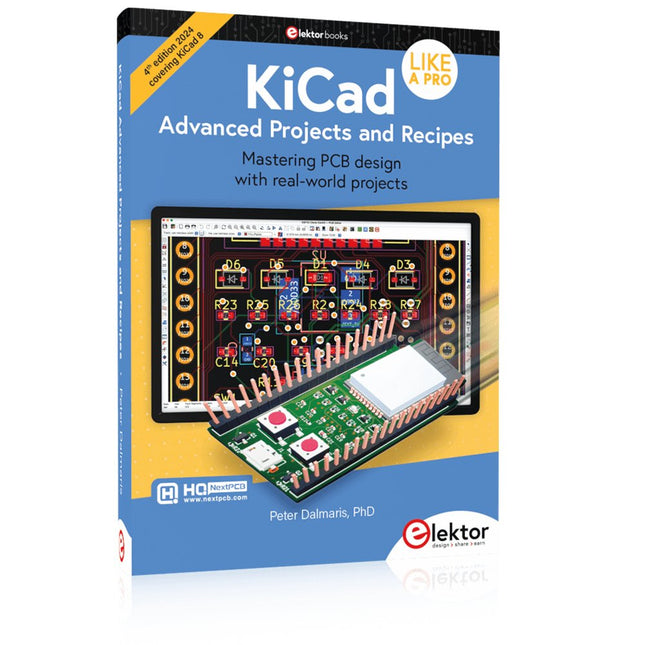
Elektor Publishing KiCad Like A Pro – Advanced Projects and Recipes
Mastering PCB design with real-world projects This book builts on KiCad Like a Pro – Fundamentals and Projects and aims to help you practice your new KiCad skills by challenging you in a series of real-world projects. The projects are supported by a comprehensive set of recipes with detailed instructions on how to achieve a variety of simple and complex tasks. Design the PCBs for a solar power supply, an LED matrix array, an Arduino-powered datalogger, and a custom ESP32 board. Understand the finer details of the interactive router, how to manage KiCad project teams with Git, how to use an autorouter on 2 and 4-layer PCBs, and much more. KiCad 8 is a modern, cross-platform application suite built around schematic and design editors. This stable and mature PCB tool is a perfect fit for electronic engineers and makers. With KiCad 8, you can create PCBs of any complexity and size without the constraints associated with the commercial packages. Here are the most significant improvements and features in KiCad 8, both over and under the hood: Modern user interface, completely redesigned from earlier versions Improved and customizable electrical and design rule checkers Theme editor allowing you to fully customize the look of KiCad on your screen Ability to import projects from Eagle, CADSTART, and more An improved and tightly integrated SPICE circuit simulator Autorouting with the Freerouting plugin Filters define which elements of a layout are selectable Enhanced interactive router helps you draw single tracks and differential pairs with precision New or enhanced tools to draw tracks, measure distances, tune track lengths, etc. Enhanced tool for creating filled zones A customizable coordinate system facilitates data exchange with other CAD applications Realistic ray-tracing capable 3D viewer Differential pair routing Rich repositories of symbol, footprint, and 3D shape libraries Python scripting API for programmatic customization and extensions Improved footprint wizard for fast custom footprints
-
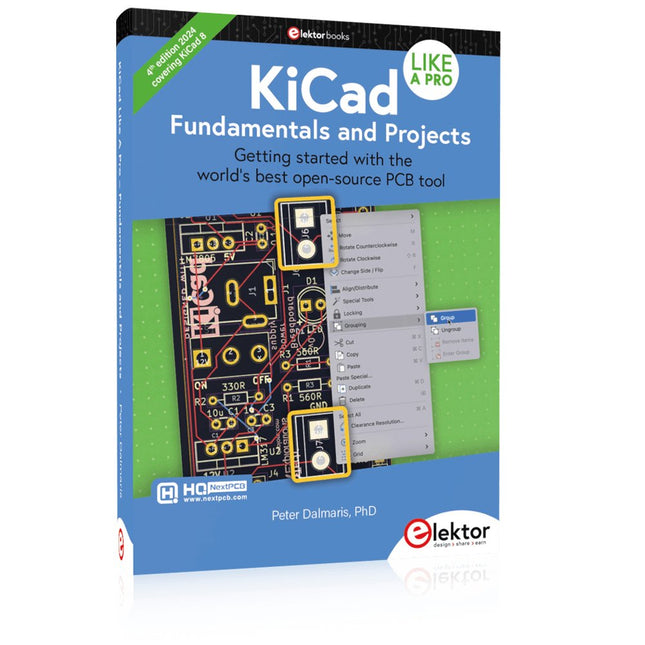
Elektor Publishing KiCad Like A Pro – Fundamentals and Projects
Getting started with the world’s best open-source PCB tool The latest iteration of KiCad, the world’s best free-to-use Printed Circuit Board tool, is packed with features usually found only in expensive commercial CAD tools. This modern, cross-platform application suite built around schematic and design editors, with auxiliary applications is a stable and mature PCB tool. KiCad 8 is a perfect fit for electronic engineers and makers. Here are the most significant improvements and features in KiCad 8, both over and under the hood: Modern user interface, completely redesigned from earlier versions Improved and customizable electrical and design rule checkers Theme editor allowing you to customize KiCad on your screen Ability to import projects from Eagle, CADSTART, and more Python scripting API Improved integrated SPICE circuit simulator Multi-sheet schematics Filters define selectable elements Enhanced interactive router helps you draw single tracks and differential pairs with precision New or enhanced tools to draw tracks, measure distances, tune track lengths, etc. Advanced interactive router Built-in bill of materials generator Realistic ray-tracing capable 3D viewer Customizable teardrops Plug-in manager for quick installation of themes, libraries and functionalities such as autorouters and BOM generators This book will teach you to use KiCad through a practical approach. It will help you become productive quickly and start designing your own boards. Example projects illustrate the basic features of KiCad, even if you have no prior knowledge of PCB design. The author describes the entire workflow from schematic entry to the intricacies of finalizing the files for PCB production and offers sound guidance on the process. Further full-fledged projects, of incremental difficulty, will be presented in a second book, together with a variety of advanced recipes.
-

Elektor 09-10/2025 (DE)
Diese Ausgabe steht allen GOLD- und GREEN-Mitgliedern auf der ElektorMagazine-Website zum Download bereit! Sie sind noch kein Mitglied? Hier klicken! ESP32-Audio-Transceiver-Board (Teil 2)Drahtlose Audioübertragung Induktiver AM-SenderPIO des Pico in einem Arduino-Sketch Navigieren durch drahtlose ProtokolleEin technischer Leitfaden Satellitenverfolgung mit LoRaDas TinyGS-Netzwerk: Raumfahrtdaten gelangen zur Erde 4G-kompatible SMS-FernbedienungSteuern Sie Ihr Zuhause per Telefon aus der Ferne Hochgeschwindigkeits-TastkopfHochohmige Eingänge für Signale bis 200 MHz Aus dem Leben gegriffenKafka KrakenSDREin phasenkohärenter SDR-Empfänger Geschwindigkeitstests mit dem RP2350Lohnt sich der Umstieg von Raspberry Pi Pico 1 auf Version 2? Kontaktlose E-Feld-Messungen (2)Ein Laser-Vibrometer zur Erfassung der Membranschwingungen Quarze und OszillatorenQuarzgenauigkeit durch die Kondensatorwahl verbessern Aller Anfang ...... ist gar nicht schwer: Spezielle Audio-ICs Einstieg ins Programmieren von Selbstbauprojekten SPECTRAN® V6 MobileModular konfigurierbarer Echtzeit-Spektrum-Analyzer für zuverlässige Messungen in allen Frequenzbereichen Die Zukunft der KI wird in Silizium geschmiedetEin Interview mit Anastasiia Nosova Autonomer Sensorknoten v2.0 (Systemarchitektur)Solarbetriebene Sensorplattform mit integriertem GPS, LoRaWAN und weiteren Funktionen Präzise PositionsbestimmungBluetooth Channel Sounding ausprobiert Die Zukunft der Wireless-KommunikationDie ultradünnen Festkörperbatterien von BTRY Testgetriebene Programmierung in der Firmware-Entwicklung Handy-gesteuertes ModellautoWLAN + ESP32 + Smartphone = Fernsteuerung 2025: Eine KI-OdysseeKI-Denkmodelle: die Gedankenketten-Revolution Solarladeregler mit MPP-TrackingTeil 3: Software und Inbetriebnahme Web-Streaming-Kamera mit Raspberry Pi ZeroVerwendung des ZeroTier-VPN
€ 15,90

