
Résultats de la recherche pour "raspberry OR pi OR 500 OR us"
-
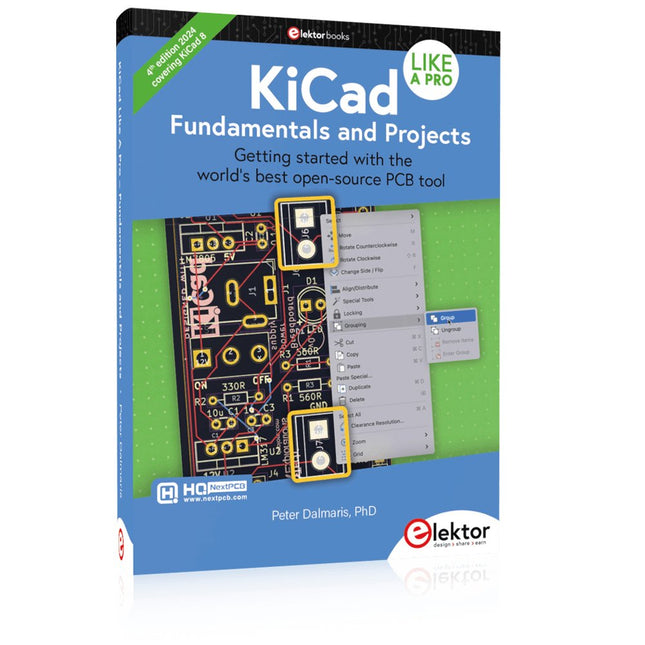
Elektor Publishing KiCad Like A Pro – Fundamentals and Projects
Getting started with the world’s best open-source PCB tool The latest iteration of KiCad, the world’s best free-to-use Printed Circuit Board tool, is packed with features usually found only in expensive commercial CAD tools. This modern, cross-platform application suite built around schematic and design editors, with auxiliary applications is a stable and mature PCB tool. KiCad 8 is a perfect fit for electronic engineers and makers. Here are the most significant improvements and features in KiCad 8, both over and under the hood: Modern user interface, completely redesigned from earlier versions Improved and customizable electrical and design rule checkers Theme editor allowing you to customize KiCad on your screen Ability to import projects from Eagle, CADSTART, and more Python scripting API Improved integrated SPICE circuit simulator Multi-sheet schematics Filters define selectable elements Enhanced interactive router helps you draw single tracks and differential pairs with precision New or enhanced tools to draw tracks, measure distances, tune track lengths, etc. Advanced interactive router Built-in bill of materials generator Realistic ray-tracing capable 3D viewer Customizable teardrops Plug-in manager for quick installation of themes, libraries and functionalities such as autorouters and BOM generators This book will teach you to use KiCad through a practical approach. It will help you become productive quickly and start designing your own boards. Example projects illustrate the basic features of KiCad, even if you have no prior knowledge of PCB design. The author describes the entire workflow from schematic entry to the intricacies of finalizing the files for PCB production and offers sound guidance on the process. Further full-fledged projects, of incremental difficulty, will be presented in a second book, together with a variety of advanced recipes.
-
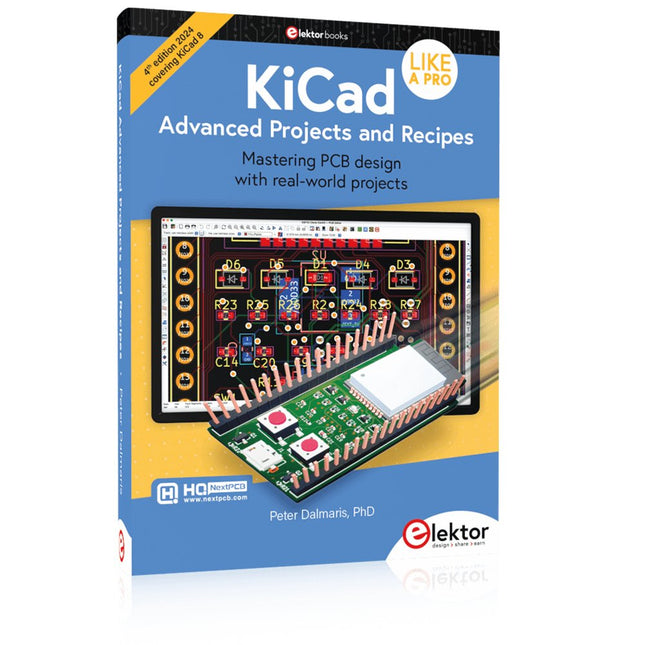
Elektor Publishing KiCad Like A Pro – Advanced Projects and Recipes
Mastering PCB design with real-world projects This book builts on KiCad Like a Pro – Fundamentals and Projects and aims to help you practice your new KiCad skills by challenging you in a series of real-world projects. The projects are supported by a comprehensive set of recipes with detailed instructions on how to achieve a variety of simple and complex tasks. Design the PCBs for a solar power supply, an LED matrix array, an Arduino-powered datalogger, and a custom ESP32 board. Understand the finer details of the interactive router, how to manage KiCad project teams with Git, how to use an autorouter on 2 and 4-layer PCBs, and much more. KiCad 8 is a modern, cross-platform application suite built around schematic and design editors. This stable and mature PCB tool is a perfect fit for electronic engineers and makers. With KiCad 8, you can create PCBs of any complexity and size without the constraints associated with the commercial packages. Here are the most significant improvements and features in KiCad 8, both over and under the hood: Modern user interface, completely redesigned from earlier versions Improved and customizable electrical and design rule checkers Theme editor allowing you to fully customize the look of KiCad on your screen Ability to import projects from Eagle, CADSTART, and more An improved and tightly integrated SPICE circuit simulator Autorouting with the Freerouting plugin Filters define which elements of a layout are selectable Enhanced interactive router helps you draw single tracks and differential pairs with precision New or enhanced tools to draw tracks, measure distances, tune track lengths, etc. Enhanced tool for creating filled zones A customizable coordinate system facilitates data exchange with other CAD applications Realistic ray-tracing capable 3D viewer Differential pair routing Rich repositories of symbol, footprint, and 3D shape libraries Python scripting API for programmatic customization and extensions Improved footprint wizard for fast custom footprints
-
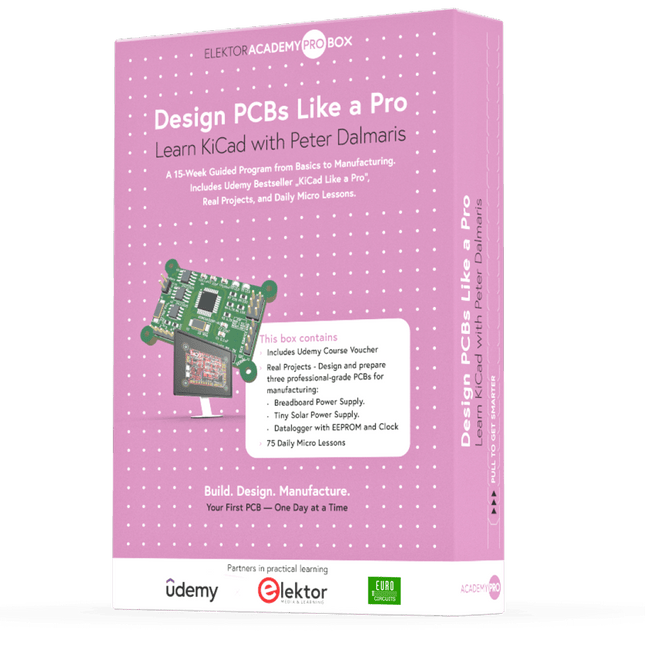
Elektor Academy Pro Design PCBs Like a Pro
Apprenez KiCad avec Peter Dalmaris La boîte Academy Pro « Design PCBs like a Pro » propose un programme de formation complet et structuré en conception de PCB, alliant apprentissage en ligne et mise en pratique. Basé sur la formation KiCad de Peter Dalmaris, ce programme de 15 semaines intègre des leçons vidéo, des supports papier (2 livres) et des projets pratiques afin de garantir aux participants non seulement une compréhension théorique, mais aussi le développement des compétences nécessaires à sa mise en pratique. Contrairement aux formations classiques, la Box Academy Pro propose un parcours d'apprentissage guidé avec des étapes hebdomadaires et des composants physiques pour concevoir, tester et produire des PCB fonctionnels. Cette approche favorise un apprentissage plus approfondi et une meilleure mémorisation des connaissances. Cette box est idéale pour les ingénieurs, les étudiants et les professionnels qui souhaitent développer une expertise pratique en conception de PCB à l'aide d'outils open source. Avec la possibilité de faire fabriquer leur projet final, les participants terminent le programme avec des résultats concrets, prêts à être utilisés, testés ou développés. Learn by doing Développez vos compétences. Concevez de vraies cartes. Générez des fichiers Gerber. Passez votre première commande. Ce n'est pas une simple formation : c'est un parcours complet, de l'idée au produit. Ce que vous apprenez/recevez Une connaissance pratique des outils KiCad Concevoir vos propres circuits imprimés en toute confiance Un circuit imprimé entièrement manufacturable, fabriqué par vos soins Que contient la boîte (cours) ? Les deux volumes de « KiCad Like a Pro » (d'une valeur de 105 €) Vol 1 : Fundamentals and Projects Vol 2 : Advanced Projects and Recipes Code promo pour rejoindre la formation en ligne KiCad 9, best-seller de Peter Dalmaris sur Udemy, avec plus de 20 heures de formation vidéo. Vous réaliserez trois projets de conception complets : Alimentation pour platine d'expérimentation Mini-alimentation solaire Enregistreur de données avec EEPROM et horloge Bon d'achat Eurocircuits pour la production de circuits imprimés (d'une valeur de 85 € hors TVA) Matériel pédagogique (de cette boîte/ce cours) Programme d'apprentissage de 15 semaines ▶ Cliquez ici pour ouvrir Week 1: Setup, Fundamentals, and First Steps in PCB Design Week 2: Starting Your First PCB Project – Schematic Capture Week 3: PCB Layout – From Netlist to Board Design Week 4: Design Principles, Libraries, and Workflow Week 5: Your First Real-World PCB Project Week 6: Custom Libraries – Symbols, Footprints, and Workflow Week 7: Advanced Tools – Net Classes, Rules, Zones, Routing Week 8: Manufacturing Files, BOMs, and PCB Ordering Week 9: Advanced Finishing Techniques – Graphics, Refinement, and Production Quality Week 10: Tiny Solar Power Supply – From Schematic to Layout Week 11: Tiny Solar Power Supply – PCB Layout and Production Prep Week 12: ESP32 Clone Project – Schematic Design and Layout Prep Week 13: ESP32 Clone – PCB Layout and Manufacturing Prep Week 14: Final Improvements and Advanced Features Week 15: Productivity Tools, Simulation, and Automation Cours KiCad avec 18 leçons sur Udemy (par Peter Dalmaris) ▶ Cliquez ici pour ouvrir Introduction Getting started with PCB design Getting started with KiCad Project: A hands-on tour of KiCad (Schematic Design) Project: A hands-on tour of KiCad (Layout) Design principles and PCB terms Design workflow and considerations Fundamental KiCad how-to: Symbols and Eeschema Fundamental KiCad how-to: Footprints and Pcbnew Project: Design a simple breadboard power supply PCB Project: Tiny Solar Power Supply Project: MCU datalogger with build-in 512K EEPROM and clock Recipes KiCad 9 new features and improvements Legacy (from previous versions of KiCad) KiCad 7 update (Legacy) (Legacy) Gettings started with KiCad Bonus lecture À propos de l'auteur Le Dr Peter Dalmaris, titulaire d'un doctorat, est enseignant, ingénieur électricien et créateur. Créateur de cours vidéo en ligne sur l'électronique DIY et auteur de plusieurs ouvrages techniques, il est explorateur technologique en chef depuis 2013 chez Tech Explorations, l'entreprise qu'il a fondée à Sydney (en Australie). Sa mission est d'explorer les technologies et de contribuer à l'éducation du monde. Qu'est-ce qu'Elektor Academy Pro ? Elektor Academy Pro propose des solutions d’apprentissage spécialisées, conçues pour les professionnels, les équipes d’ingénieurs et les experts techniques du secteur de l’électronique et des systèmes embarqués. Elle permet aux individus et aux organisations d’approfondir leurs connaissances pratiques, de perfectionner leurs compétences et de garder une longueur d’avance grâce à des ressources de haute qualité et des outils de formation concrets. Des projets réels aux formations animées par des spécialistes, en passant par des analyses techniques approfondies, Elektor donne aux ingénieurs les moyens de relever les défis actuels du secteur. Notre offre de formation inclut des livres Academy, des coffrets Pro, des webinaires, des conférences et des magazines B2B spécialisés – tous conçus pour favoriser le développement professionnel. Que vous soyez ingénieur, expert R&D ou décideur technique, Elektor Academy Pro fait le lien entre la théorie et la pratique, vous aide à maîtriser les technologies émergentes et à faire progresser l’innovation dans votre entreprise.
