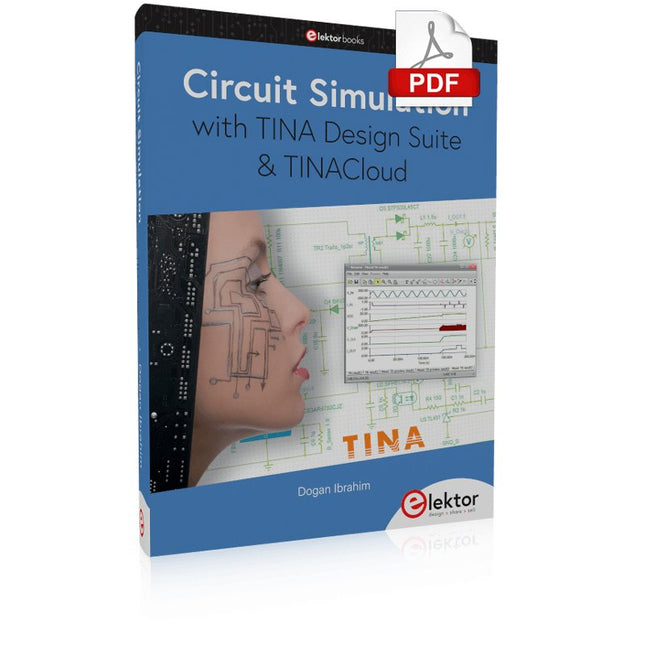
TINA Design Suite is a professional, powerful and affordable circuit simulator. It is a circuit designer and PCB design software package for analysing, designing, and real-time testing of analogue, digital, IBIS, VHDL, Verilog, Verilog AMS, SystemC, MCU, and mixed electronic circuits and their PCB layouts.
In this book, top-selling Elektor author, Prof. Dr. Dogan Ibrahim aims to teach the design and analysis of electrical and electronic circuits and develop PCB boards using both TINA and TINACloud. The book is aimed at electrical/electronic engineers, undergraduate electronic/electrical engineering students at technical colleges and universities, postgraduate and research students, teachers, and hobbyists. Many tested and working simulation examples are provided covering most fields of analogue and digital electrical/electronic engineering. These include AC and DC circuits, diodes, zener diodes, transistor circuits, operational amplifiers, ladder diagrams, 3-phase circuits, mutual inductance, rectifier circuits, oscillators, active and passive filter circuits, digital logic, VHDL, MCUs, switch-mode power supplies, PCB design, Fourier series, and spectrum. Readers do not need to have any programming experience unless they wish to simulate complex MCU circuits.
Mit dem Elektor Arduino Nano Trainingsboard (MCCAB) eigene Projekte realisieren
Der Mikrocontroller ist das wohl faszinierendste Teilgebiet der Elektronik, denn aufgrund der Vielzahl von Funktionen, die er auf seinem Chip vereinigt, ist er für den Entwickler ein universelles Multi-Tool zur Realisierung seiner Projekte. Praktisch jedes Gerät des täglichen Gebrauchs wird heute von einem Mikrocontroller gesteuert. Für einen elektronischen Laien blieb es aufgrund der Komplexität bisher allerdings ein Wunschtraum, eigene Ideen mit einem Mikrocontroller zu realisieren. Das Arduino-Konzept hat den Einsatz von Mikrocontrollern weitgehend vereinfacht, sodass jetzt auch Laien eigene Elektronik-Ideen mit einem Mikrocontroller verwirklichen können.
Buch & Hardware im Bundle: 'Learning by Doing'
Dieses im Bundle mitgelieferte Buch (im großen A4-Format) zeigt, wie man auch ohne große Erfahrung in Elektronik und Programmiersprachen eigene Projekte mit einem Mikrocontroller realisieren kann. Es ist ein Mikrocontroller-Praxiskurs für Einsteiger, denn nach einem Überblick über die Interna des Mikrocontrollers und einer Einführung in die Programmiersprache C liegt der Schwerpunkt des Kurses auf den praktischen Übungen. Der Leser eignet sich die erforderlichen Kenntnisse durch 'Learning by Doing' an: in dem umfangreichen Praxisteil mit 12 Projekten und 46 Übungen wird das im vorderen Teil des Buches Gelernte mit vielen Beispielen unterlegt. Die Übungen sind dabei so aufgebaut, dass der Bearbeiter eine Aufgabenstellung erhält, die er mit seinem im Theorieteil des Buches aufgebauten Wissen löst. Für jede Übung gibt es anschließend eine ausführlich erklärte und kommentierte Musterlösung, die dem Bearbeiter bei Problemen weiterhilft und die er mit seiner eigenen Lösung vergleichen kann.
Arduino IDE
In der Arduino IDE, einer Software-Entwicklungsumgebung, die kostenlos auf den eigenen PC heruntergeladen werden kann und die das gesamte Softwarepaket enthält, das für ein eigenes Mikrocontroller-Projekt benötigt wird, schreibt der Bearbeiter mit dem Editor der IDE seine Programme („Apps“) in der Programmiersprache C. Der in die Arduino IDE integrierte Compiler übersetzt sie in die Bits und Bytes, die der Mikrocontroller versteht und die dann über ein USB-Kabel in den Speicher des Mikrocontrollers auf dem Elektor Arduino Nano Trainingsboard (MCCAB) geladen werden.
Externe Sensoren, Motoren oder Baugruppen abfragen oder steuern
Das Elektor Arduino Nano Trainingsboard (MCCAB) enthält neben einem Mikrocontrollermodul Arduino Nano alle für die Übungen benötigten Bauteile wie Leuchtdioden, Schalter, Taster, akustische Signalgeber usw. Auch externe Sensoren, Motoren oder Baugruppen können mit diesem Mikrocontroller-Übungssystem abgefragt oder gesteuert werden.
Technische Daten (Arduino Nano Trainingsboard MCCAB)
Stromversorgung
Über die USB-Verbindung des zur Erstellung der Programme sowieso angeschlossenen PCs oder ein externes Netzteil (nicht im Lieferumfang enthalten)
Betriebsspannung
+5 Vcc
Eingangsspannung
Alle Eingänge
0 V bis +5 V
VX1 und VX2
+8 V bis +12 V (nur bei Verwendung eines externen Netzteils)
Mikrocontrollermodul
Arduino Nano
Hardwareperipherie
LCD
2x16 Zeichen
Potenziometer P1 & P2
JP3: Auswahl der Betriebsspannung von P1 & P2
Verteiler
SV4: Verteiler für die BetriebsspannungenSV5, SV6: Verteiler für die Ein-/Ausgänge des Mikrocontrollers
Schalter und Taster
RESET-Taster auf dem Arduino Nano-Modul6x Tastschalter K1 … K66x Schiebeschalter S1 … S6JP2: Verbindung der Schalter mit den Eingängen des Mikrocontrollers
Summer
Piezo-Summer Buzzer1 mit Steckbrücke auf JP6
Leuchtanzeigen
LED L auf dem Arduino Nano-Modul, verbunden mit GPIO D1311x LED: Zustandsanzeige für die Ein-/AusgängeJP6: Verbindung der LEDs LD10 … LD20 mit den GPIOs D2 … D12
Serielle SchnittstellenSPI & I²C
JP4: Auswahl des Signals an Pin X der SPI-Steckerleiste SV12SV9 bis SV12: SPI-Interface (3,3 V/5 V) bzw. I²C-Interface
Schaltausgang für externe Geräte
SV1, SV7: Schaltausgang (maximal +24 V/160 mA, extern zugeführt)SV2: 2x13 Pins zum Anschluss externer Module
3x3 LED-Matrix (9 rote LEDs)
SV3: Spalten der 3x3 LED-Matrix (Ausgänge D6 … D8)JP1: Verbindung der Reihen mit den GPIOs D3 … D5
Software
Library MCCABLib
Steuerung der Hardware-Komponenten (Schalter, Taster, Leuchtdioden, 3x3 LED-Matrix, Summer) auf dem MCCAB Trainingsboard
Betriebstemperatur
bis +40 °C
Abmessungen
100 x 100 x 20 mm
Technische Daten (Arduino Nano)
Mikrocontroller
ATmega328P
Architektur
AVR
Betriebsspannung
5 V
Flashspeicher
32 KB, davon 2 KB vom Bootloader belegt
SRAM
2 KB
Taktfrequenz
16 MHz
Analoge IN-Pins
8
EEPROM
1 KB
DC-Strom pro I/O-Pin
40 mA an einem I/O-Pin, insgesamt maximal 200 mA an allen Pins gemeinsam
Eingangsspannung
7-12 V
Digitale I/O-Pins
22 (6 davon sind PWM-fähig)
PWM-Ausgänge
6
Stromverbrauch
19 mA
Abmessungen
18 x 45 mm
Gewicht
7 g
Lieferumfang
Elektor Arduino Nano MCCAB Trainingsboard
Arduino Nano
Buch: Mikrocontroller-Praxiskurs für Arduino-Einsteiger
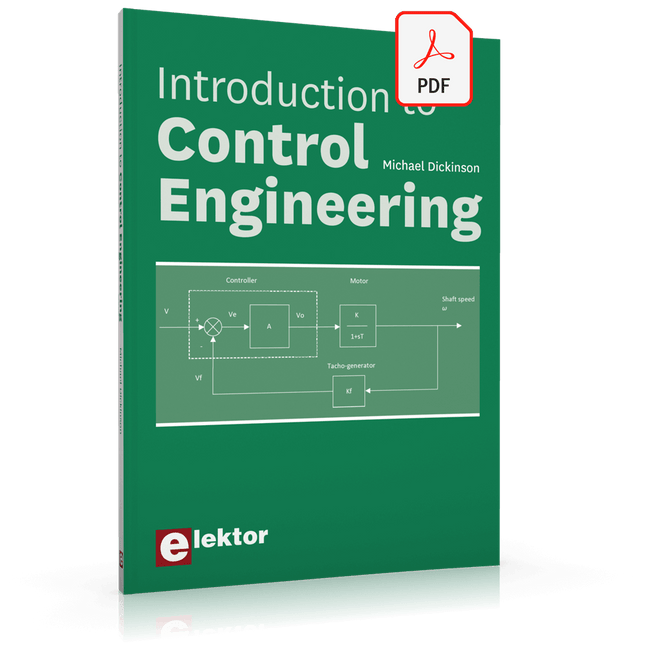
This book is aimed at practising engineers, students and hobbyists. It is intended as a source of reference for hardware and software associated with instrumentation and control engineering. Examples are presented from a range of industries and applications.
Throughout the book, circuit diagrams and software listings are described, typical of many measurement and control applications. The hardware and software designs may be used as a basis for application by the reader.
The book contains examples of PIC, PLC, PAC and PC programming. All code samples are available to download free of charge from the support website.
After an introductory section on control theory and modelling, the text focus is upon software for control system simulation and implementation, with appropriate reference to interfacing, electronic hardware and computing platforms.
Introduction to Control Engineering is a sourcebook of solutions for control system applications!
Programming with GNU Radio
HackRF is an open-source hardware platform developed by Great Scott Gadgets and serves as a versatile front end for software-defined radio (SDR). With HackRF One and its successor, HackRF Pro, users can develop their own SDR applications, build powerful receivers and transmitters, and tackle demanding RF measurement tasks.
This book provides a practical introduction to the world of SDR. Step by step, the author shows how powerful SDR projects can be implemented with HackRF – from the fundamentals of RF technology to advanced applications using GNU Radio.
In addition to working with SDR Sharp (SDR#), RadioConda, and GNU Radio, the book also covers the fundamentals of modern digital signal processing. Numerous experiments and easy-to-follow practical examples guide readers through topics such as AM, FM, and SSB reception, digital filters, shortwave radio, amateur radio, signal generators, and custom RF projects up to 6 GHz.
Whether you are a maker, radio amateur, electronics enthusiast, or SDR beginner, this book provides solid knowledge, practical applications, and the motivation to creatively explore the possibilities of modern SDR technology.
Les membres d'Elektor GREEN et GOLD peuvent télécharger ce numéro ici .
Pas encore membre? Cliquez ici pour souscrire une adhésion.
Le Raspberry Pi 5 bien mieux que son prédécesseur
L'IA dans le laboratoire d'électronique conception, recherche de composants et programmation
Générateur de forme d'onde Arduino Nano Nano + code = générateur de fonctions
Guirlande de Noël à énergie solaire solution écologique pour le balcon
Détecteur de tueur USB mieux vaut prévenir
CNC un boîtier simple avec Autodesk Fusion 360 pour un usage personnel
Produire des tirages en petit nombre avec et sans assemblage
La simulation IoT simplifiée avec Wokwi le développeur Uri Shaked sur la conception, les logiciels et plus encore
Un guide de programmation puriste (partie 3) En-têtes CMSIS, tests automatisés et serveur Web
LoRa, un couteau suisse partie 2 : le matériel et les logiciels
Micro MEMS Conception et construction
Essayez d'abord, puis soudez outils gratuits de simulation et de conception 3D
Nouveaux outils de Microchip ! PICkit 5 et MPLAB ICD 5 maintenant disponibles !
Prototypage rapide d'électronique flexible et extensible comment la Voltera NOVA accélère l'innovation dans le domaine des wearables
Isolation galvanique utiliser avec succès les optocoupleurs à phototransistor
Le complexe ou la solution Anybus ? Ethernet industriel intégré en deux jours au lieu de plusieurs mois
La liste de contrôle essentielle du DFM concevoir pour la production – comment faire ?
Filaments pour l'impression 3D types, caractéristiques et utilisations en prototypage
Spécialistes pour une analyse efficace des signaux de la bande ELF à la bande EHF les derniers analyseurs de spectre en temps réel de la série SPECTRAN® V6 d'Aaronia
Défis de l'analyse DFM pour les conceptions flexibles et rigides-flexibles
Installation d'une ligne de production SMT
Infographie Elektor prototypage et réalisation
Une révolution pour l'industrie l’essor des robots mobiles autonomes
Conçu pour les grands défis Rohde & Schwarz ajoute le R&S MXO 5 à huit canaux à ses oscilloscopes de nouvelle génération
Tous les débuts... ...renforce les différences
Mini plaque de refusion pour l'assemblage ou la réparation de petits circuits CMS
Ne commencez pas avec un prototype – commencez par un prétotype ! Vérifiez s'il existe un marché pour votre produit avant de chauffer le fer à souder
2023 : une odyssée de l’IA aider à la conception d'un projet concret
Bruxelles innove prise en charge de la technologie profonde
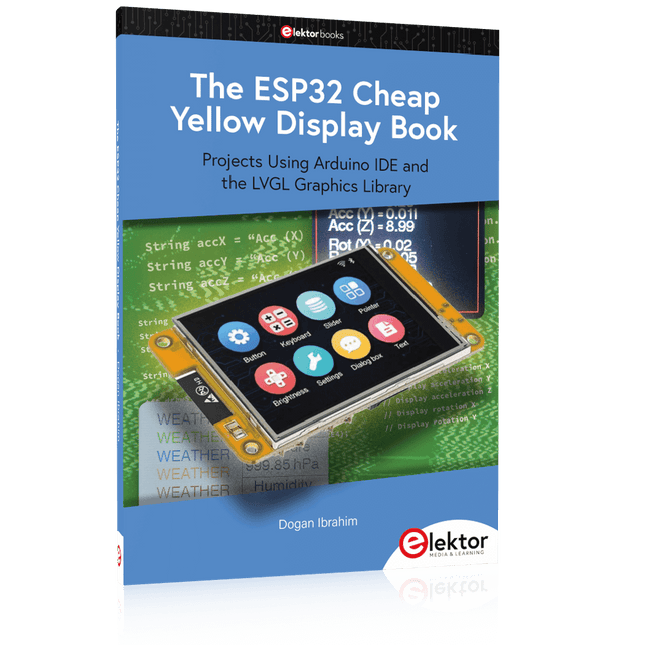
Projects Using Arduino IDE and the LVGL Graphics Library
The ESP32 is probably one of the most popular microcontrollers used by many people, including students, hobbyists, and professional engineers. Its low cost, coupled with rich features makes it a popular device to use in many projects. Recently, a board called the ESP32 Cheap Yellow Display (CYD for short) is available from its manufacturers. The board includes a standard ESP32 microcontroller together with a 320x240 pixel TFT display. Additionally, the board provides several connectors for interfaces such as GPIO, serial port (TX/RX), power and Ground. The inclusion of a TFT display is a real advantage as it enables users to design complex graphics-based projects without resorting to an external LCD or graphics displays.
The book describes the basic hardware of the ESP32 CYD board and provides details of its on-board connectors. Many basic, simple, and intermediate-level projects are given in the book based on the ESP32 CYD, using the highly popular Arduino IDE 2.0 integrated development environment. The use of both the basic graphics functions and the use of the popular LVGL graphics library are discussed in the book and projects are given that use both types of approaches.
All the projects given in the book have been tested and are working. The block diagram, circuit diagram, and the complete program listings and program descriptions of all the projects are given with explanations. Readers can use the LVGL graphics library to design highly popular eye-catching full-color graphics projects using widgets such as buttons, labels, calendars, keypads, keyboards, message boxes, spinboxes, sliders, charts, tables, menus, bars, switches, drop-down lists, animations, and many more widgets.
L'AD409 Pro-ES est un microscope numérique d'un pied extra-haut qui est également équipé d'un endoscope. Le microscope permet d'observer clairement les côtés des composants, l'intérieur des tuyaux, etc, ce qui permet une observation à 360° sans angle mort. Le microscope est également équipé d'une télécommande qui permet de basculer facilement entre les modes d'image suivants : deux lentilles, microscope et endoscope.
Caractéristiques
Lentille et barillet de mise au point en métal de haute qualité
Microscope numérique HDMI professionnel prenant en charge plusieurs méthodes de sortie
Microscope à souder avec support métallique Pro
Filtre UV unique
8 niveaux d'éclairage LED réglables
Télécommande sans fil pratique
Logiciel de mesure professionnel
Spécifications
Taille de l’écran
10,1 pouces (25,7 cm)
Capteur d’image
4 MP
Sortie vidéo
UHD 2880x2160 (24fps)FHD 1920x1080 (60fps/30fps)HD 1280x720 (120fps)
Format vidéo
MP4
Agrandissement
Jusqu'à 300 fois (moniteur HDMI de 27 pouces)
Résolution photo
Max. 12 MP (4032x3024)
Format de la photo
JPG
Plage de mise au point
Min. 5 cm
Fréquence d'images
Max. 120fps
Interface vidéo
HDMI
Stockage
carte microSD (jusqu'à 64 Go)
Support PC
Windows, logiciel PC avec mesure
Prise en charge des téléphones mobiles et des tablettes
Prise en charge de la connexion WiFi et des mesures
Source d'alimentation
5 V DC
Source lumineuse
2 LED avec le support
Endoscope
Oui
Taille du support
18 x 20 x 32 cm
Inclus
1x Microscope numérique Andonstar AD409 Pro-ES
1x Endoscope
1x Support métallique avec 2 LED
1x Filtre UV (déjà assemblé dans l'objectif)
1x Télécommande IR
1x Câble de commutation
1x Adaptateur d'alimentation
1x Clé à molette
2x Clips métalliques
1x Câble HDMI
1x Manuel de l'utilisateur
Télechargements
Manuel
Logiciel
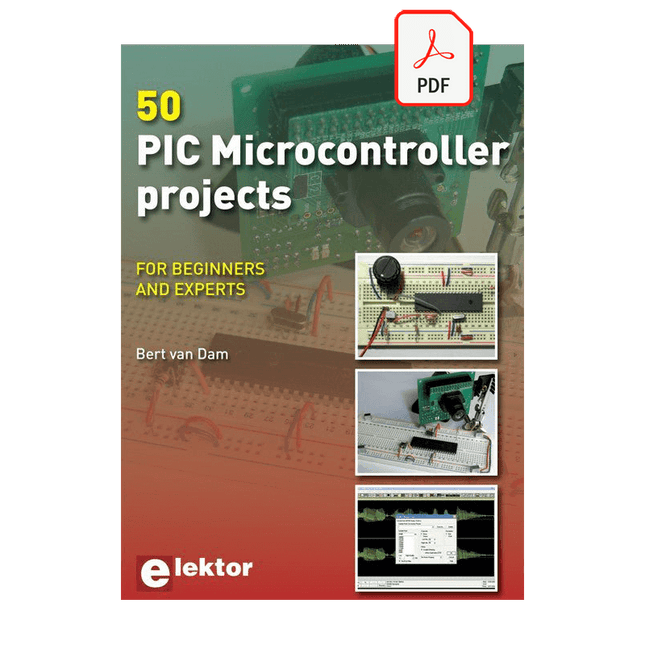
This book contains 50 fun and exciting projects for PIC microcontrollers such as a laser alarm, USB teasing mouse, eggtimer, youth repellent, soundswitch, capacitive liquid level gauge, 'finger in the water' sensor, guarding a room using a camera, mains light dimmer (110-240 volts), talking microcontroller and much more. Several different techniques are discussed such as relay, alternating current control including mains, I²C, SPI, RS232, USB, pulse width modulation, rotary encoder, interrupts, infrared, analog-digital conversion (and the other way around), 7-segment display and even CAN bus.
You can use this book to build the projects for your own use. The clear explanations, schematics and even pictures of each project make this a fun activity. For each project the theory is discussed and why the project has been executed in that particular way. That means you can also use this book as a studybook, or as basis for larger and more complicated projects. All projects use a breadboard so modification and expansion is easy.
Three PIC microcontrollers are used, the 16f877A, 18f4455 and 18f4685. It is also discussed how you can migrate your project from one microcontroller to another – 15 types are supported - including two example projects.
All software that is used in this book can be downloaded for free. That also applies to the open source programming language JAL. This powerful and yet easy to learn language is used by hobbyists as well as professionals.
This book can also be used as a reference guide. It explains all JAL commands, as well as the expansion libraries. Using the index you can easily find example projects that illustrate the use of these commands. Even when you have built all projects in this book you will still want to keep it within arm's reach.
Le DCA75 Pro est un excellent instrument qui allie facilité d'utilisation et fonctionnalités étonnantes. Il peut identifier automatiquement une vaste gamme de semi-conducteurs, identifier automatiquement les brochages et mesurer des paramètres détaillés.
Caractéristiques
Écran graphique intégré (maintenant rétroéclairé) pour afficher un schéma détaillé du composant que vous testez ainsi que les données de brochage et de mesure.
Connectivité USB pour permettre le traçage de courbes, le stockage/récupération de données et la correspondance de périphériques sur votre PC Windows (Windows 7 et supérieur).
Pile alcaline AAA interne unique pour un fonctionnement autonome.
Prise en charge des composants
Transistors bipolaires (NPN/PNP avec silicium/germanium)
Transistors Darlington (NPN/PNP)
MOSFET en mode d'amélioration (N-Ch et P-Ch)
MOSFET en mode appauvrissement (N-Ch et P-Ch)
FET de jonction (N-Ch et P-Ch). Types symétriques et asymétriques
IGBT d'amélioration (N-Ch et P-Ch)
Diodes et réseaux de diodes (types 2 et 3 fils)
Diodes Zener (jusqu'à environ 9 V)
Régulateurs de tension (jusqu'à environ 8 V)
LED et LED bicolores (2 types de fils et 3 types de fils)
Triacs et thyristors sensibles à faible puissance (déclenchement et maintien <10 mA)
Des mesures
Gain de courant BJT (hFE)
Tension de l'émetteur de base BJT (Vbe)
Courant de fuite du collecteur BJT
Tensions de seuil d'activation et de désactivation du MOSFET
Transconductance MOSFET
Tension de pincement JFET
Transconductance JFET
JFET IDSS (courant de drain pour Vgs=0)
Tensions de seuil d'activation et de désactivation de l'IGBT
Transconductance IGBT
Tension de sortie du régulateur de tension
Consommation de courant de repos du régulateur de tension
Tension de chute du régulateur de tension
Tension Zener
Chute de tension directe de la diode
Spécifications
Type d'analyseur
Composants semi-conducteurs
Détection des composants
Automatique
Détection de brochage
Automatique, connectez-vous dans tous les sens
Type d'affichage
LCD graphique (maintenant rétroéclairé)
Type d'interface
USB pour connexion PC en option
Fonctions PC
Traçage de courbe (Windows 7 et versions ultérieures)
Logiciel
Inclus sur clé USB pour Windows 7 et supérieur
Batterie
Pile AAA unique (fournie)
Inclus
Analyseur de composants semi-conducteurs DCA75
Logiciel PC sur clé USB pour Windows 11, 10, 8, 7, XP
Câble micro-USB
Sondes à crochet universelles haut de gamme installées
Pile alcaline AAA
Téléchargements
Datasheet (EN)
User Guide (FR)
Software Installation Guide (EN)
Software and Firmware Package
Practical Low-Cost Methods for Reliable PCB Production
This book explains how to carry out reliable SMD assembly using affordable tools and small-scale equipment. It follows the complete workflow step by step, including tool selection, solder paste handling, stencil use, component placement, reflow methods, inspection, and rework.
The focus is on bench-level and small-lab production rather than industrial assembly lines. It shows practical methods for building single and double-sided SMD boards with repeatable results.
Topics include solder paste and flux, temperature profiles, hot air and hotplate techniques, small reflow ovens, inspection methods, and defect correction. Checklists and example workflows are included to help reduce errors and improve consistency.
Key features:
Tools and supplies for SMD assembly and rework
Solder paste types, storage, and handling
Stencils and paste application methods
Pick and place workflow and component orientation
Temperature profiles and reflow methods
Hot air, hotplate, and reflow oven processes
Inspection and quality control
Common defects such as tombstoning and solder bridges
Practical rework and component replacement
Bench-level professional workflows and checklists
This book is designed as a practical bench reference for anyone who wants to assemble and troubleshoot their own SMD boards with reliable results.
No-Code KI für Maker und Entwickler
Dieses Buch nimmt Heraklits Leitsatz "Panta rhei – alles fließt" als Ausgangspunkt, um den Wandel und die Dynamik moderner Lebens- und Arbeitswelten zu beleuchten. Arbeitsabläufe – sogenannte Workflows – durchziehen sowohl das private als auch das geschäftliche Umfeld. Sie entstehen aus dem Zusammenspiel einzelner, oft banaler Handlungen, die in eine sinnvolle Reihenfolge gebracht werden. Diese Abläufe lassen sich manuell ausführen, doch durch Automatisierung und digitale Hilfsmittel werden sie deutlich effizienter und belastbarer.
Ein besonderer Fokus liegt auf dem Einsatz Künstlicher Intelligenz (KI), die sich mit rasanter Geschwindigkeit in immer mehr Lebensbereiche integriert. Ob automatische Übersetzungen, persönliche Assistenzen oder intelligente Infrastrukturen – KI-Systeme wie ChatGPT oder DeepSeek bieten vielfältige Möglichkeiten zur Prozessvereinfachung. Im privaten Bereich sind smarte Häuser ein Beispiel, im geschäftlichen Umfeld sind es komplexe Reaktionsketten auf bestimmte Situationen, bei denen KI gezielt eingesetzt wird.
Für die praktische Umsetzung solcher Prozesse bietet das Buch eine Einführung in das Low-Code-Tool n8n, das es ermöglicht, auch komplexe Workflows ohne klassische Programmierung zu gestalten. Mit über 500 fertigen Integrationen verbindet n8n verschiedenste Anwendungen miteinander und kann durch KI-Module ergänzt werden. Das Buch zeigt auf leicht verständliche Weise, wie sich solche Systeme sowohl im Alltag als auch in Unternehmen nutzen lassen – für mehr Effizienz, Struktur und technologische Souveränität.
Alle Linux-Befehle und Dateieinträge zur Konfiguration von Anwendungen stehen für Sie als Download bereit.
Downloads
GitHub
Programmieren mit GNU Radio
HackRF ist eine Open-Source-Entwicklung von Great Scott Gadgets und dient als vielseitiges Frontend für Software Defined Radio (SDR). Mit HackRF One und dem Nachfolger HackRF Pro lassen sich eigene SDR-Anwendungen entwickeln, leistungsfähige Empfänger und Sender aufbauen sowie anspruchsvolle Aufgaben der HF-Messtechnik realisieren.
Dieses Buch eröffnet einen praxisnahen Einstieg in die Welt des Software Defined Radio. Schritt für Schritt zeigt der Autor, wie sich mit HackRF leistungsfähige SDR-Projekte umsetzen lassen – von den Grundlagen der HF-Technik bis hin zu anspruchsvollen Anwendungen mit GNU Radio.
Neben dem Umgang mit SDR Sharp (SDR#), RadioConda und GNU Radio vermittelt das Buch auch die Grundlagen moderner digitaler Signalverarbeitung. Zahlreiche Experimente und leicht nachvollziehbare Praxisbeispiele führen durch Themen wie AM-, FM- und SSB-Empfang, digitale Filter, Kurzwelle, Amateurfunk, Messsender und eigene HF-Projekte bis 6 GHz.
Ob Maker, Funkamateur, Elektronik-Enthusiast oder SDR-Einsteiger – dieses Buch vermittelt fundiertes Wissen, praxisnahe Anwendungen und die Motivation, die Möglichkeiten moderner SDR-Technik kreativ auszuschöpfen.