
Résultats de la recherche pour "anet OR a6 OR homelab OR 3d OR printer OR kit"
-
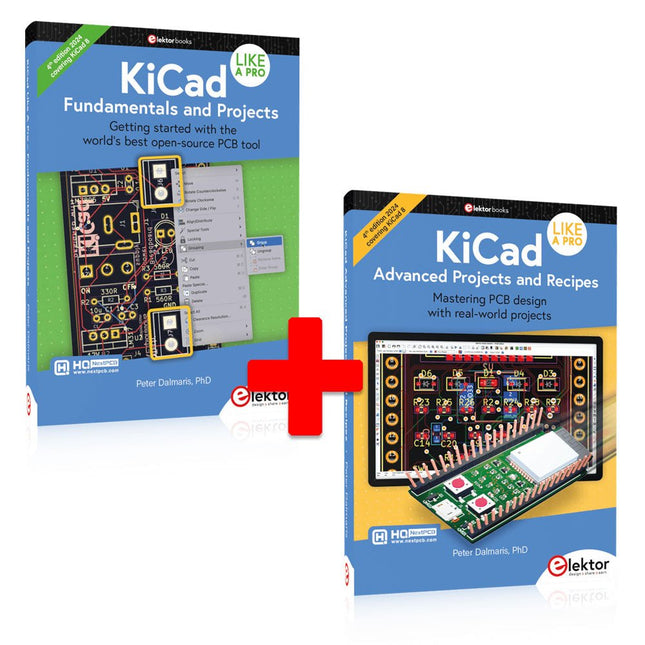
Elektor Bundles KiCad Like A Pro (offre groupée)
Cette offre groupée contient les deux volumes de « KiCad Like a Pro » (4e édition 2024). Dans Fundamentals and Projects (prix normal : 49,95 €), vous apprendrez à utiliser KiCad grâce à une approche pratique, vous aidant à devenir rapidement productif et à commencer à concevoir vos propres cartes. Advanced Projects and Recipes (prix normal : 44,95 €) vous permet de mettre en pratique vos nouvelles compétences KiCad en vous mettant au défi avec une série de projets réels. La dernière version de KiCad, le meilleur outil gratuit de CAO au monde, est dotée de fonctionnalités que l'on ne trouve généralement que dans les outils de CAO commerciaux coûteux. Cette suite d'applications multiplateformes moderne, construite autour d'éditeurs de schémas et de conception, avec des applications auxiliaires, est un outil PCB stable et mature. KiCad 8 est parfait pour les ingénieurs et les créateurs en électronique. Voici les améliorations et fonctionnalités les plus importantes de KiCad 8, à la fois en surface et sous le capot : Interface utilisateur moderne, entièrement repensée par rapport aux versions précédentes Vérificateurs de règles électriques et de conception améliorés et personnalisables Éditeur de thèmes vous permettant de personnaliser KiCad sur votre écran Possibilité d'importer des projets depuis Eagle, CADSTART, etc. API de script Python Simulateur de circuit SPICE intégré amélioré Schémas multi-feuilles Les filtres définissent les éléments sélectionnables Le routeur interactif amélioré vous aide à dessiner des pistes simples et des paires différentielles avec précision Des outils nouveaux ou améliorés pour dessiner des pistes, mesurer des distances, régler les longueurs de piste, etc. Interactif avancé routeur Générateur de nomenclature intégré Visionneuse 3D réaliste avec fonction de lancer de rayons Gouttes d'eau personnalisables Gestionnaire de plug-ins pour une installation rapide de thèmes, de bibliothèques et de fonctionnalités telles que les autorouteurs et les générateurs de nomenclature Le premier livre KiCad Like A Pro – Fundamentals and Projects vous apprendra à utiliser KiCad grâce à une approche pratique. Il vous aidera à devenir productif rapidement et à commencer à concevoir vos propres cartes. Des exemples de projets illustrent les fonctionnalités de base de KiCad, même si vous n'avez aucune connaissance préalable de la conception de PCB. L'auteur décrit l'intégralité du flux de travail, de la saisie des schémas aux subtilités de la finalisation des fichiers pour la production de PCB, et offre des conseils judicieux sur le processus. Le deuxième livre KiCad Like A Pro – Advanced Projects and Recipes vous aidera à mettre en pratique vos nouvelles compétences KiCad en vous mettant au défi dans une série de projets du monde réel. Les projets sont soutenus par un ensemble complet de recettes avec des instructions détaillées sur la façon de réaliser une variété de tâches simples et complexes. Concevez les PCB pour une alimentation solaire, une matrice de LED, un enregistreur de données alimenté par Arduino et une carte ESP32 personnalisée. Comprenez les détails les plus fins du routeur interactif, comment gérer les équipes de projet KiCad avec Git, comment utiliser un autorouter sur des PCB à 2 et 4 couches, et bien plus encore.
-
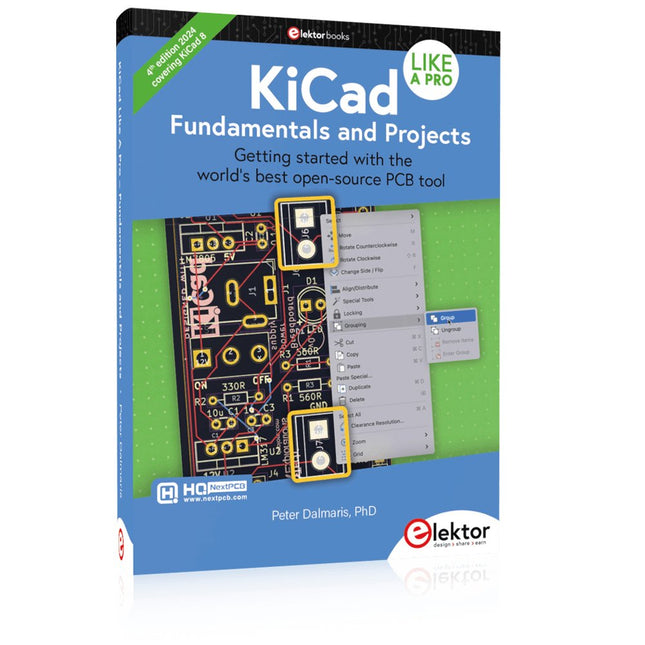
Elektor Publishing KiCad Like A Pro – Fundamentals and Projects
Getting started with the world’s best open-source PCB tool The latest iteration of KiCad, the world’s best free-to-use Printed Circuit Board tool, is packed with features usually found only in expensive commercial CAD tools. This modern, cross-platform application suite built around schematic and design editors, with auxiliary applications is a stable and mature PCB tool. KiCad 8 is a perfect fit for electronic engineers and makers. Here are the most significant improvements and features in KiCad 8, both over and under the hood: Modern user interface, completely redesigned from earlier versions Improved and customizable electrical and design rule checkers Theme editor allowing you to customize KiCad on your screen Ability to import projects from Eagle, CADSTART, and more Python scripting API Improved integrated SPICE circuit simulator Multi-sheet schematics Filters define selectable elements Enhanced interactive router helps you draw single tracks and differential pairs with precision New or enhanced tools to draw tracks, measure distances, tune track lengths, etc. Advanced interactive router Built-in bill of materials generator Realistic ray-tracing capable 3D viewer Customizable teardrops Plug-in manager for quick installation of themes, libraries and functionalities such as autorouters and BOM generators This book will teach you to use KiCad through a practical approach. It will help you become productive quickly and start designing your own boards. Example projects illustrate the basic features of KiCad, even if you have no prior knowledge of PCB design. The author describes the entire workflow from schematic entry to the intricacies of finalizing the files for PCB production and offers sound guidance on the process. Further full-fledged projects, of incremental difficulty, will be presented in a second book, together with a variety of advanced recipes.
-
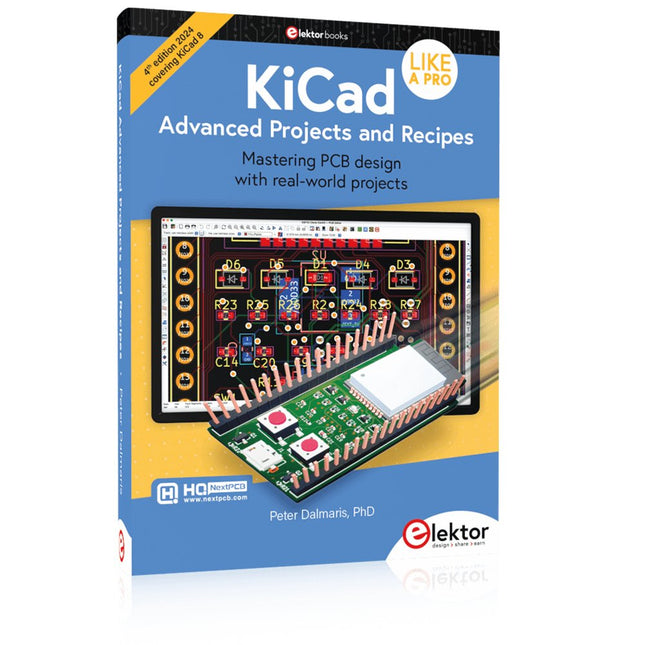
Elektor Publishing KiCad Like A Pro – Advanced Projects and Recipes
Mastering PCB design with real-world projects This book builts on KiCad Like a Pro – Fundamentals and Projects and aims to help you practice your new KiCad skills by challenging you in a series of real-world projects. The projects are supported by a comprehensive set of recipes with detailed instructions on how to achieve a variety of simple and complex tasks. Design the PCBs for a solar power supply, an LED matrix array, an Arduino-powered datalogger, and a custom ESP32 board. Understand the finer details of the interactive router, how to manage KiCad project teams with Git, how to use an autorouter on 2 and 4-layer PCBs, and much more. KiCad 8 is a modern, cross-platform application suite built around schematic and design editors. This stable and mature PCB tool is a perfect fit for electronic engineers and makers. With KiCad 8, you can create PCBs of any complexity and size without the constraints associated with the commercial packages. Here are the most significant improvements and features in KiCad 8, both over and under the hood: Modern user interface, completely redesigned from earlier versions Improved and customizable electrical and design rule checkers Theme editor allowing you to fully customize the look of KiCad on your screen Ability to import projects from Eagle, CADSTART, and more An improved and tightly integrated SPICE circuit simulator Autorouting with the Freerouting plugin Filters define which elements of a layout are selectable Enhanced interactive router helps you draw single tracks and differential pairs with precision New or enhanced tools to draw tracks, measure distances, tune track lengths, etc. Enhanced tool for creating filled zones A customizable coordinate system facilitates data exchange with other CAD applications Realistic ray-tracing capable 3D viewer Differential pair routing Rich repositories of symbol, footprint, and 3D shape libraries Python scripting API for programmatic customization and extensions Improved footprint wizard for fast custom footprints
