
Résultats de la recherche pour "getting or started or with or esphome"
-
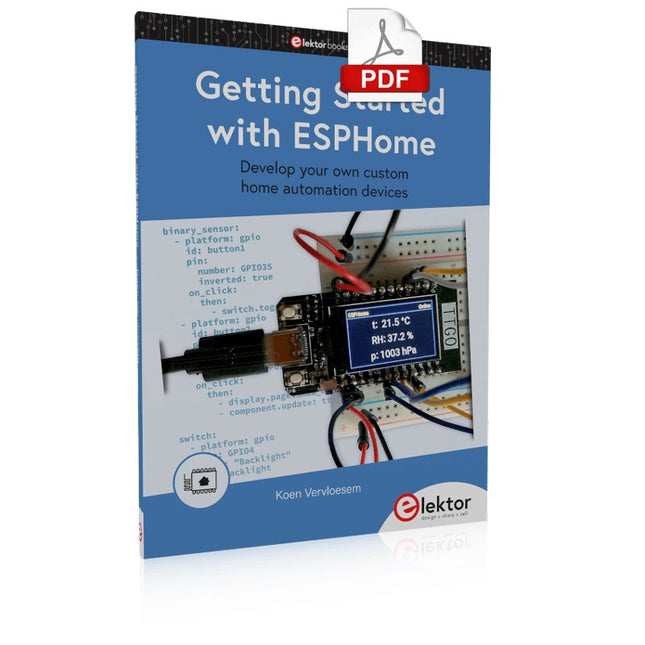
Elektor Digital Getting Started with ESPHome (E-book)
Develop your own custom home automation devices Espressif's ESP8266 and ESP32 microcontrollers have brought DIY home automation to the masses. However, not everyone is fluent in programming these microcontrollers with Espressif's C/C++ SDK, the Arduino core, or MicroPython. This is where ESPHome comes into its own: with this project, you don’t program your microcontroller but configure it. This book demonstrates how to create your own home automation devices with ESPHome on an ESP32 microcontroller board. You’ll learn how to combine all kinds of electronic components and automate complex behaviours. Your devices can work completely autonomously, and connect over Wi-Fi to your home automation gateways such as Home Assistant or MQTT broker. By the end of this book, you will be able to create your own custom home automation devices the way you want. Thanks to ESPHome and the ESP32, this is within everyone’s grasp. Set up an ESPHome development environment and create maintainable configurations Use buttons and LEDs Sound a buzzer and play melodies Read measurements from various types of sensors Communicate over a short distance with NFC, infrared light, and Bluetooth Low Energy Show information on various types of displays Downloads Software
€ 29,95
Membres : € 26,96
-

Elektor Digital Home Automation and Electronics for Starters (E-book)
Projets avec Arduino, ESPHome, Home Assistant, et Raspberry Pi & Co. Ce livre électronique contient plusieurs exemples de projets, en commençant par une introduction à l'électronique. Il explique également comment installer Home Assistant sur un Raspberry Pi, comment utiliser des capteurs de climat intérieur pour la température et l'humidité, comment mettre en œuvre le protocole MQTT et d'autres interfaces, et comment utiliser ESPHome pour intégrer des capteurs et des actionneurs dans Home Assistant. De nombreux tutoriels vidéo complètent le livre. Fundamentals of electrical engineering The book begins with an introduction to electrical engineering. You will learn the basics of voltage, current, resistors, diodes and transistors. Arduino and microcontrollers A complete section is dedicated to the Arduino Uno. You will get to know the structure, write your first programs and work on practical examples. Home Assistant and automation You will learn how to set up Home Assistant on a Raspberry Pi and how to use automations, scenes and devices. In addition, Zigbee, MQTT and ESP-NOW – important technologies for home automation – will be discussed. ESP8266, ESP32 and ESP32-CAM The popular ESP microcontrollers are covered in detail. A theoretical introduction is followed by practical projects that show you how to get the most out of these devices. Sensors and actuators The book explains the functionality and application of numerous sensors such as temperature and humidity sensors, motion detectors and RFID readers. For actuators, stepper motors, e-ink displays, servo motors and much more are covered. There are practical application examples for all devices. ESPHome This chapter shows you how to integrate sensors and actuators into Home Assistant without any programming effort. You will be guided step by step through the setup with ESPHome. LEDs and lighting technology In this chapter, you will learn about different types of LEDs and how they can be used. The basics of lighting technology are also explained. Node-RED A whole chapter is dedicated to Node-RED. You will learn the basics of this powerful tool and be guided step by step through its setup and use. Integrated Circuits (ICs) In electronics, there are numerous ICs that make our lives easier. You will get to know the most important ones and apply your knowledge in practical projects. Professional programming Advanced topics such as the correct use of buttons, the use of interrupts and the use of an NTP server for time synchronisation are covered in detail in this chapter. Downloads GitHub
€ 59,95
Meilleur prix
-

Elektor Digital Heimautomation und Elektronik für Anfänger (PDF)
Projekte mit Arduino, ESPHome, Home Assistant und Raspberry Pi & Co Dieses E-Book enthält verschiedene Projektbeispiele und beginnt mit einer Einführung in die Elektronik. Es erklärt unter anderem, wie man Home Assistant auf einem Raspberry Pi installiert, wie man Raumklimasensoren für Temperatur und Luftfeuchtigkeit nutzt, das MQTT-Protokoll sowie weitere Schnittstellen einsetzt und ESPHome verwendet, um Sensoren und Aktoren in Home Assistant zu integrieren. Zahlreiche Video-Tutorials ergänzen das Buch. Grundlagen der Elektrotechnik Das Buch beginnt mit einer Einführung in die Elektrotechnik. Ihr lernt die Grundlagen von Spannung, Strom, Widerständen, Dioden und Transistoren. Arduino und Mikrocontroller Ein kompletter Abschnitt widmet sich dem Arduino Uno. Ihr lernt den Aufbau kennen, schreibt erste Programme und erarbeitet praktische Beispiele. Home Assistant und Automatisierung Ihr erfahrt, wie Home Assistant auf einem Raspberry Pi eingerichtet wird, und lernt den Umgang mit Automatisierungen, Szenen und Geräten. Zusätzlich wird auf Zigbee, MQTT und ESP-NOW eingegangen – wichtige Technologien für die Heimautomation. ESP8266, ESP32 und ESP32-CAM Die beliebten ESP-Mikrocontroller werden ausführlich behandelt. Nach einer theoretischen Einführung folgen praktische Projekte, die euch zeigen, wie ihr das Beste aus diesen Geräten herausholen könnt. Sensoren und Aktoren Das Buch erklärt die Funktionsweise und Anwendung zahlreicher Sensoren wie Temperatur- und Luftfeuchtigkeitssensoren, Bewegungsmelder und RFID-Reader. Bei den Aktoren werden Schrittmotoren, e-ink Displays, Servo-Motoren und vieles mehr beleuchtet. Zu allen Geräten gibt es praxisnahe Anwendungsbeispiele. ESPHome Dieses Kapitel zeigt euch, wie ihr Sensoren und Aktoren ohne Programmieraufwand in Home Assistant integriert. Ihr werdet Schritt für Schritt durch die Einrichtung mit ESPHome geführt. LEDs und Lichttechnik In diesem Kapitel lernt ihr verschiedene LED-Typen und deren Einsatzmöglichkeiten kennen. Grundlagen der Lichttechnik werden ebenfalls erklärt. Node-RED Ein eigenes Kapitel ist Node-RED gewidmet. Ihr erlernt die Grundlagen dieses leistungsstarken Tools und werdet Schritt für Schritt durch die Einrichtung und Nutzung geführt. Integrierte Schaltkreise (ICs) In der Elektronik gibt es zahlreiche ICs, die uns das Leben erleichtern. Ihr lernt die wichtigsten kennen und wendet das Wissen in praktischen Projekten an. Programmieren für Profis Fortgeschrittene Themen wie die korrekte Verwendung von Tastern, der Einsatz von Interrupts und die Nutzung eines NTP-Servers für Zeit-Synchronisation werden in diesem Kapitel detailliert behandelt. Downloads GitHub
€ 59,95
Meilleur prix
-

Elektor Digital Build Smart Projects with the XIAO ESP32-C3 Board (E-book)
The XIAO ESP32-C3 board combines the ultra-compact form factor of the XIAO series with the full capabilities of the ESP32-C3 chip, including integrated Wi-Fi and Bluetooth 5.0. This book is a comprehensive, hands-on guide to getting the most out of this powerful yet affordable development board. The author takes readers from the fundamentals to advanced projects. Starting with LED blinking and dimming, the book progresses to ADC and PWM for precise sensor interfacing and PWM-controlled lighting effects before moving on to building practical, real-world applications, including: A Wi-Fi weather station with an OLED display and real-time online weather data An ultrasonic parking assistant with audible feedback A refrigerator monitoring probe with climate sensing and Deep Sleep for years of battery operation A retro Pong game controlled by a touch-free sensor A microphone-based party app that responds to claps And much more: lighting control, reaction-time measurement, mains frequency analysis, soil moisture sensing, ambient LED lighting, and 7-segment displays
€ 29,95
Membres : € 26,96
-

Elektor Digital Elektor May/June 2021 (PDF) EN
DIY LiPo Supercharger KitFrom Handcrafted to Mass Market Elektor @ 60Reflections on Six Decades of Electronics Siglent Bench Multimeter SDM3045X DC Current-Sense ClampHall Sensor + Ferrite Core + Arduino Soldering Station 2021Easy to build! Hands On the Parallax Propeller 2Part 2: The Development Environment and Code Wi-Fi for LoRa SwitchIntegrated in Home Assistant with ESPHome Do Not Fear the Cellular Module! Tracking Time with ESP32 and TogglWorking with the M5Stack Get to Know the Raspberry Pi Pico Board and RP2040 MicroPython for MicrocontrollersSmall-Format Screens 12-to-200-V DC/DC Converter for Valve Amplifiers Heat SeekerThe Seek Shot Pro Thermal Imaging Camera Object-Oriented Programming: A Short Primer Using C++ HomeLab ToursHome Lab and an Analogue Synthesiser by Kurt Diedrich Java on the Raspberry PiPart 1: GPIOs DIP SwitchesPeculiar Parts, the series Project 2.0Corrections, Updates and Readers’ Letters Whose Product Is It Anyway?Right to Repair Gains Momentum From Life's ExperienceThe Great Book of Blunders Micro-ProfessorLearning Assembly Language on a Z80 Starting out in ElectronicsEasier Than Imagined! Even When It Is About Capacitors HexadokuThe Original Elektorized Sudoku
€ 7,50
-
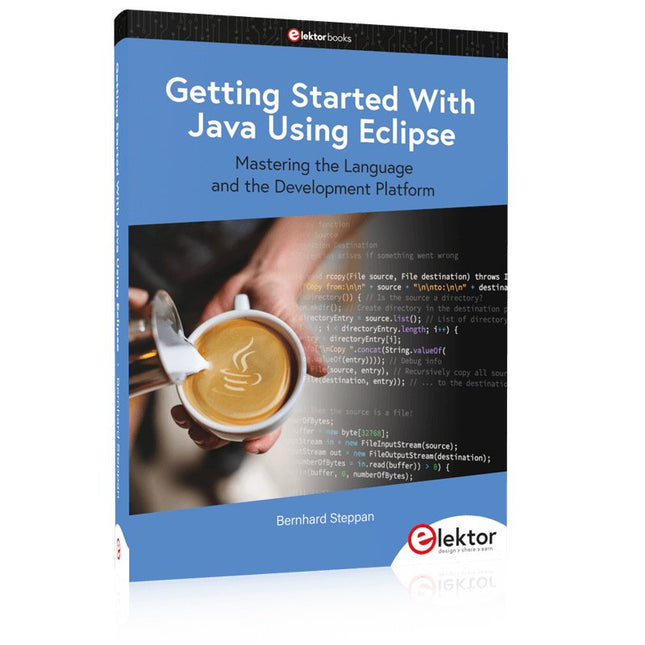
Elektor Publishing Getting Started With Java Using Eclipse
Mastering the Language and the Development Platform Many people would like to learn Java but getting started is not easy since programming with Java requires at least two things: mastering the programming language and the development environment. With the help of many examples, this book shows how the language is structured. In addition, it employs the Eclipse development environment as an example of a powerful tool to teach developing Java programs. In Basics, the first part of the book, you acquire your Java and Eclipse basic knowledge. This part lays the programming foundations, gives you an overview of Java technology, and shows you what is special about object-oriented programming. In the second part called Java Language, everything revolves around the subtleties of the Java language and this is where the first small Java applications are created, aided by a fine blend of the knowledge part and practical exercises. Java Technology is both the name and the focus of the third part which also introduces you to the rules to observe when programming, what class libraries are and what advantages they have. In addition, you will learn how to test programs, what algorithms are, and how to program them. The fourth part, Java Projects, enables you to apply all the previous elements in an application with a graphical user interface. The project shows how to develop a larger application piece by piece with the Eclipse development environment. The Appendix concludes with a section on frequent errors that can occur when working with Eclipse, and a Glossary.
€ 44,95
Membres : € 40,46
-
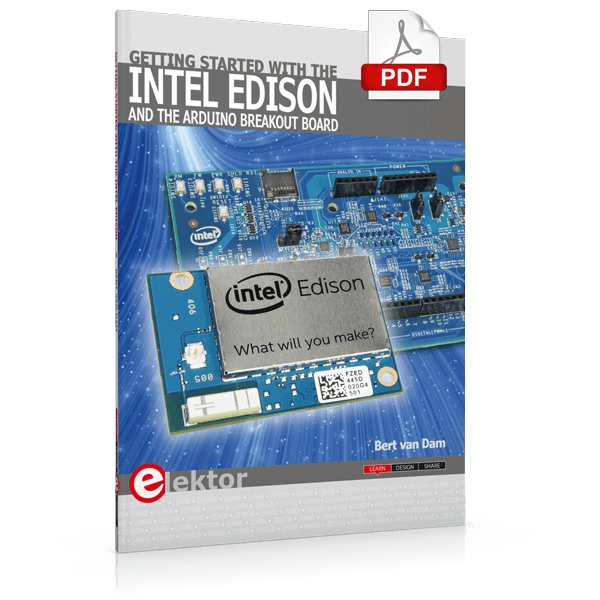
Elektor Digital Getting Started with the Intel Edison (E-book)
The Internet of Things is rapidly gaining interest, and that has fueled the development of the Edison. A tiny computer, the size of a postage stamp, with a lot of power and built-in wireless communication capabilities. In this eBook we will help you get up-to-speed with the Edison, by installing the software both on the Edison as well as on your Windows PC. We will use the Edison Arduino break-out board because it is easy to work with. We will discuss Linux, Arduino C++ and Python, and show examples of how the Edison can interface with other hardware. We will use Wi-Fi and Bluetooth to set up wireless connections, and show you a trick to program sketches over Wi-Fi. Once you have completed this book your Edison will be up and running with the latest software version, and you will have sufficient knowledge of both hardware and software to start making your own applications. You will even be able to program the Edison over USB and wireless both in Arduino C++ and Python. This is not a projects eBook, but a toolbox that will allow you to explore the wonderful world of the Intel Edison!
€ 24,95
Membres : € 22,46
-
Elektor Digital Getting Started With Java Using Eclipse (E-book)
Mastering the Language and the Development Platform Many people would like to learn Java but getting started is not easy since programming with Java requires at least two things: mastering the programming language and the development environment. With the help of many examples, this book shows how the language is structured. In addition, it employs the Eclipse development environment as an example of a powerful tool to teach developing Java programs. In Basics, the first part of the book, you acquire your Java and Eclipse basic knowledge. This part lays the programming foundations, gives you an overview of Java technology, and shows you what is special about object-oriented programming. In the second part called Java Language, everything revolves around the subtleties of the Java language and this is where the first small Java applications are created, aided by a fine blend of the knowledge part and practical exercises. Java Technology is both the name and the focus of the third part which also introduces you to the rules to observe when programming, what class libraries are and what advantages they have. In addition, you will learn how to test programs, what algorithms are, and how to program them. The fourth part, Java Projects, enables you to apply all the previous elements in an application with a graphical user interface. The project shows how to develop a larger application piece by piece with the Eclipse development environment. The Appendix concludes with a section on frequent errors that can occur when working with Eclipse, and a Glossary.
€ 34,95
Membres : € 31,46
-

Elektor Digital Elektor January/February 2021 (PDF) EN
DIY LiPo Supercharger BundleGreatScott and Elektor's LiPo Charger, Booster, and Protector MTheCamA Simple Mini Thermal Camera Weller WE 1010Soldering Station electronica Fast Forward 2020 Winners I2S Test Signal Generator with AVR Microcontroller32-Bit 1-kHz Digital Sine, fs 192 kHz, Level Adjustable from 0 to -110 dB Control Your Home with Raspberry PiRPi snoops on 433.92 MHz Simulate Circuits Online From Life's ExperienceThe Fine Line Between Order and Chaos Starting Out in ElectronicsEasier Than imagined! Homebrew CPUsThe Discrete Microcontroller Connect Your Thermostat with ESPHomeAn Attempt at Doing Home Automation the Right Way Developer’s ZoneTips & Tricks, Best Practices and Other Useful Information Small Circuits RevivalFrom the Elektor suggestions box Raspberry Pi Full StackRPi and RF24 at the heart of a sensor network Practical ESP32 Multitasking (6)Event Groups Multi-Channel Power Analyzer: Up to 3 Channels, with Graphic and Alphanumeric Display Analogue Filter Design (Part 3)Passive Filters JOY-iT VAX-1030Wireless Measurement Module New LCR Meter 50 Hz - 2 MHz Part 2Operation, Calibration, and Firmware Programming Error AnalysisTips on Voltage Regular Circuits, PCB Design, and More The Open Hardware ObservatoryCommunity-Based Open Source Hardware Assessment Java on the Raspberry PiAn Interview with Frank Delporte Data Analysis and Artificial Intelligence in PythonInterpreting Real Data with NumPy, pandas and scikit-learn Project 2.0Corrections, Updates and Readers’ letters Getting to Know the Parallax Propeller 2 (Part 1)An Introduction Hexadoku
€ 7,50
-

Elektor Digital Elektor September/October 2020 (PDF) EN
USB to S/PDIF InterfaceDigital audio output for computer, laptop, tablet or smartphone Practical ESP32 Multitasking (4)Binary semaphores A Wireless Temperature Sensor for the Nixie Bargraph ThermometerA multipurpose solution with a design trick Multitasking with Raspberry PiShowcase: a traffic lights controller Timer for Headphone Amplifier Open-Network Weather Station Mk.2Part 2: Software Home Automation Made EasyWith ESPHome, Home Assistant & MySensors The Storage CRTPeculiar Parts, the series Artificial Intelligence for Beginners (3)A stand-alone neural network Programming PICs from the Ground UpAssembler routine to output a sine wave IKEA Lamp HackEquipping an inexpensive IKEA lamp with NeoPixel LEDs and WLAN Don't Let Your Hobby Project Collect Dust in a CornerSupply-side time management and spiral development Starting Out in Electronics (4)Easier than imagined! Homelab Tours: The Vinyl CutterReturning to the golden age of LPs The 8-Bit Microcontroller and BeyondInterview with Tam Hanna Small Circuits RevivalFrom the Elektor suggestions box Review: Owon OW18E Bluetooth Multimeter InteractiveCorrections & Updates || Questions & Answers Steeped in ElectronicsLead-free soldering and EU regulatory zeal Promising Project: New 50 Hz – 2 MHz LCR meterAccuracy and ease of use Error AnalysisTips on FMEA, High Current, and More Developer's ZoneTips & Tricks, Best Practices and Other Useful Information Review: Siglent SDL1020X Programmable DC Electronic Load High-Voltage Power Supply with Curve TracerGenerate voltages up to 400 V and trace characteristics curves for valves and transistors Hexadoku 2009EL Analogue Electronics DesignCase Study #2 — Part 1: Analogue filter theory The Elektor StoreNever expensive, always surprising How to Draw a Circuit Diagram
€ 7,50
-
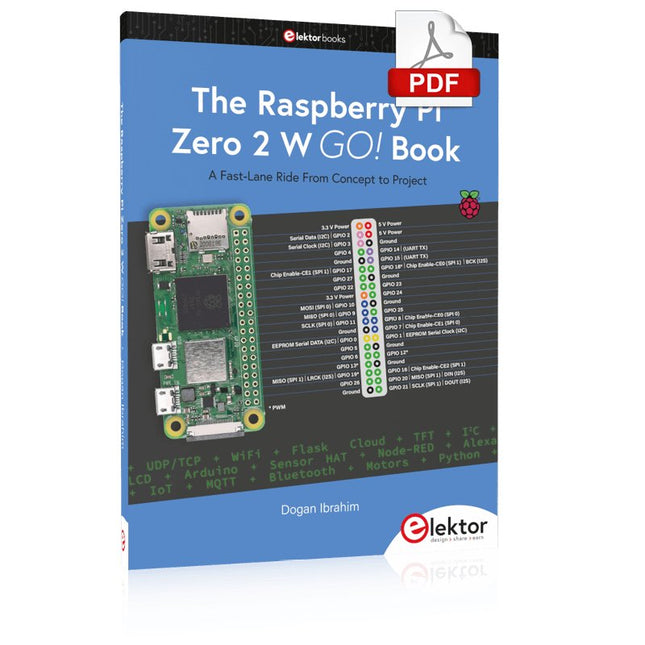
Elektor Digital The Raspberry Pi Zero 2 W GO! Book (PDF)
A Fast-Lane Ride From Concept to Project The core of the book explains the use of the Raspberry Pi Zero 2 W running the Python programming language, always in simple terms and backed by many tested and working example projects. On part of the reader, familiarity with the Python programming language and some experience with one of the Raspberry Pi computers will prove helpful. Although previous electronics experience is not required, some knowledge of basic electronics is beneficial, especially when venturing out to modify the projects for your own applications. Over 30 tested and working hardware-based projects are given in the book, covering the use of Wi-Fi, communication with smartphones and with a Raspberry Pi Pico W computer. Additionally, there are Bluetooth projects including elementary communication with smartphones and with the popular Arduino Uno. Both Wi-Fi and Bluetooth are key features of the Raspberry Pi Zero 2 W. Some of the topics covered in the book are: Raspberry Pi OS installation on an SD card Python program creation and execution on the Raspberry Pi Zero 2 W Software-only examples of Python running on the Raspberry Pi Zero 2 W Hardware-based projects including LCD and Sense HAT interfacing UDP and TCP Wi-Fi based projects for smartphone communication UDP-based project for Raspberry Pi Pico W communication Flask-based webserver project Cloud storage of captured temperature, humidity, and pressure data TFT projects Node-RED projects Interfacing to Alexa MQTT projects Bluetooth-based projects for smartphone and Arduino Uno communications
€ 32,95
Membres : € 29,66
-

Elektor Digital Elektor July/August 2021 (PDF) EN
LoRa with the Raspberry Pi PicoFun with MicroPython What Is RISC-V?And Why the Industry Is So Excited About a New Processing Core! Elektor @ 60Circuits of Summer Past Versatile Power Supply for BreadboardsPositive and Negative Voltages Out of 5 V from USB Raspberry Pi Pico EssentialsSample Chapter: Wi-Fi with the Raspberry Pi Pico Magnetic Levitation the Easy Way Hands On the Parallax Propeller 2Part 3: Smart Pins and Serial Data (UART) Nucleo Boards Programming with the STM32CubeIDESample Chapter: FreeRTOS for the STM32 MCU Developer's ZoneTips & Tricks, Best Practices and Other Useful Information Miniware DT71 Digital Tweezers Wearable Wi-Fi Gadget: ESPHome Does the Job Again Starting out in ElectronicsEasier Than Imagined! This Concludes the Subject of “Capacitors” Simple Sketches Using the Qwiic Ecosystem Java on the Raspberry Pi (Part 2)Controlling GPIOs with a Spring REST Service Raspberry Pi Compute Module 4A Raspberry Pi for Industry Portable, Stand-Alone Air Quality Display for 2.5 µm ParticlesKeep(s) an Eye on Your Health From Life’s ExperienceThe Future Was Better in the Past MicroPython for the ESP32 and FriendsPart 1: Installation and Our First Programs Charge-Coupled Devices in OscilloscopesPeculiar Parts, the series ESD – The Invisible DestroyerComponents Trashed by a Bolt from the Blue Solar Power for Mowing RobotsEcological, Inexpensive, Simple! Europe’s Efforts to Tame Big Tech HexadokuThe Original Elektorized Sudoku
€ 7,50


