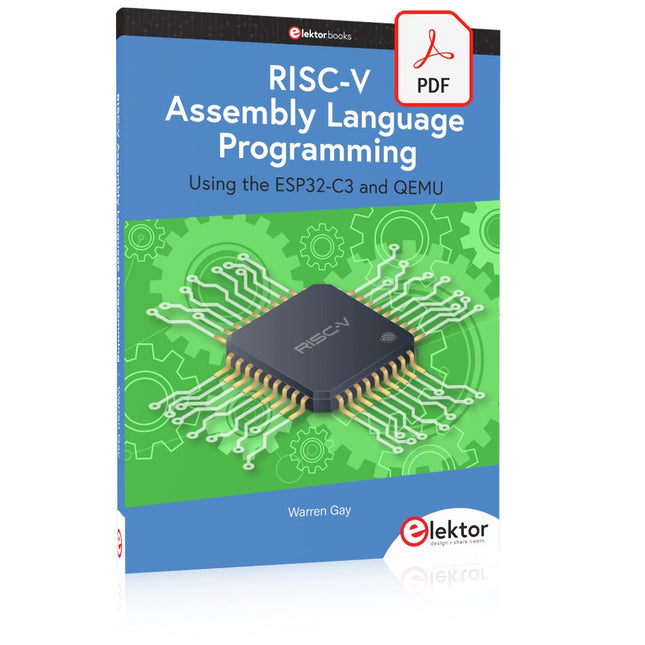
With the availability of free and open source C/C++ compilers today, you might wonder why someone would be interested in assembler language. What is so compelling about the RISC-V Instruction Set Architecture (ISA)? How does RISC-V differ from existing architectures? And most importantly, how do we gain experience with the RISC-V without a major investment? Is there affordable hardware available?
The availability of the Espressif ESP32-C3 chip provides a way to get hands-on experience with RISC-V. The open sourced QEMU emulator adds a 64-bit experience in RISC-V under Linux. These are just two ways for the student and enthusiast alike to explore RISC-V in this book.
The projects in this book are boiled down to the barest essentials to keep the assembly language concepts clear and simple. In this manner you will have “aha!” moments rather than puzzling about something difficult. The focus in this book is about learning how to write RISC-V assembly language code without getting bogged down. As you work your way through this tutorial, you’ll build up small demonstration programs to be run and tested. Often the result is some simple printed messages to prove a concept. Once you’ve mastered these basic concepts, you will be well equipped to apply assembly language in larger projects.
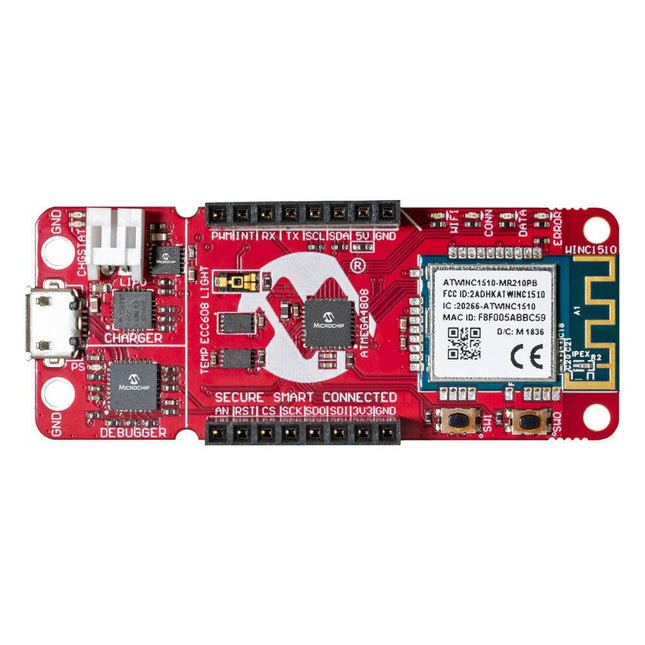
La carte de développement AVR-IoT WA combine un puissant microcontrôleur AVR ATmega4808, un circuit intégré d'élément sécurisé CryptoAuthentication™ ATECC608A et le contrôleur réseau Wi-Fi ATWINC1510 entièrement certifié, qui fournit le moyen le plus simple et le plus efficace de connecter votre application intégrée à Amazon Web Services ( AWS). La carte comprend également un débogueur intégré et ne nécessite aucun matériel externe pour programmer et déboguer le MCU.
Prêt à l'emploi, le MCU est préchargé avec une image de micrologiciel qui vous permet de vous connecter et d'envoyer rapidement des données à la plateforme AWS à l'aide des capteurs de température et de lumière intégrés. Une fois que vous êtes prêt à créer votre propre conception personnalisée, vous pouvez facilement générer du code à l'aide des bibliothèques de logiciels gratuits d'Atmel START ou de MPLAB Code Configurator (MCC).
La carte AVR-IoT WA est prise en charge par deux environnements de développement intégrés (IDE) primés – Atmel Studio et Microchip MPLAB X IDE – vous donnant la liberté d'innover avec l'environnement de votre choix.
Caractéristiques
Microcontrôleur ATmega4808
Quatre LED utilisateur
Deux boutons mécaniques
Empreinte de l'en-tête mikroBUS
Capteur de lumière TEMT6000
Capteur de température MCP9808
Dispositif CryptoAuthentication™ ATECC608A
Module Wi-Fi WINC1510
Débogueur intégré
Auto-ID pour l'identification de la carte dans Atmel Studio et Microchip MPLAB
Une LED verte d'alimentation et d'état de la carte
Programmation et débogage
Port COM virtuel (CDC)
Deux lignes DGI GPIO
Alimenté par USB et par batterie
Chargeur de batterie Li-Ion/LiPo intégré
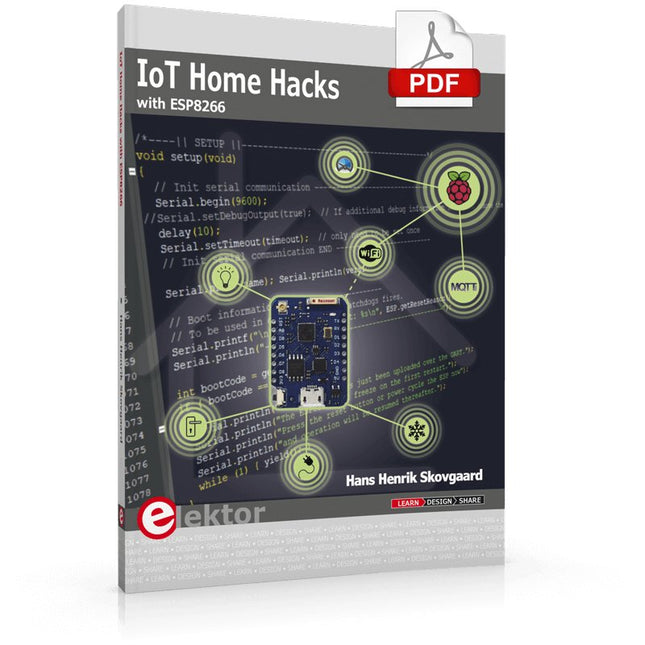
There are many so-called 'Arduino compatible' platforms on the market. The ESP8266 – in the form of the WeMos D1 Mini Pro – is one that really stands out. This device includes WiFi Internet access and the option of a flash file system using up to 16 MB of external flash memory. Furthermore, there are ample in/output pins (though only one analogue input), PWM, I²C, and one-wire. Needless to say, you are easily able to construct many small IoT devices!
This book contains the following builds:
A colourful smart home accessory
refrigerator controller
230 V power monitor
door lock monitor
and some further spin-off devices.
All builds are documented together with relevant background information for further study. For your convenience, there is a small PCB for most of the designs; you can also use a perf board. You don’t need to be an expert but the minimum recommended essentials include basic experience with a PC, software, and hardware, including the ability to surf the Internet and assemble PCBs.
And of course: A handle was kept on development costs. All custom software for the IoT devices and PCB layouts are available for free download from at Elektor.com.
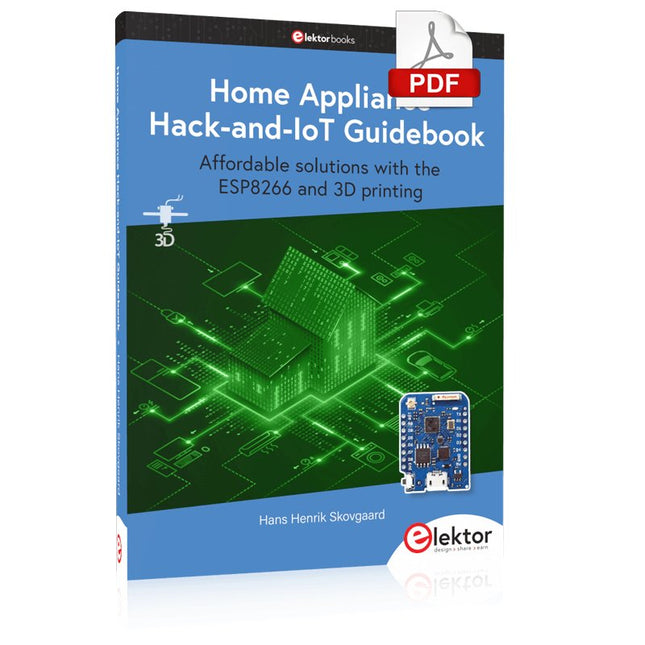
Affordable solutions with the ESP8266 and 3D printing
If you are looking for a small yet powerful IoT device, you are likely to come across the ESP8266 and compatible products on the market today. One of these, the Wemos/Lolin D1 Mini Pro board strikes a remarkable balance between cost and performance. A small and very affordable prototype board, the D1 Mini Pro stands out with its WiFi functionality and a 16-Mbytes flash memory for easy creation of a flash file system. In addition, there are sufficient input and output pins (only one analog input though) to support PWM, I²C, and One-Wire systems to mention but a few. The book describes the operation, modding, construction, and programming of home appliances including a colorful smart home accessory, a refrigerator/greenhouse controller, an AC powerline monitor, a door lock monitor, and an IKEA Trådfri controller.
As a benefit, all firmware developed for these DIY, "IoT-ized" devices can be updated over-the-air (OTA).
For most of the designs in the book, a small printed circuit board (PCB) and an enclosure are presented so readers can have a finished and attractive-looking product. Readers having – or with access to! – a 3D printer can "print" the suggested enclosures at home or in a shop.
Some of the constructions benefit from a Raspberry Pi configured as a gateway or cms server. This is also described in detail with all the necessary configuring.
You don’t need to be an expert but the prerequisites to successful replication of the projects include basic skills with PC software including the ability to surf the Internet. In terms of hardware, you should be comfortable with soldering and generally assembling the PCBs presented in the book.
All custom software written for the IoT devices, the PCB layouts, and 3D print files described in the book are available for free downloading.
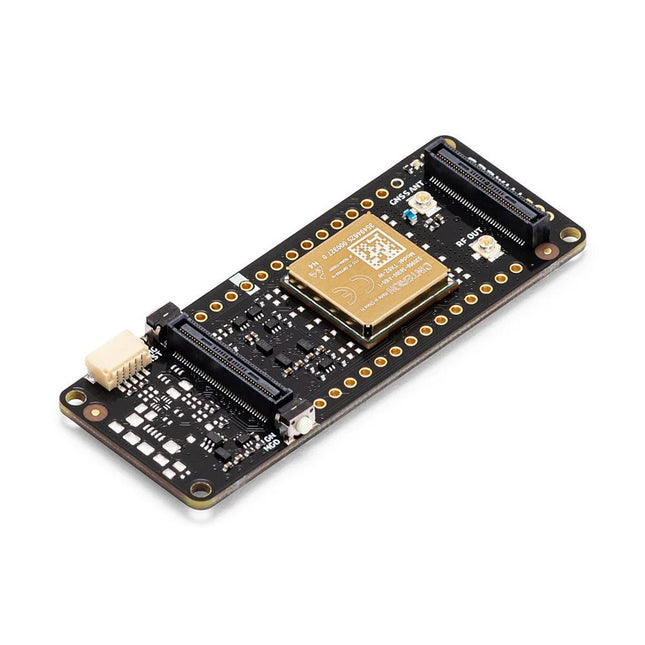
La carte Portenta Cat. M1/NB IoT GNSS Shield vous permet d'améliorer les fonctionnalités de connexions de vos applications Portenta H7. Elle utilise un module sans fil Cinterion TX62 de Thales, conçu pour les applications IoT très efficaces et à faible consommation, afin d'offrir une bande passante et des performances optimisées. La Portenta Cat. M1/NB IoT GNSS Shield s'associe à la forte puissance de calcul de la Portenta H7 pour permettre le développement d'applications de localisation de biens et de surveillance à distance dans les environnements industriels, ainsi que dans l'agriculture, les services publics et les villes intelligentes. La carte offre une connectivité cellulaire aux réseaux Cat. M1 et NB-IoT, avec la possibilité d'utiliser la technologie eSIM. Suivez facilement vos objets de valeur dans toute la ville ou dans le monde entier en choisissant votre GPS, GLONASS, Galileo ou BeiDou. Caractéristiques Changez les capacités de connexion sans changer la carte. Ajoutez NB-IoT, CAT. M1 et le positionnement pour n’importe quel produit Portenta. Possibilité de créer un petit routeur multiprotocole (WiFi - BT + NB-IoT/CAT. M1). Réduisez considérablement les besoins en bande passante de communication dans les applications IoT. Module basse consommation. Compatible également avec les cartes MKR. Surveillance à distance Les entreprises industrielles et agricoles peuvent tirer parti du Portenta Cat. M1/NB IoT GNSS Shield pour surveiller à distance des détecteurs de gaz, des capteurs optiques, des systèmes d'alarme pour machines, des pièges à insectes biologiques, etc. Les fournisseurs de technologies, qui proposent des solutions pour les villes intelligentes, peuvent combiner la puissance et la fiabilité de la Portenta H7 avec la carte Portenta Cat. M1/NB IoT GNSS, afin de connecter les données et d'automatiser les actions pour une utilisation réellement optimisée des ressources et une meilleure expérience utilisateur. Surveillance des biens Ajoutez des capacités de surveillance à n'importe quel bien en combinant les performances et les fonctions d'informatique périphérique des cartes de la famille Portenta. La carte Portenta Cat. M1/NB IoT GNSS Shield est idéale pour surveiller les biens de valeur ainsi que les machines et les équipements industriels. Caractéristiques Connectivité Module sans-fil Cinterion TX62; NB-IoT - LTE CAT.M1; 3GPP Rel.14 Protocole compatible LTE Cat. M1/NB1/NB2; Bandes UMTS: 1 / 2 / 3 / 4 / 5 / 8 / 12(17) / 13 / 18 / 19 / 20 / 25 / 26 / 27 / 28 / 66 / 71 / 85; LTE Cat.M1 DL: max. 300 kbps, UL: max. 1.1 Mbps; LTE Cat.NB1 DL: max. 27 kbps, UL: max. 63 kbps; LTE Cat.NB2 DL: max. 124 kbps, UL: max. 158 kbps Service de messagerie(SMS) Mode texte point à point avec terminaison mobile (MT) et origine mobile (MO) ; mode PDU (Protocol Data Unit). Aide à la localisation Compatible GNSS (GPS/BeiDou/Galileo/GLONASS) Autres Accès intégré aux piles TCP/IP IPv4 et IPv6 ; services Internet : Serveur/client TCP, client UDP, DNS, Ping, client HTTP, client FTP, client MQTT Connexion sécurisée avec TLS/DTLS Démarrage sécurisé. Dimensions 66 x 25,4 mm Température de fonctionnement De -40° C à +85° C (de -104° F à 185°F) Téléchargements · Fiche technique · Schémas
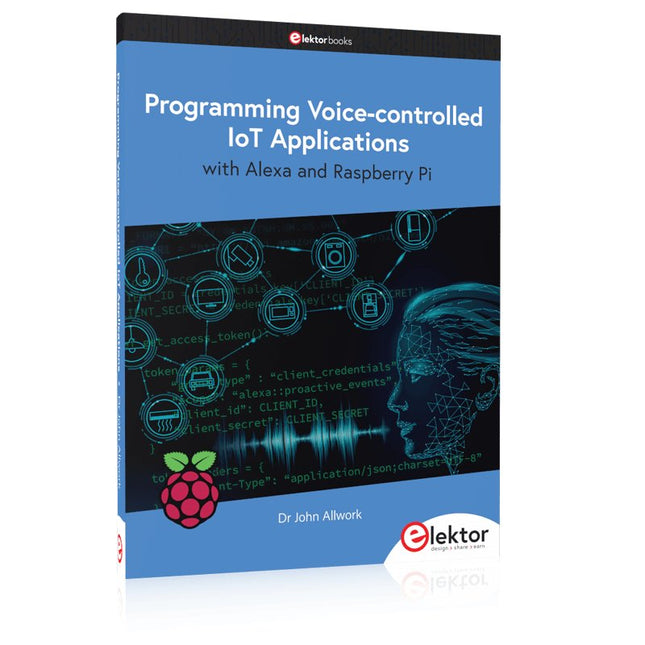
Learn programming for Alexa devices, extend it to smart home devices and control the Raspberry Pi
The book is split into two parts: the first part covers creating Alexa skills and the second part, designing Internet of Things and Smart Home devices using a Raspberry Pi.
The first chapters describe the process of Alexa communication, opening an Amazon account and creating a skill for free. The operation of an Alexa skill and terminology such as utterances, intents, slots, and conversations are explained. Debugging your code, saving user data between sessions, S3 data storage and Dynamo DB database are discussed.
In-skill purchasing, enabling users to buy items for your skill as well as certification and publication is outlined. Creating skills using AWS Lambda and ASK CLI is covered, along with the Visual Studio code editor and local debugging. Also covered is the process of designing skills for visual displays and interactive touch designs using Alexa Presentation Language.
The second half of the book starts by creating a Raspberry Pi IoT 'thing' to control a robot from your Alexa device. This covers security issues and methods of sending and receiving MQTT messages between an Alexa device and the Raspberry Pi.
Creating a smart home device is described including forming a security profile, linking with Amazon, and writing a Lambda function that gets triggered by an Alexa skill. Device discovery and on/off control is demonstrated.
Next, readers discover how to control a smart home Raspberry Pi display from an Alexa skill using Simple Queue Service (SQS) messaging to switch the display on and off or change the color.
A node-RED design is discussed from the basic user interface right up to configuring MQTT nodes. MQTT messages sent from a user are displayed on a Raspberry Pi.
A chapter discusses sending a proactive notification such as a weather alert from a Raspberry Pi to an Alexa device. The book concludes by explaining how to create Raspberry Pi as a stand-alone Alexa device.
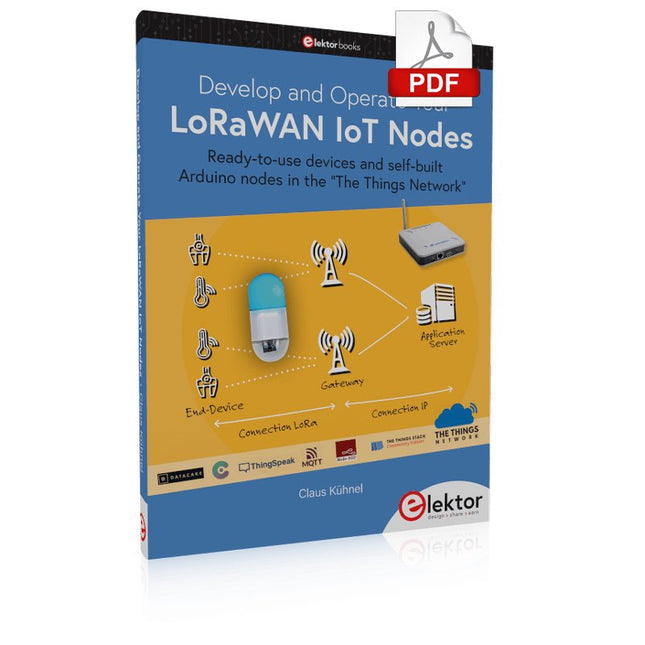
Ready-to-use devices and self-built Arduino nodes in the 'The Things Network'
LoRaWAN has developed excellently as a communication solution in the IoT. The Things Network (TTN) has contributed to this. The Things Network was upgraded to The Things Stack Community Edition (TTS (CE)). The TTN V2 clusters were closed towards the end of 2021.
This book shows you the necessary steps to operate LoRaWAN nodes using TTS (CE) and maybe extend the network of gateways with an own gateway. Meanwhile, there are even LoRaWAN gateways suitable for mobile use with which you can connect to the TTN server via your cell phone.
The author presents several commercial LoRaWAN nodes and new, low-cost and battery-powered hardware for building autonomous LoRaWAN nodes. Registering LoRaWAN nodes and gateways in the TTS (CE), providing the collected data via MQTT and visualization via Node-RED, Cayenne, Thingspeak, and Datacake enable complex IoT projects and completely new applications at very low cost.
This book will enable you to provide and visualize data collected with battery-powered sensors (LoRaWAN nodes) wirelessly on the Internet. You will learn the basics for smart city and IoT applications that enable, for example, the measurement of air quality, water levels, snow depths, the determination of free parking spaces (smart parking), and the intelligent control of street lighting (smart lighting), among others.
Learn programming for Alexa devices, extend it to smart home devices and control the Raspberry Pi
The book is split into two parts: the first part covers creating Alexa skills and the second part, designing Internet of Things and Smart Home devices using a Raspberry Pi.
The first chapters describe the process of Alexa communication, opening an Amazon account and creating a skill for free. The operation of an Alexa skill and terminology such as utterances, intents, slots, and conversations are explained. Debugging your code, saving user data between sessions, S3 data storage and Dynamo DB database are discussed.
In-skill purchasing, enabling users to buy items for your skill as well as certification and publication is outlined. Creating skills using AWS Lambda and ASK CLI is covered, along with the Visual Studio code editor and local debugging. Also covered is the process of designing skills for visual displays and interactive touch designs using Alexa Presentation Language.
The second half of the book starts by creating a Raspberry Pi IoT 'thing' to control a robot from your Alexa device. This covers security issues and methods of sending and receiving MQTT messages between an Alexa device and the Raspberry Pi.
Creating a smart home device is described including forming a security profile, linking with Amazon, and writing a Lambda function that gets triggered by an Alexa skill. Device discovery and on/off control is demonstrated.
Next, readers discover how to control a smart home Raspberry Pi display from an Alexa skill using Simple Queue Service (SQS) messaging to switch the display on and off or change the color.
A node-RED design is discussed from the basic user interface right up to configuring MQTT nodes. MQTT messages sent from a user are displayed on a Raspberry Pi.
A chapter discusses sending a proactive notification such as a weather alert from a Raspberry Pi to an Alexa device. The book concludes by explaining how to create Raspberry Pi as a stand-alone Alexa device.
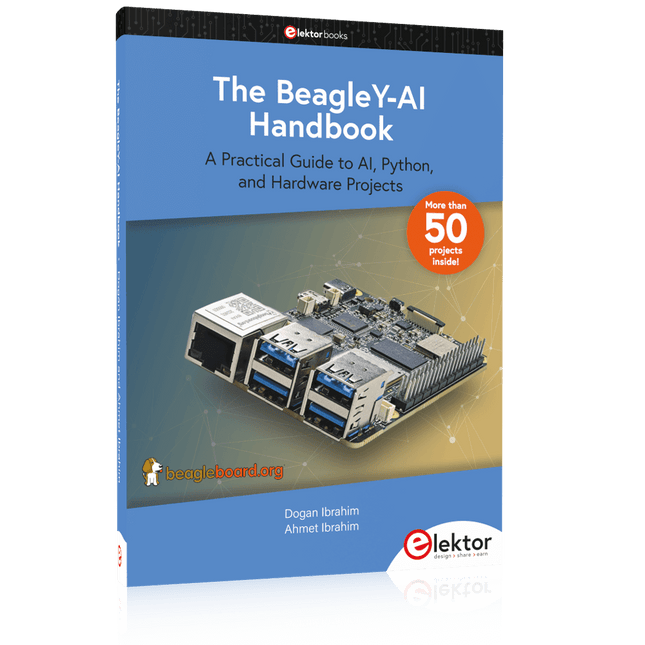
A Practical Guide to AI, Python, and Hardware Projects
Welcome to your BeagleY-AI journey! This compact, powerful, and affordable single-board computer is perfect for developers and hobbyists. With its dedicated 4 TOPS AI co-processor and a 1.4 GHz Quad-core Cortex-A53 CPU, the BeagleY-AI is equipped to handle both AI applications and real-time I/O tasks. Powered by the Texas Instruments AM67A processor, it offers DSPs, a 3D graphics unit, and video accelerators.
Inside this handbook, you‘ll find over 50 hands-on projects that cover a wide range of topics—from basic circuits with LEDs and sensors to an AI-driven project. Each project is written in Python 3 and includes detailed explanations and full program listings to guide you. Whether you‘re a beginner or more advanced, you can follow these projects as they are or modify them to fit your own creative ideas.
Here’s a glimpse of some exciting projects included in this handbook:
Morse Code Exerciser with LED or BuzzerType a message and watch it come to life as an LED or buzzer translates your text into Morse code.
Ultrasonic Distance MeasurementUse an ultrasonic sensor to measure distances and display the result in real time.
Environmental Data Display & VisualizationCollect temperature, pressure, and humidity readings from the BME280 sensor, and display or plot them on a graphical interface.
SPI – Voltmeter with ADCLearn how to measure voltage using an external ADC and display the results on your BeagleY-AI.
GPS Coordinates DisplayTrack your location with a GPS module and view geographic coordinates on your screen.
BeagleY-AI and Raspberry Pi 4 CommunicationDiscover how to make your BeagleY-AI and Raspberry Pi communicate over a serial link and exchange data.
AI-Driven Object Detection with TensorFlow LiteSet up and run an object detection model using TensorFlow Lite on the BeagleY-AI platform, with complete hardware and software details provided.
AI Projects for the Raspberry Pi with the AI HAT+
Edge AI is transforming everyday devices by putting intelligence where it matters most: directly inside the hardware. With on-device inference, a camera can recognize a visitor instantly, a phone can translate speech without streaming audio to the cloud, and a wearable can detect anomalies in real time—fast, private, and reliable even when the network disappears.
This book is your practical guide to building exactly those kinds of systems with the Raspberry Pi AI HAT+ and the Hailo-8L accelerator. You’ll start with clear foundations: core AI and machine-learning concepts, how neural networks work, and what truly distinguishes Edge AI from cloud AI—plus an honest look at ethical considerations and future impacts.
Then it’s straight to hands-on physical computing. Step by step, you’ll set up Raspberry Pi OS, power and cooling, and develop in Python using the Thonny IDE. You’ll learn GPIO basics with lights and servos, mount the AI HAT+ hardware, install and verify the Hailo software stack, and connect the right camera—official modules or USB webcams, even multiple cameras.
From your first pipeline to real projects, you’ll run person detection, pose estimation, segmentation, and depth estimation, then level up with YOLO object detection: smart alerts, guest counters, and custom extensions. You’ll even connect vision to motion by combining gesture recognition with servo-driven mechanisms, including a robotic arm.
With troubleshooting tips, hardware essentials, and a practical Python refresher, this book turns Edge AI from buzzword into buildable reality.
Le QA403 est le quatrième générateur d'analyse audio de QuantAsylum. Le QA403 étend les fonctionnalités du QA402 avec une meilleure performance de bruit et de distorsion, en plus d'une réponse plus plate aux extrémités de bande. Sa taille compacte signifie que vous pouvez l'emporter presque partout.
Caractéristiques
ADC/DAC 24 bits
Jusqu'à 192 kS/s
Totalement isolé du PC
Entrée/Sortie différentielle
Alimenté par USB
Atténuateur intégré
Démarrage Rapide et Sans Pilote
Le QA403 est un périphérique USB sans pilote, ce qui signifie qu'il est prêt dès que vous le branchez. Le logiciel est gratuit et il est rapide et facile de déplacer le matériel d'une machine à l'autre. Donc, si vous devez vous rendre à l'usine pour résoudre un problème ou emmener le QA403 chez vous pour une journée de travail à domicile, vous pouvez le faire sans tracas.
Conception Sans Étalonnage
Le QA403 est livré avec un étalonnage d'usine dans sa mémoire flash, assurant une performance cohérente d'une unité à l'autre. Sur votre ligne de production, vous pouvez installer un autre QA403 et être sûr que ce que vous lisez sur une unité sera très similaire à la suivante. Il n'est pas prévu que l'étalonnage soit nécessaire à intervalles réguliers.
Mesures
Faire des mesures de base est rapide et facile. En quelques clics, vous comprendrez la réponse en fréquence, la THD(+N), le gain, le rapport S/B, etc., de votre dispositif en test.
Plage Dynamique
Le QA403 offre 8 plages de gain en entrée (0 à +42 dBV en 6 paliers) et 4 plages de gain en sortie (-12 à +18 dBV en paliers de 10 dB). Cela garantit des performances constantes sur des plages très étendues de niveaux d'entrée et de sortie. L'entrée CA maximale du QA403 est de +32 dBV = 40 Veff. Le courant continu maximum est de ±40 V et le courant CA maximum + CC = ±56 V.
Facilité de Programmation
Le QA403 prend en charge une interface REST, ce qui facilite l'automatisation des mesures dans presque tous les langages que vous pourriez anticiper. De Python à C++ en passant par Visual Basic, si vous savez comment charger une page web dans votre langage préféré, vous pouvez contrôler le QA403 à distance. Les mesures sont rapides et réactives, avec généralement des dizaines de commandes traitées par seconde.
Isolé et Alimenté par USB
Le QA403 est isolé du PC, ce qui signifie que vous mesurez votre DUT (Device Under Test) et que vous ne suivez pas des boucles de masse fantômes. Le QA403 est alimenté par USB, comme presque tous nos instruments. Si vous configurez à distance, ajoutez un hub alimenté dans votre sac et votre configuration de test complète peut fonctionner avec un minimum de câbles.
Au Revoir Carte Son, Bonjour QA403
Marre d'essayer de faire fonctionner une carte son ? Le cauchemar de l'étalonnage ? Le manque d'étages de gain ? La puissance limitée ? En avez-vous assez de traiter avec des plages d'entrée fixes ? La crainte de la détruire avec trop de courant continu ou alternatif ? Assez des boucles de masse ? C'est pourquoi QuantAsylum a construit le QA403.
Spécifications
Dimensions
177 x 44 x 97 mm (L x H x P)
Poids
435 g
Matériau du boîtier
Aluminium avec revêtement en poudre (panneau avant de 2 mm d'épaisseur, dessus/dessous de 1.6 mm d'épaisseur)
Téléchargements
Datasheet
Manual
GitHub
,
par Saad Imtiaz
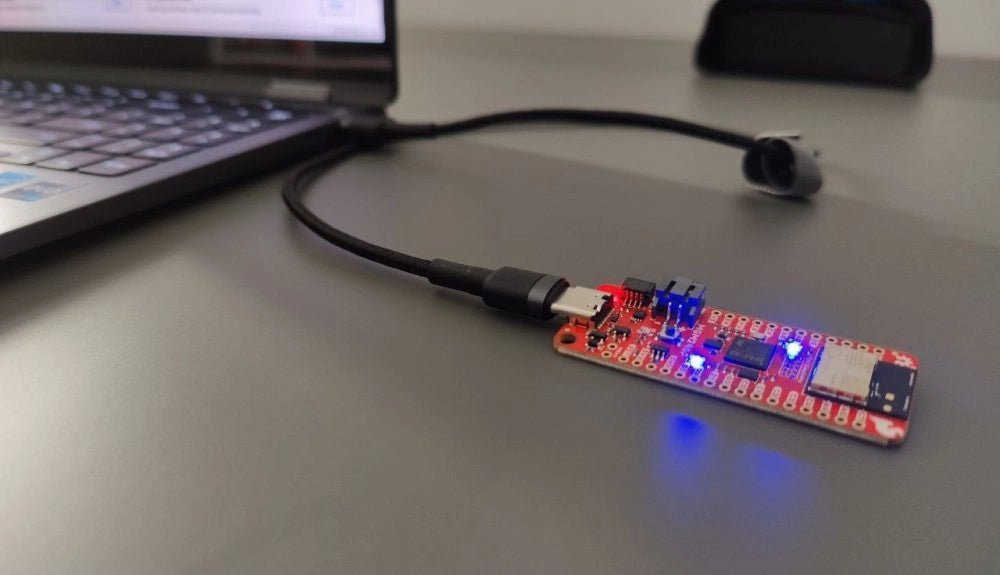
SparkFun Thing Plus Matter (MGM240P) : Une carte de développement IoT polyvalente basée sur "Matter" (Essai)
La "SparkFun Thing Plus Matter - MGM240P" est une carte de développement polyvalente et riche en fonctionnalités, conçue pour réaliser des appareils IoT basés sur...